Edit Profile
The Profile page allows each user to manage their personal information and account preferences.
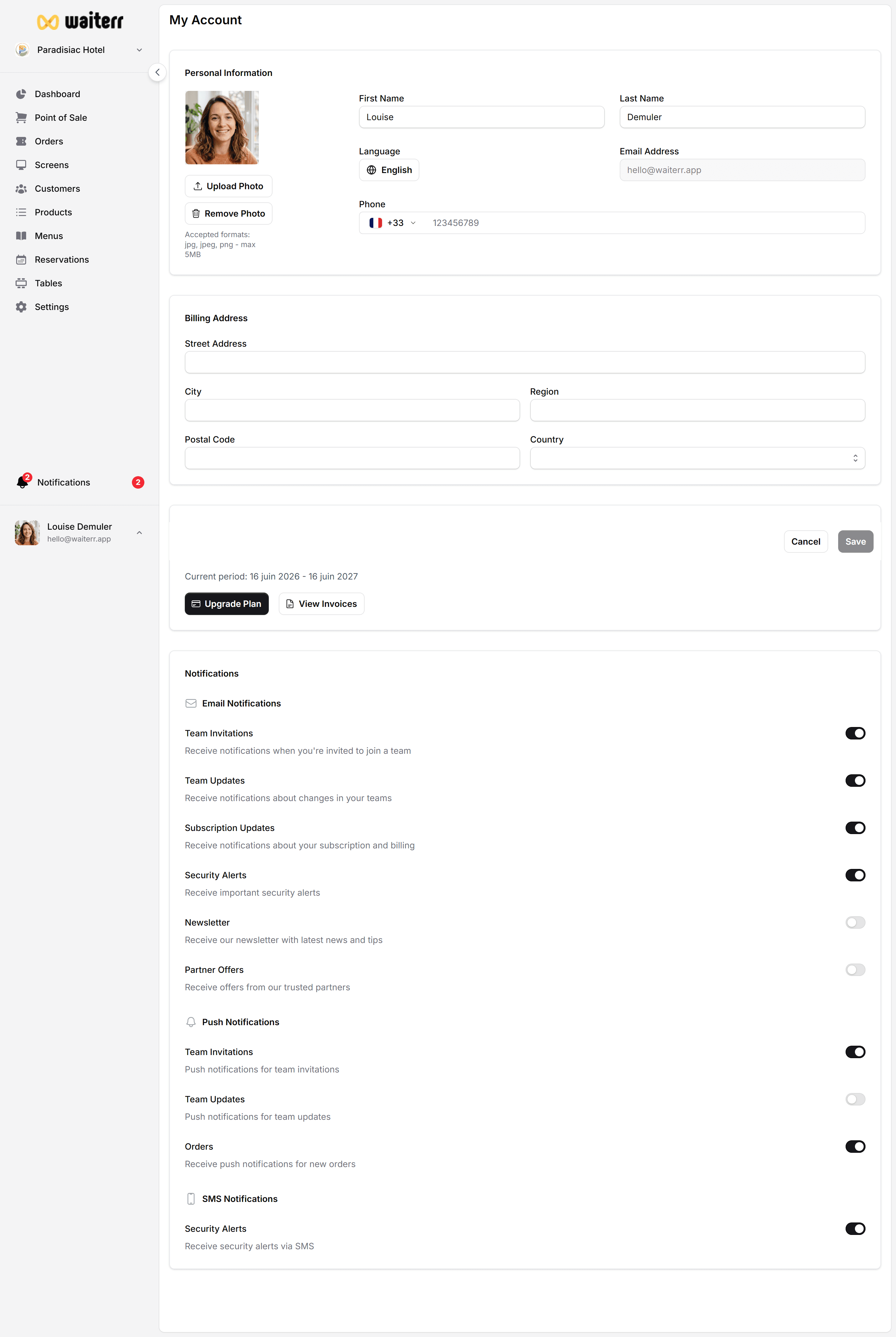
Profile Information
You can update:
- Profile picture
- First name
- Last name
- Email address (read-only if using Google Login)
- Phone number (optional)
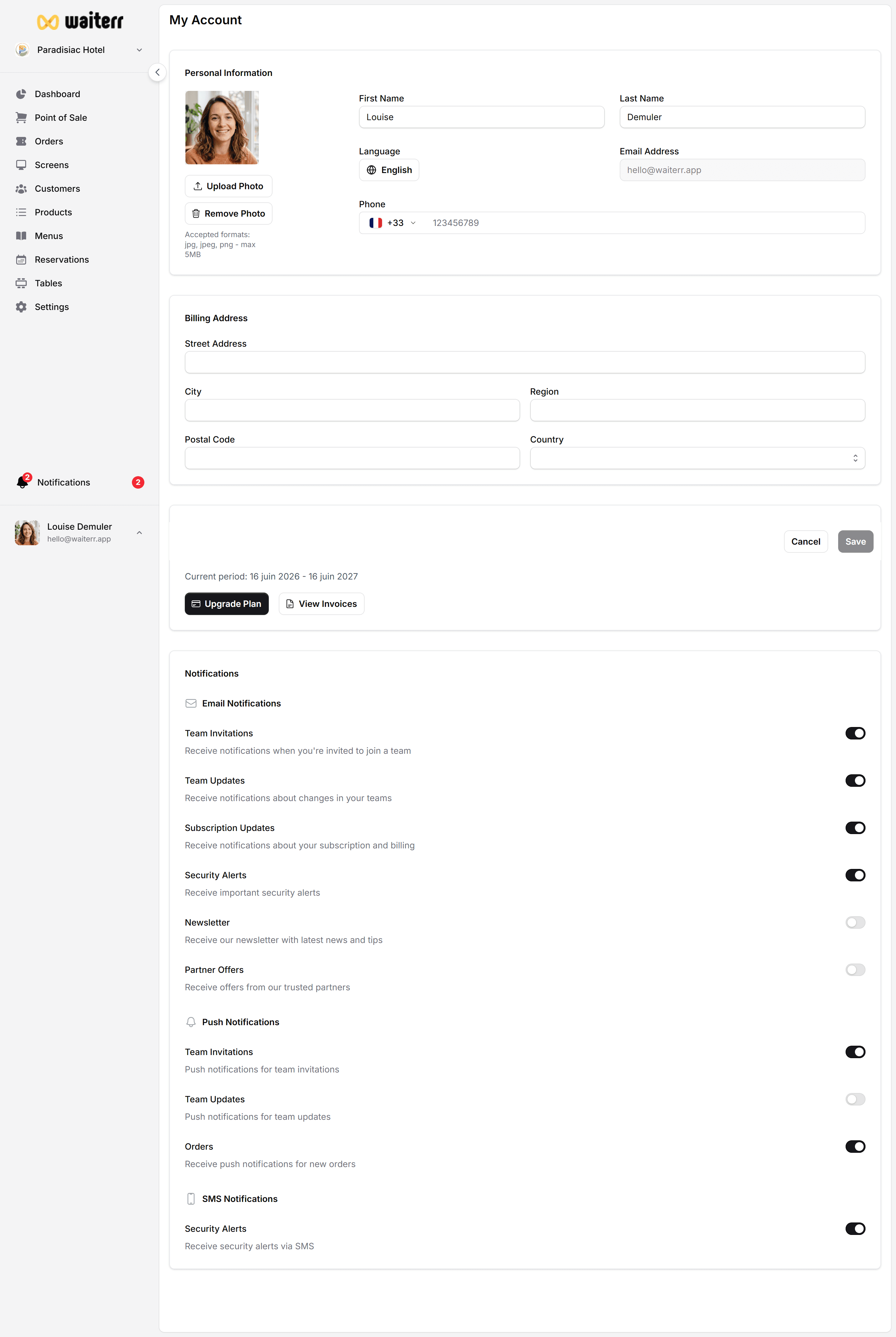
Changing Your Profile Picture
Click on your avatar to:
- Upload a new photo
- Remove the current photo
- Replace with another image
JPEG, PNG and WEBP formats are supported.
Login Method
If you signed in with Google, your email cannot be changed inside Waiterr Manager.
For email link login:
- You can update your email if needed
- A verification email will be sent
Security & Sessions
Inside this page, you can also:
- Log out from all devices
- Review active sessions (future update)
- Enable 2FA (future)
Deleting Your Account
Account deletion will:
- Remove your personal data
- Revoke access from all establishments
- Keep billing data for legal compliance
⚠️ This action cannot be undone.
Related Pages
Last updated on