Language Settings
Waiterr supports multiple languages for the interface and customer-facing pages.
Supported Languages
- English (EN)
- French (FR)
- Dutch (NL)
- Italian (IT)
- German (DE)
- Spanish (ES)
Future languages may be added depending on demand.
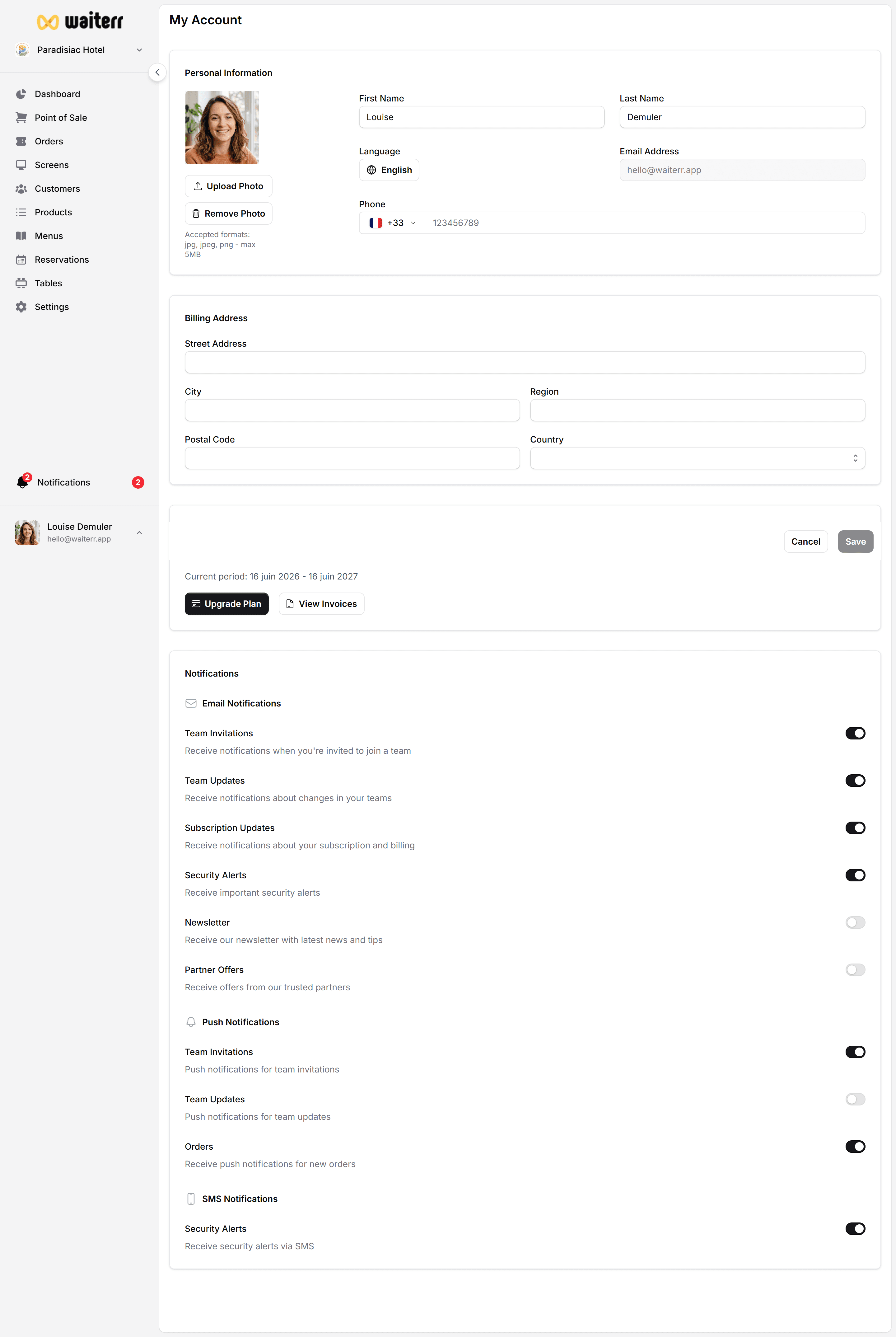
Changing Your Interface Language
Go to:
Profile → Language
Choose the desired language from the dropdown.
The interface will refresh instantly with the new language.
Multilingual Establishment Content
Your establishment can have multiple language variations for:
- Name
- Description
- Menu descriptions
- Product names
- Category names
This is especially useful for:
- Tourist areas
- Multilingual cities
- International venues
Learn more →
👉 Menu Translations
👉 Product Translations
Customer-Facing Language
Customers automatically see:
- The language of their browser
- Or the language you choose as default
Fallback rules apply if translations are missing.
Best Practices
💡 Always fill at least English + your local language
💡 Ensure menu & product translations are consistent
💡 Use short, clear sentences for descriptions
Related Pages
Last updated on