Order Details
The Order Details page gives full visibility into a single order.
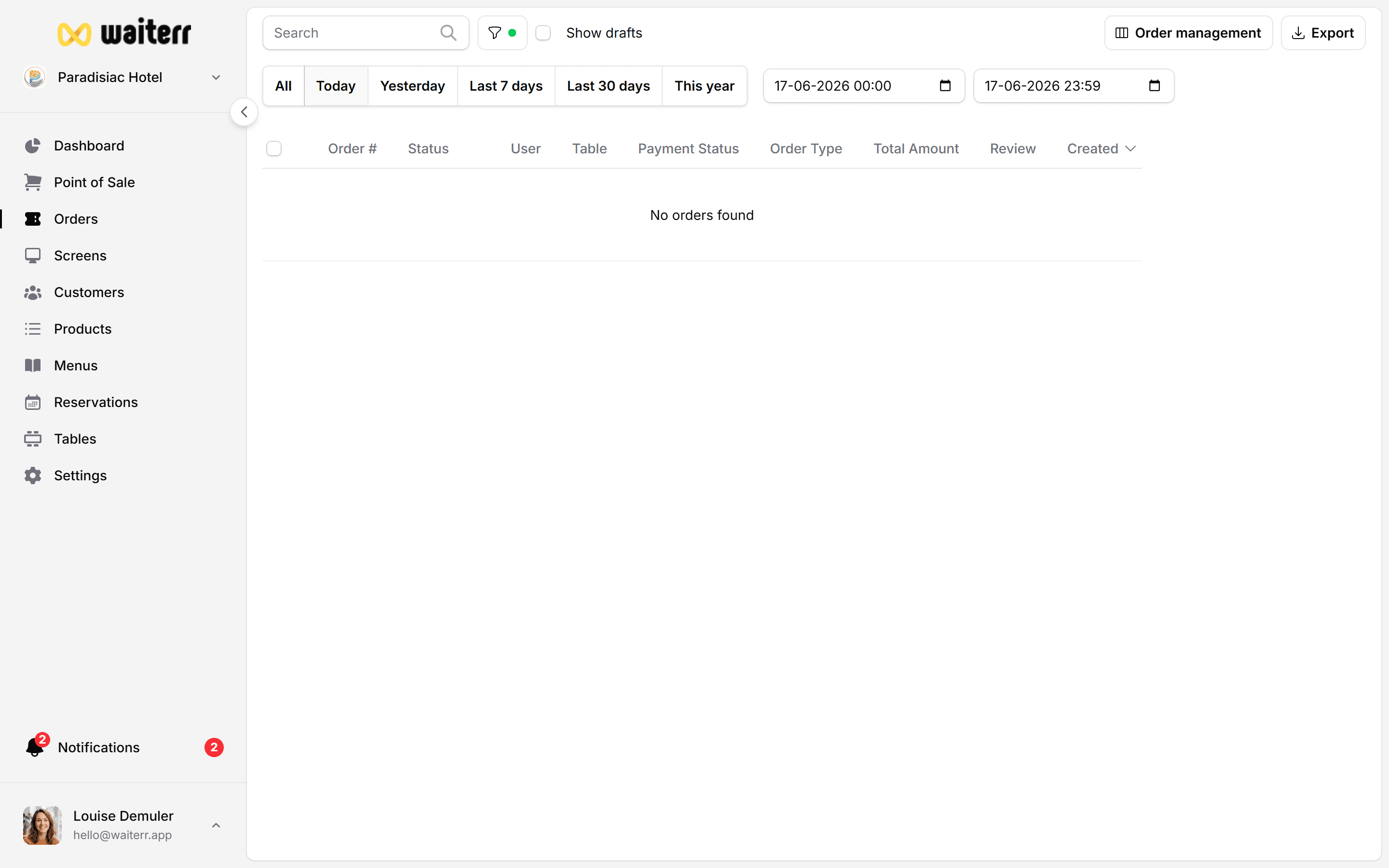
Order Summary
Includes:
- Order number
- Order type
- Table (if applicable)
- Customer
- Creation date
- Closing date (if closed)
- Payment status
- Total & taxes
Customer Information
- Name
- Phone number
- Loyalty (future)
- Guest checkout if online without profile
Items & Pricing
For each item:
- Product name
- Options selected
- Quantity
- Unit price
- Tax rate
- Total price
- Comments / special instructions
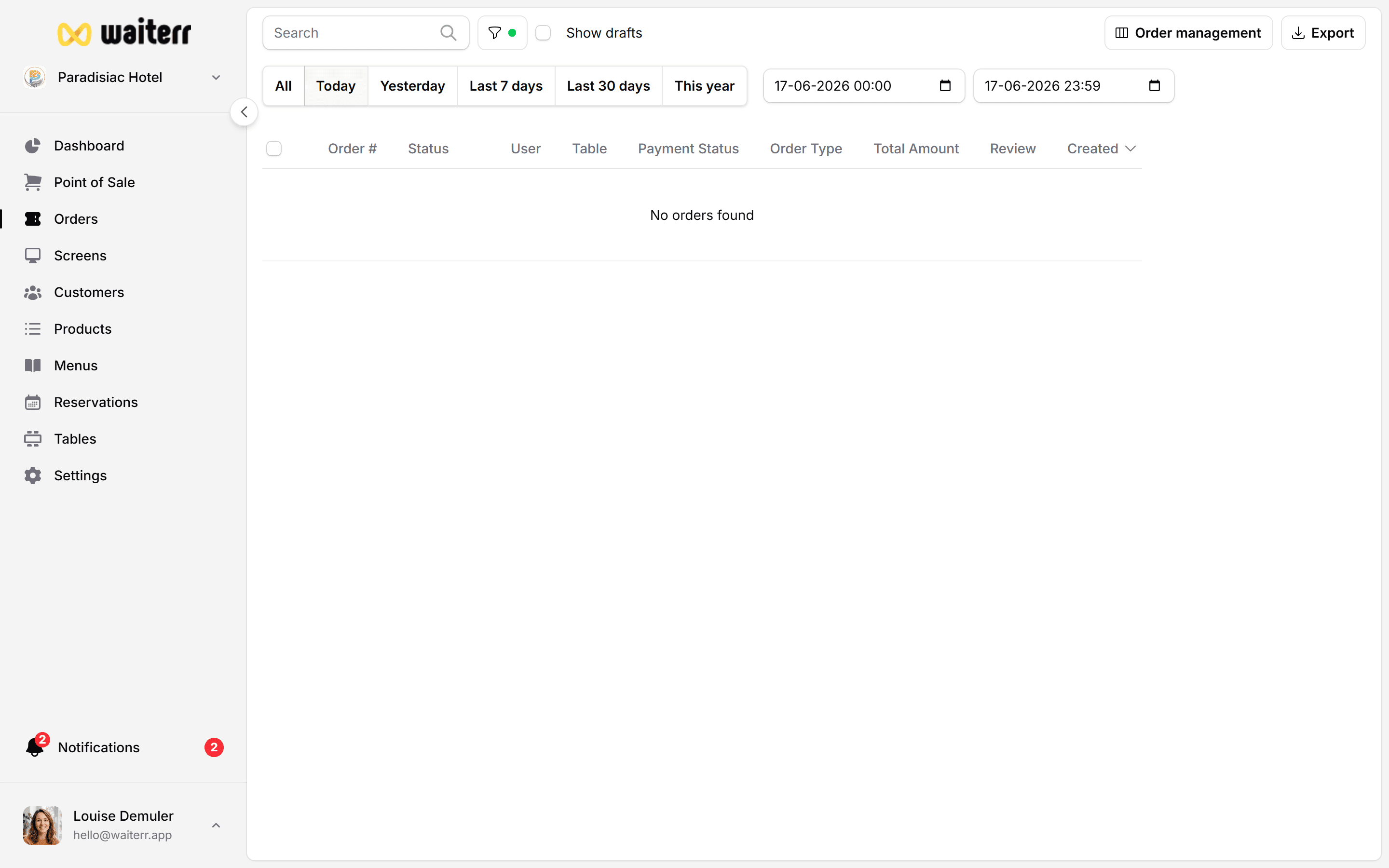
Timeline
Shows the full lifecycle:
- Created
- Confirmed
- Preparing
- Ready
- Delivered
With timestamps and duration between steps.
Payments
Displays payment breakdown:
- Payment method
- Amount
- Status
- Refunds
Examples:
- Stripe (online)
- Payconiq
- Cash
- Card terminal
- Invoice (event billing)
Actions Available
- Update order status
- Cancel order
- Refund (partial or full)
- Print ticket
- Charge customer (POS)
Related Pages
Last updated on