User Roles
Roles define what a user is allowed to do inside Waiterr Manager.
Each role has specific permissions to ensure security and operational control.
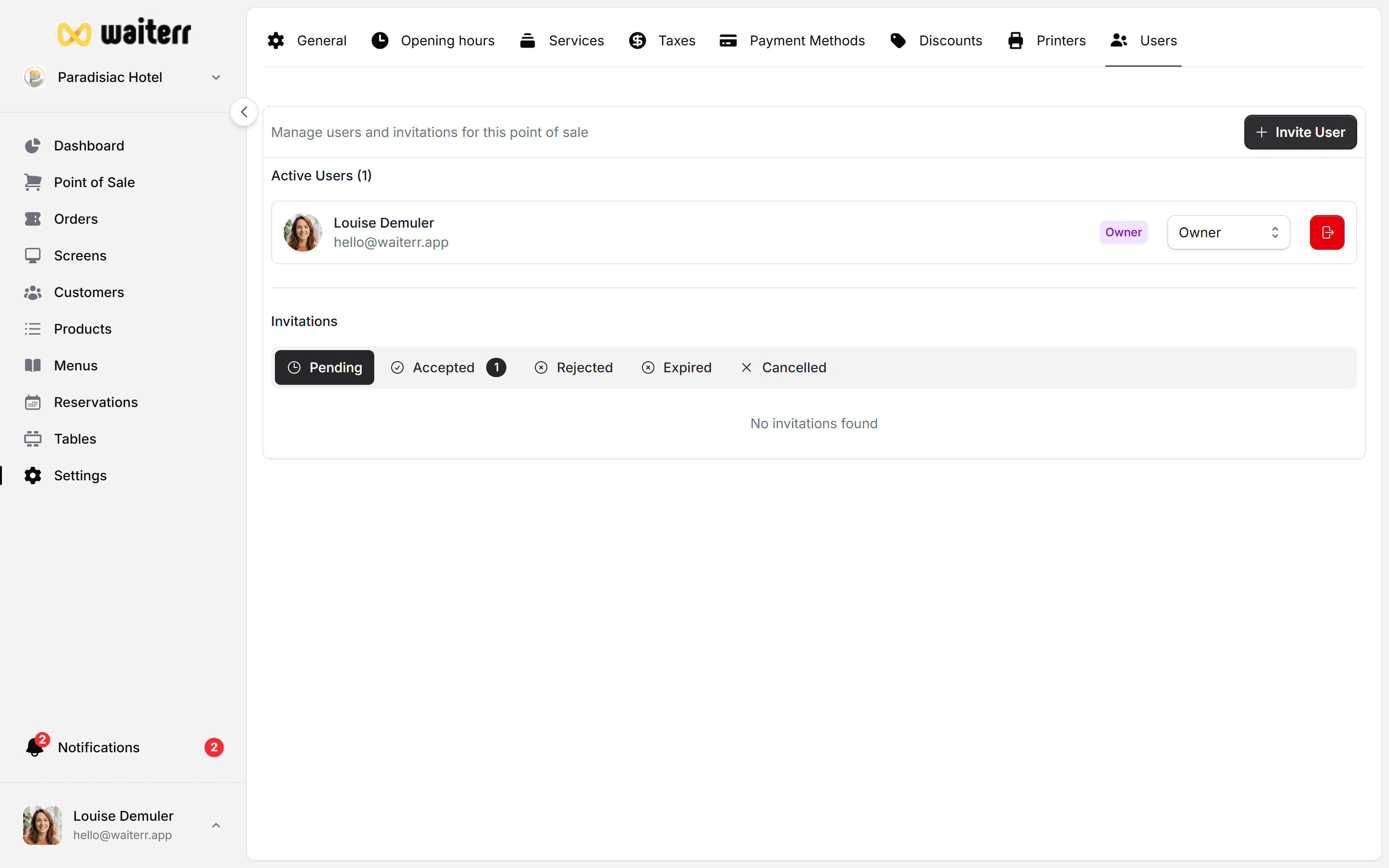
Available Roles
Below are the default roles included in Waiterr Manager:
👑 Owner (Full Access)
This is the highest permission level.
Can:
- Access everything
- Manage billing
- Manage subscription
- Add/remove users
- Change establishment settings
- Configure payments
- Access all financial data
Best for: business owners.
🧭 Manager
High-level administrative access.
Can:
- Manage menus, products, tables
- Access dashboard
- View all orders
- Configure KDS
- Manage staff (except owners)
- Edit establishment settings
Cannot:
- Access billing
- Modify subscription
Best for: restaurant managers, supervisors.
🍸 Bartender / Bar Staff
Operational role focused on service.
Can:
- Take POS orders
- Manage bar KDS
- Manage tickets
- Update order statuses
- View orders
Cannot:
- Edit menus
- Configure settings
- Manage users
Best for: bars, clubs, cafés.
🍽 Server / Staff
Similar to bartender but with dining focus.
Can:
- Take dine-in orders
- Manage tables
- Update order states
- Access customer order details
Cannot:
- Edit menu or products
- Access KDS of other stations
👁 Viewer (Read-Only)
Can:
- View dashboard
- View orders
- View menu
Cannot:
- Make any changes
- Take orders
- Access configuration
Useful for: accountants, auditors, partners.
Role Comparison Table
Related Pages
Last updated on