Creating a Product
A product can be added quickly (Quick Add) or configured in detail with the advanced product editor.
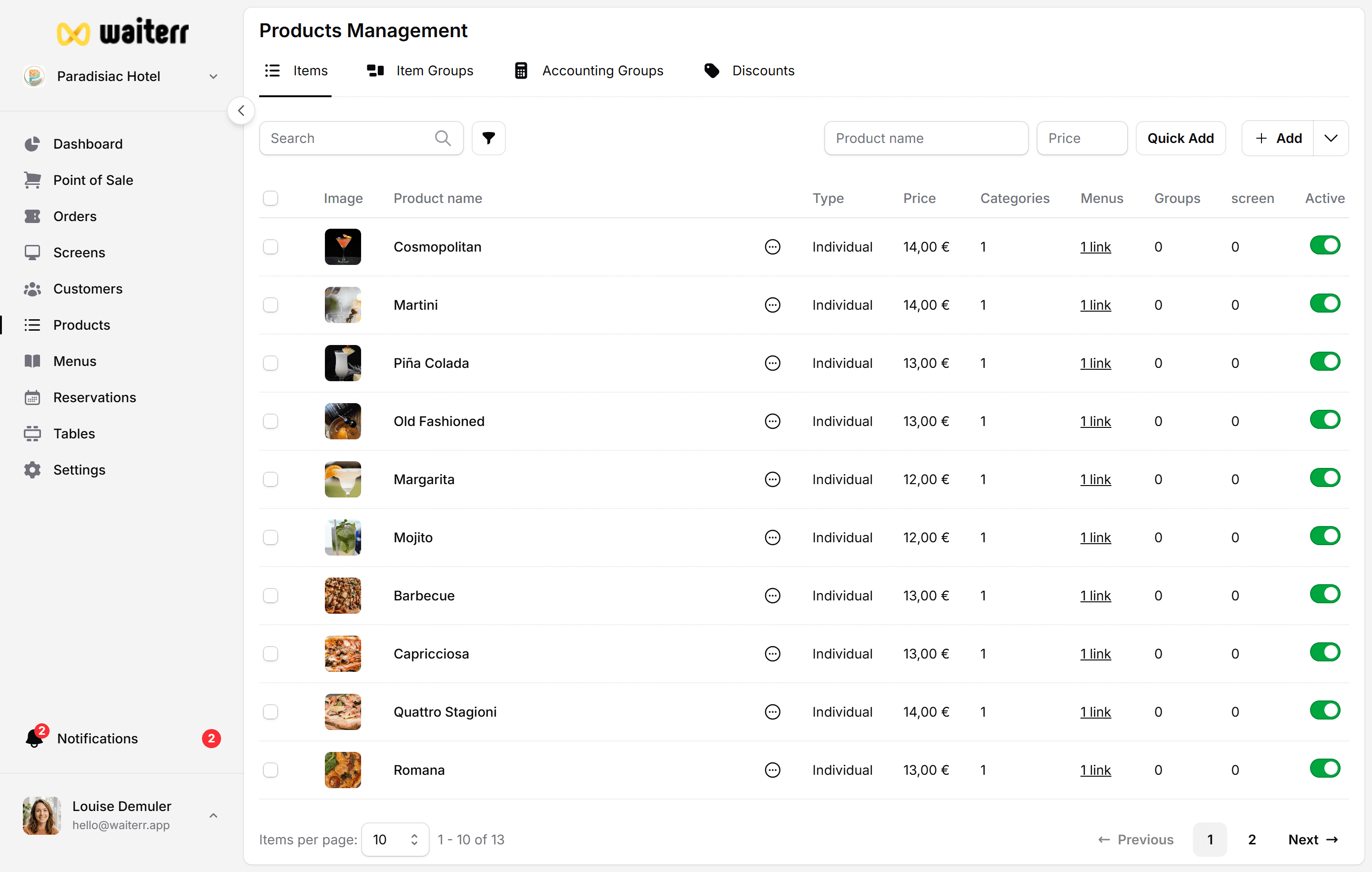
Two Ways to Create a Product
1. Quick Add (Fastest)
Ideal for simple items:
- Name
- Price
Learn more →
Quick Add
2. Advanced Product Creation
The full product editor lets you configure:
- Description
- Product options (groups & choices)
- Ingredients
- Allergens
- Tags
- KDS assignment
- Accounting group
- Images
- Translations
Learn more →
Advanced Product Editor
Product Status
Each product can be:
- Active (available for sale)
- Inactive (hidden)
- Archived (not shown anywhere)
Where Products Appear
- POS
- Online ordering
- QR ordering
- Delivery
- Takeaway
- Menu categories
Related Pages
Last updated on