Skip to Content
Waiterr Manager documentation — waiterr.app · Open Manager

Permissions Details

Permissions define the exact actions each user role can perform in your establishment.
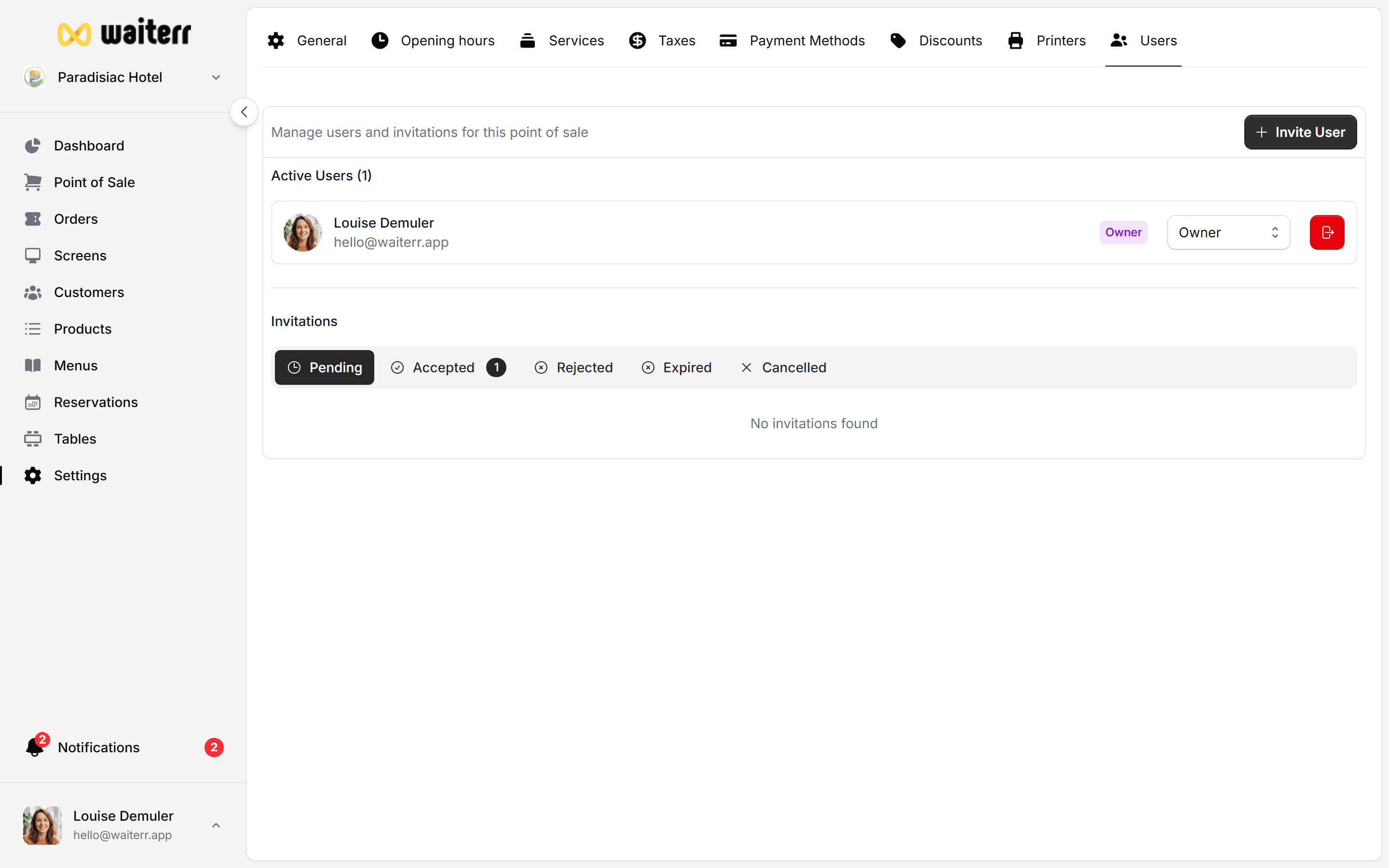
Waiterr Manager — permissions overview

Permissions Categories

Permissions are grouped into:

  • POS & Tables
  • Orders & KDS
  • Menu & Products
  • Establishment Settings
  • Payments & Billing
  • Users & Roles
  • Dashboard & Stats

POS & Tables Permissions

ActionOwnerManagerBartenderServerViewer
Take POS orders
Manage tables⚠️⚠️
Empty / close a table⚠️⚠️

Orders & KDS Permissions

ActionOwnerManagerBartenderServerViewer
View all orders👁
Update order status
Access KDS screens⚠️⚠️
Print receipts⚠️⚠️

Menu & Products Permissions

ActionOwnerManagerBartenderServerViewer
Edit menus👁
Edit products👁
Edit prices

Establishment Settings

ActionOwnerManagerBartenderServerViewer
General settings⚠️
Opening hours⚠️
Services & options⚠️

Payments & Billing

ActionOwnerManagerBartenderServerViewer
Payment methods config
Access billing

Users & Roles Permissions

ActionOwnerManagerBartenderServerViewer
Invite users⚠️ (limited)
Edit roles⚠️
Remove users

Dashboard & Stats

ActionOwnerManagerBartenderServerViewer
View dashboard⚠️⚠️👁
View stats & KPIs⚠️⚠️👁

Summary

  • Owner → Full access
  • Manager → Almost full except billing
  • Bartender/Server → Operational access
  • Viewer → Read-only

Related Pages

👉 User Management
👉 Roles

Last updated on