Printers & KDS Overview
Waiterr supports a full Kitchen Display System (KDS) and a flexible printer management system.
These tools allow you to manage food preparation, bar orders, client displays, and printed receipts.
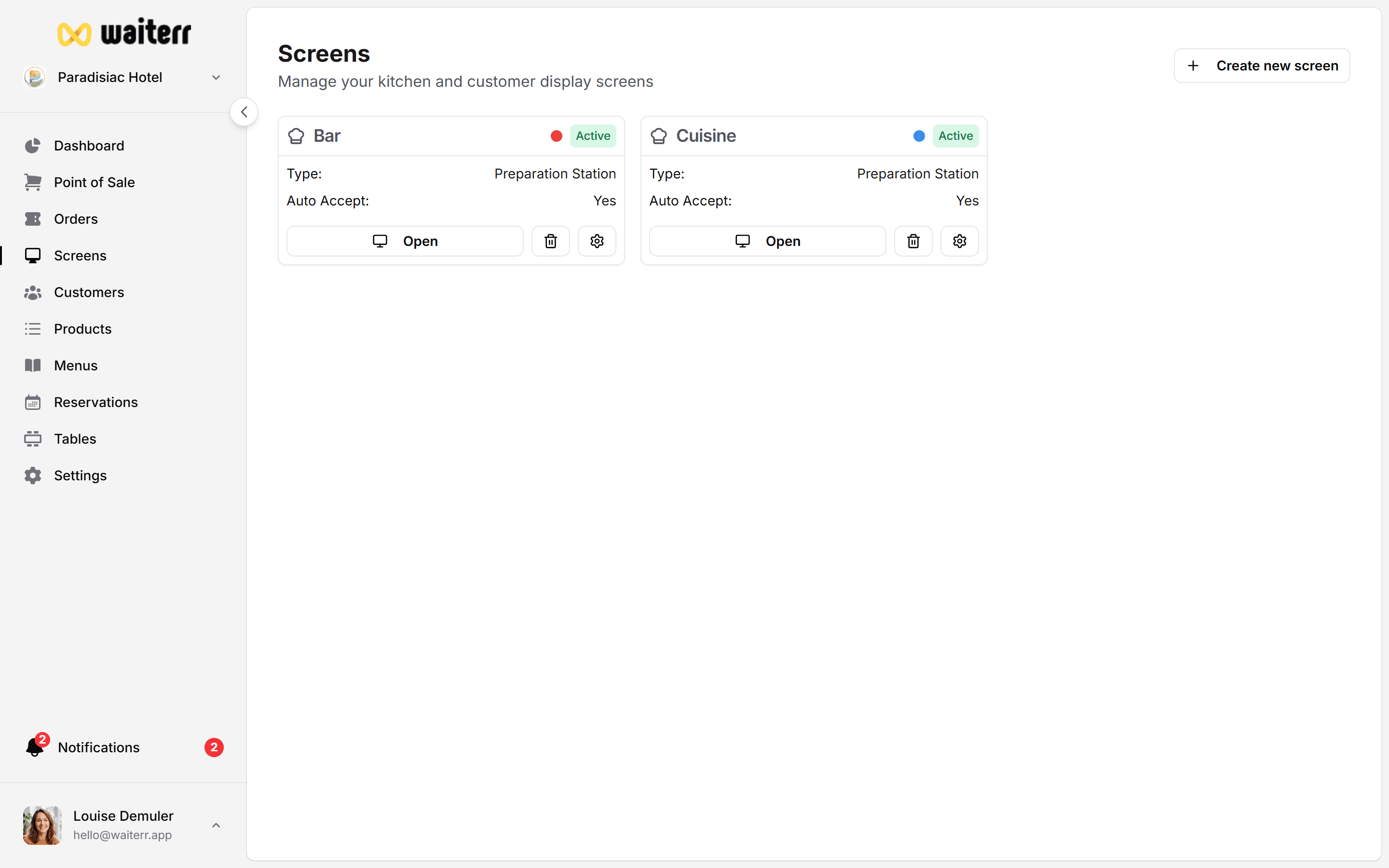
What You Can Configure
- Kitchen preparation screens
- Bar preparation screens
- Client order tracking screens
- Automatic product assignment
- Filters (tables, zones, service types…)
- Printers (USB, network, cloud, push)
- Ticket layout customization
Whether you run a restaurant, a bar, or a food truck, the system adapts to your workflow.
KDS vs Printers — What’s the Difference?
Most venues use both: KDS + ticket printers.
Types of Screens You Can Create
- Preparation Screens (Kitchen, Bar, Pastry…)
- Client Display Screens (Order tracking for customers)
Learn more →
👉 Production Screens
👉 Client Display Screens
Next Steps
👉 Set up your preparation screens
👉 Configure printers
👉 Customize receipt layout
Last updated on