Options & Variants
Options allow customers to choose:
- Sizes
- Flavors
- Toppings
- Extras
- Cooking preferences
- Add-ons
Variants are created using option groups.
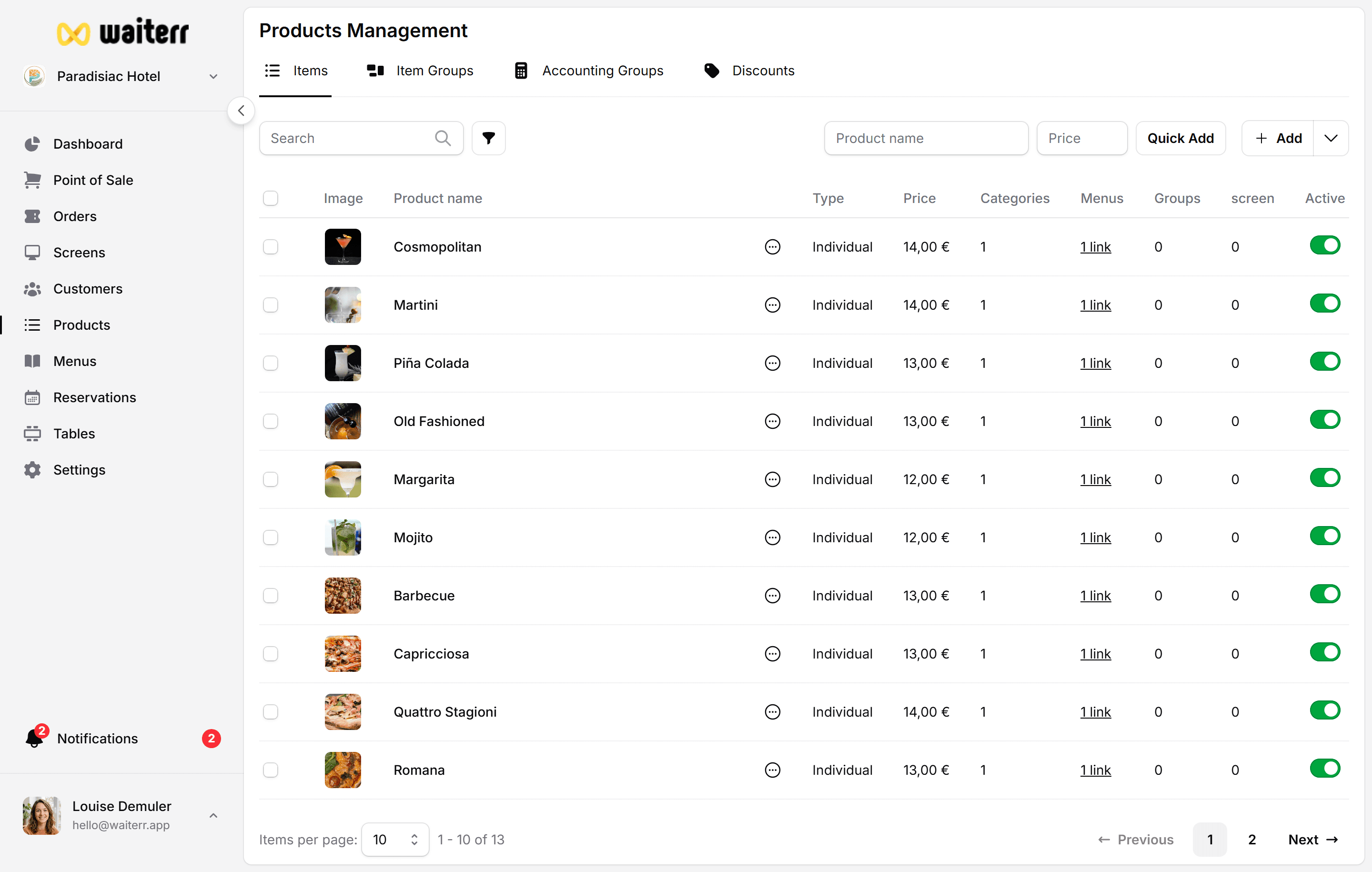
Option Groups
An option group contains multiple choices.
Examples:
- “Choose your size” → Small / Medium / Large
- “Choose your sauce” → Mayo / Ketchup / Samurai
- “Toppings” → Cheese / Bacon / Mushrooms
Each group has:
- Name
- Description (optional)
- Minimum choices
- Maximum choices
- Allow multiple selections
Example: Pizza Size
Group: Size Min: 1 Max: 1 Options:
Small (+ €0)
Medium (+ €2)
Large (+ €3.50)
Adding an Option
Inside a group → click Add Option:
- Name
- Extra price
- (Optional) Link to existing product
You can also create a NEW product as an option.
Multiple Selection
Useful for toppings:
Min: 0 Max: 5 Allow multiple: Yes
Linked Products
If you link an existing product:
- Inventory tracking (future)
- Shared options across menus
Related Pages
👉 Ingredients
👉 Allergens
Last updated on