Charts & Insights
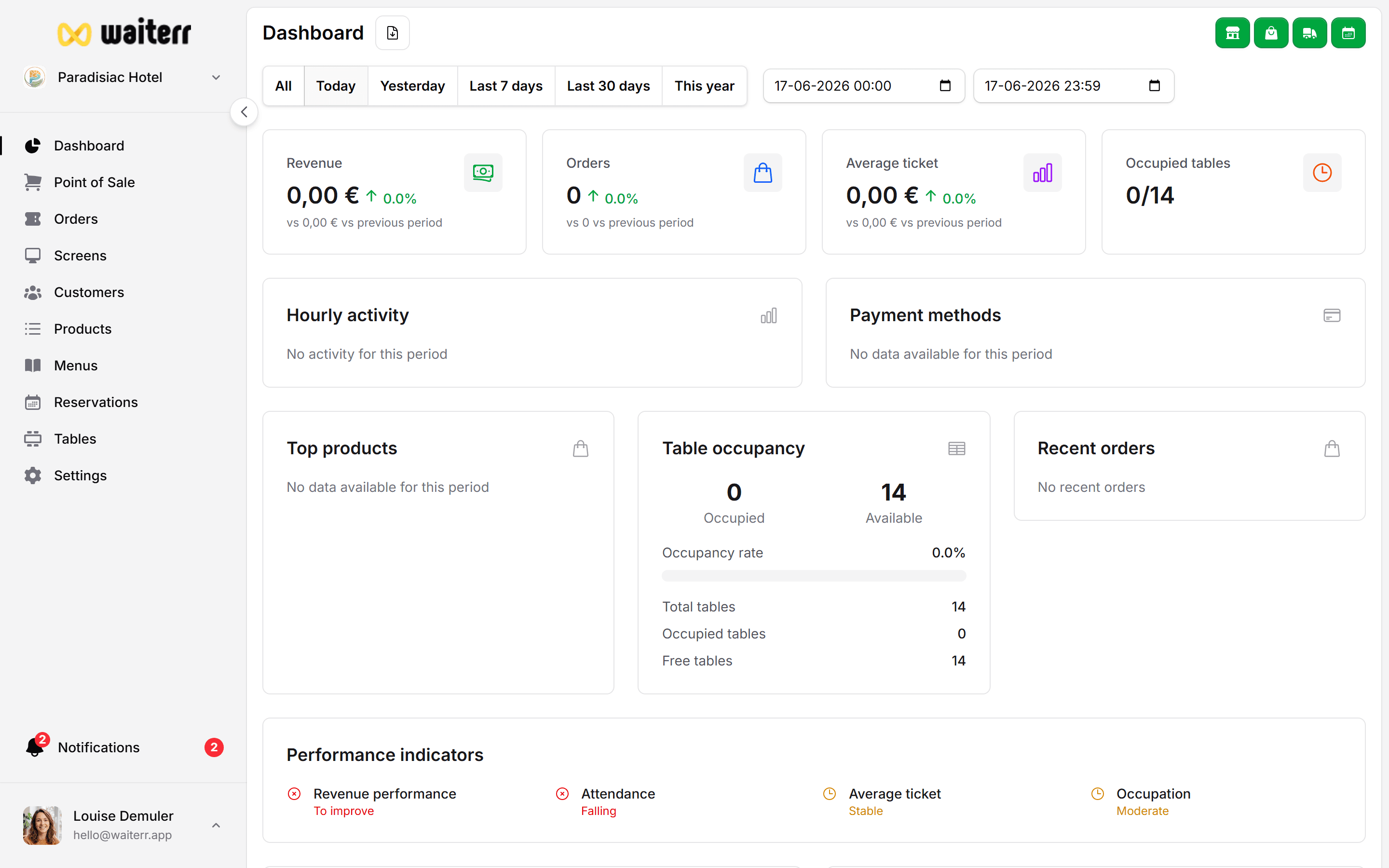
Charts help you visualize business performance at a glance.
This section explains each chart available in the dashboard.
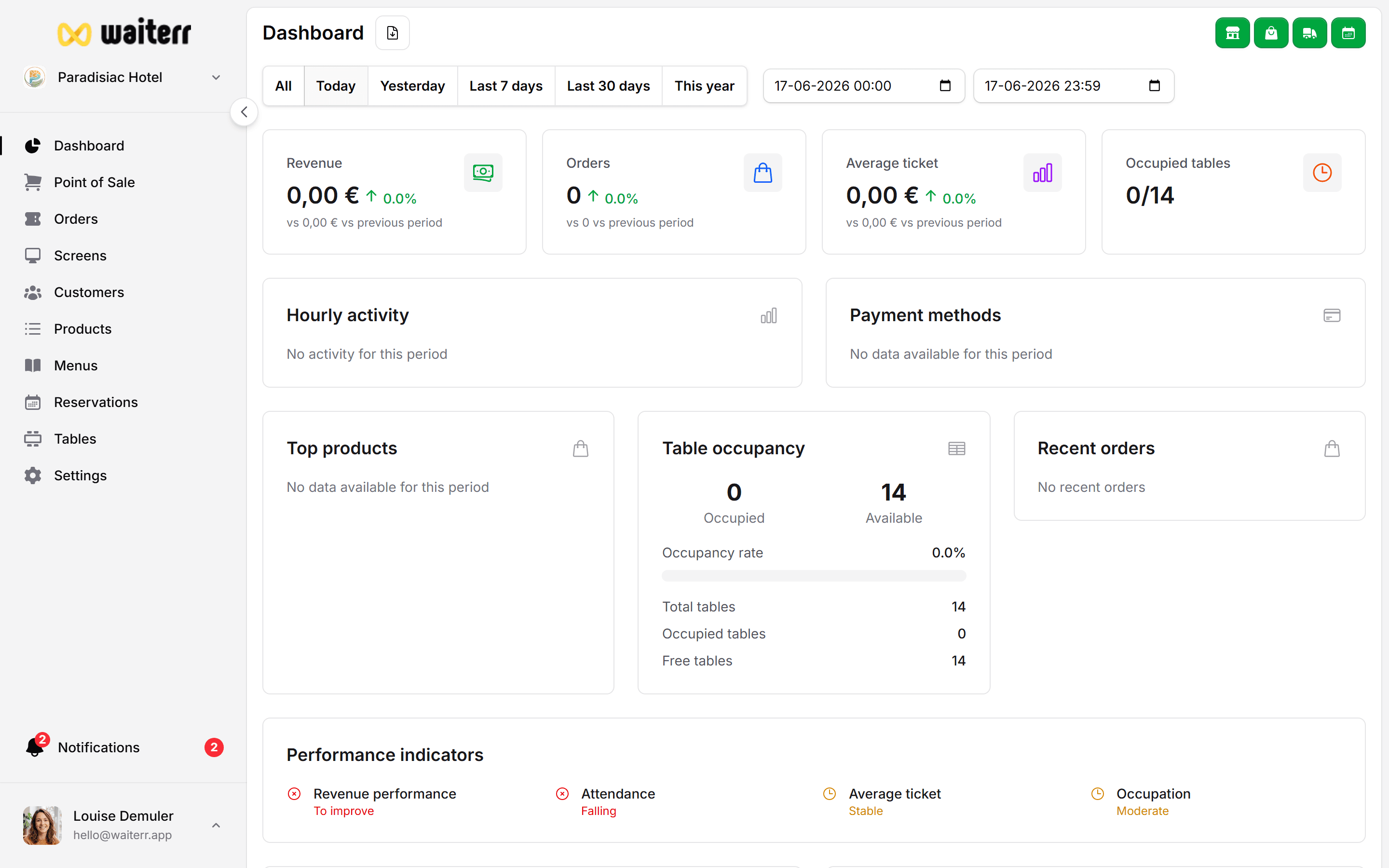
Types of Charts
1. Orders by Hour
Shows how many orders were placed each hour.
Useful for:
- Staffing decisions
- Identifying rush hours
- Planning preparation workflow
2. Revenue by Payment Method
Breaks down total amounts by:
- Cash
- Card
- Payconiq
- Stripe
- PayPal
3. Top Selling Products
Displays the best-performing products based on number of sales.
Used to:
- Identify star products
- Optimize menu layout
- Detect underperforming items
- Plan promotions
4. Table Occupancy
Shows table usage over time (if dine-in is enabled).
Helps you:
- Understand busy zones
- Optimize seating
- Improve table turnover
5. Recent Orders Feed
A quick stream of the last orders:
- Order number
- Order type
- Total amount
- Status
- Time since creation
Performance Indicators
Additional metrics available:
- Revenue per table
- Occupancy rate
- Preparation delays
- Recommended actions / alerts
Related Sections
Last updated on