Quick Actions
Quick Actions give you immediate access to the most common configuration pages.
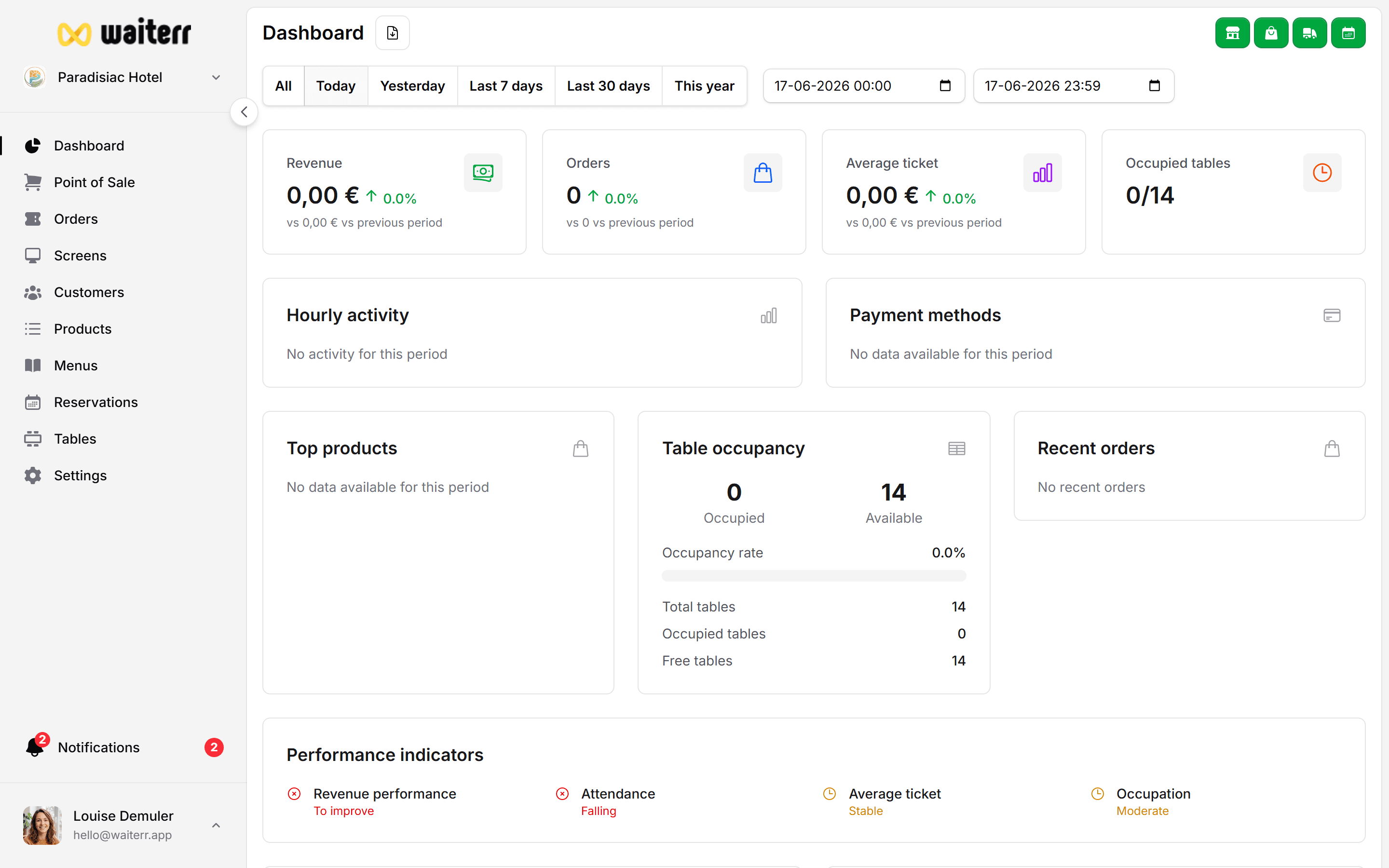
These actions appear on the right side of the dashboard.
Available Quick Actions
🔧 Configure Payments
Links to payment methods:
- Stripe
- PayPal
- Payconiq
- Cash & card
- Billing settings
Learn more →
Payment Methods Overview
📋 Manage Menu
Direct shortcut to the menu builder:
- Add categories
- Add products
- Edit availability
- Change images
- Customize appearance
Learn more →
Menu Overview
👥 Manage Users
Add or edit staff:
- Owner
- Manager
- Bartender
- Server
- Viewer
Learn more →
User Management
🪑 Configure Tables
Access table plan & areas:
- Define zones
- Assign QR codes
- Create table layouts
Learn more →
Tables Setup
❓ Contact Support
Direct button to reach the support team.
Used for:
- Technical issues
- Billing questions
- Account updates
What to read next
👉 Move on to Module 3: Establishment Settings
General Information
Last updated on