Stripe Integration
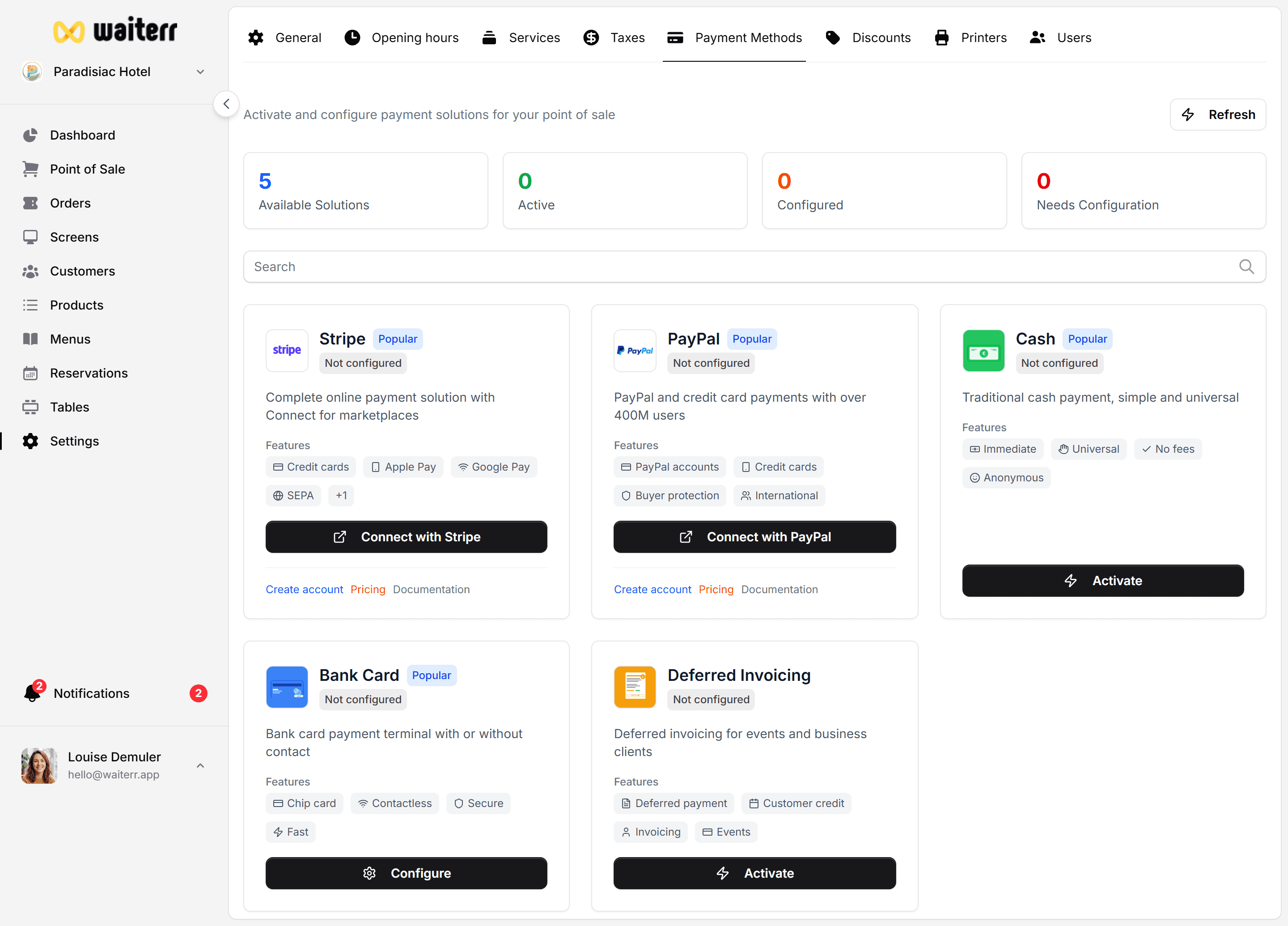
Stripe enables secure online payments for:
- QR code ordering
- Takeaway orders
- Delivery orders
- Reservations with pre-authorization
Why Stripe?
- Accepts credit & debit cards
- Supports Apple Pay & Google Pay
- Fast payouts
- International support
- Secure & compliant
Connecting your Stripe Account
Click:
Settings → Payment Methods → Stripe → Connect
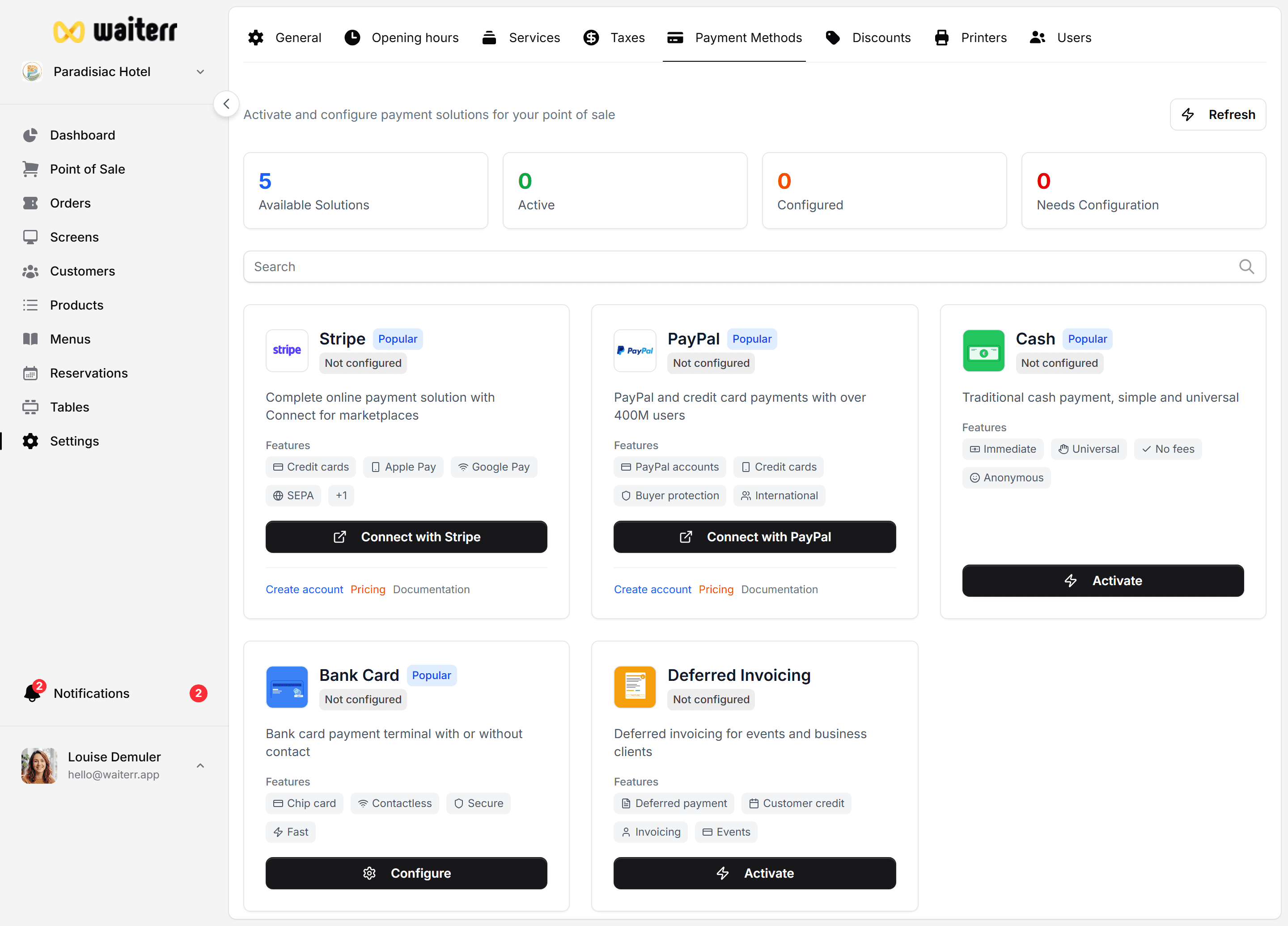
You will be redirected to the official Stripe onboarding page where you can:
- Create a new Stripe account
- Or log in to an existing one
Once connected:
- Online payments become available
- Customer payment receipts are handled automatically
- You can manage transactions in your Stripe dashboard
Payment Workflow
- Customer places an online order
- Stripe processes the payment
- Payment confirmation is sent back to Waiterr
- Order appears as paid in the system
- Funds are deposited into your Stripe account
Refunds
Refunds must be initiated from:
- Waiterr Manager (partial or full)
or - Directly from your Stripe dashboard
Partial refunds are supported.
Pre-authorizations (Reservations)
Stripe allows you to:
- Capture a credit card
- Hold an amount (no-show protection)
Learn more →
Reservations Service
Troubleshooting
User sees “Payment failed”?
- Card declined
- 3D Secure failed
- Incorrect card details
Stripe connection failed?
- Wrong account country
- Missing business details
Related Pages
Last updated on