Authentication Methods
Waiterr Manager supports multiple authentication options to make login secure and convenient.
🔐 Email Login (Magic Link)
- Enter your email address
- Receive a link in your inbox
- Click to authenticate instantly
No passwords. No recovery issues.
Perfect for owners and managers.
🔵 Google Login
One-tap authentication using your Google account.
Benefits:
- No password needed
- Most secure login method
- Ideal for daily use
- Works on all devices
Logging out
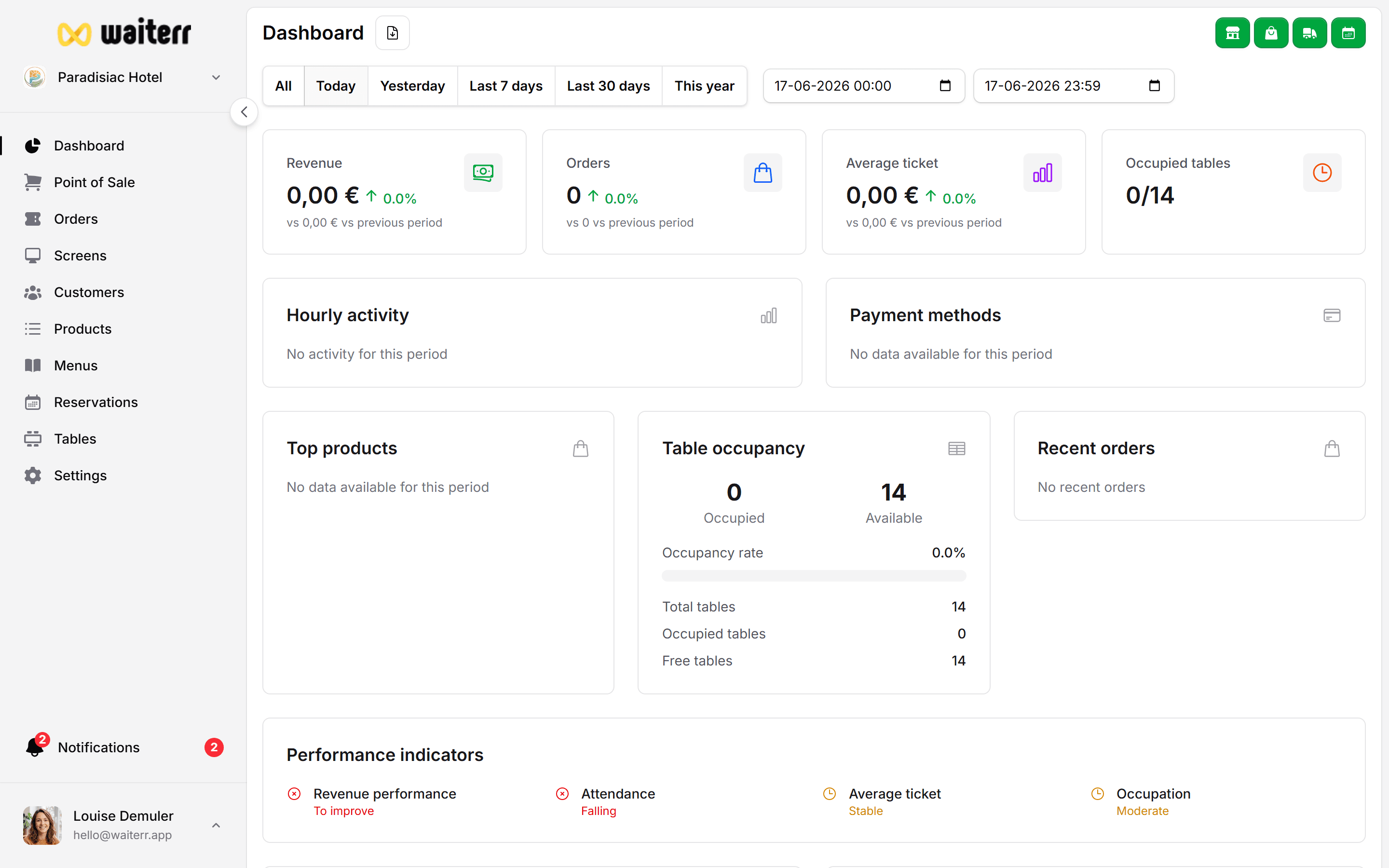
You can log out anytime from:
- Desktop → bottom-left profile photo
- Mobile → top-right profile photo
Learn more →
Profile & Account Settings
Troubleshooting login
Didn’t receive the email link?
- Check spam/junk
- Wait 1–2 minutes
- Verify email spelling
Google login not working?
- Ensure you are logged into Google
- Try switching Google accounts
- Check if pop-ups are blocked
If the issue persists:
👉 Contact support from your dashboard:
Contact Support
Last updated on