Creating Your Waiterr Account
To start using Waiterr Manager, you first need to create an account.
Your account lets you manage one or multiple establishments, invite staff, change your preferences and more.
Available account creation methods
1. Email link login (magic link)
You enter your email address, and a secure login link is sent to you.
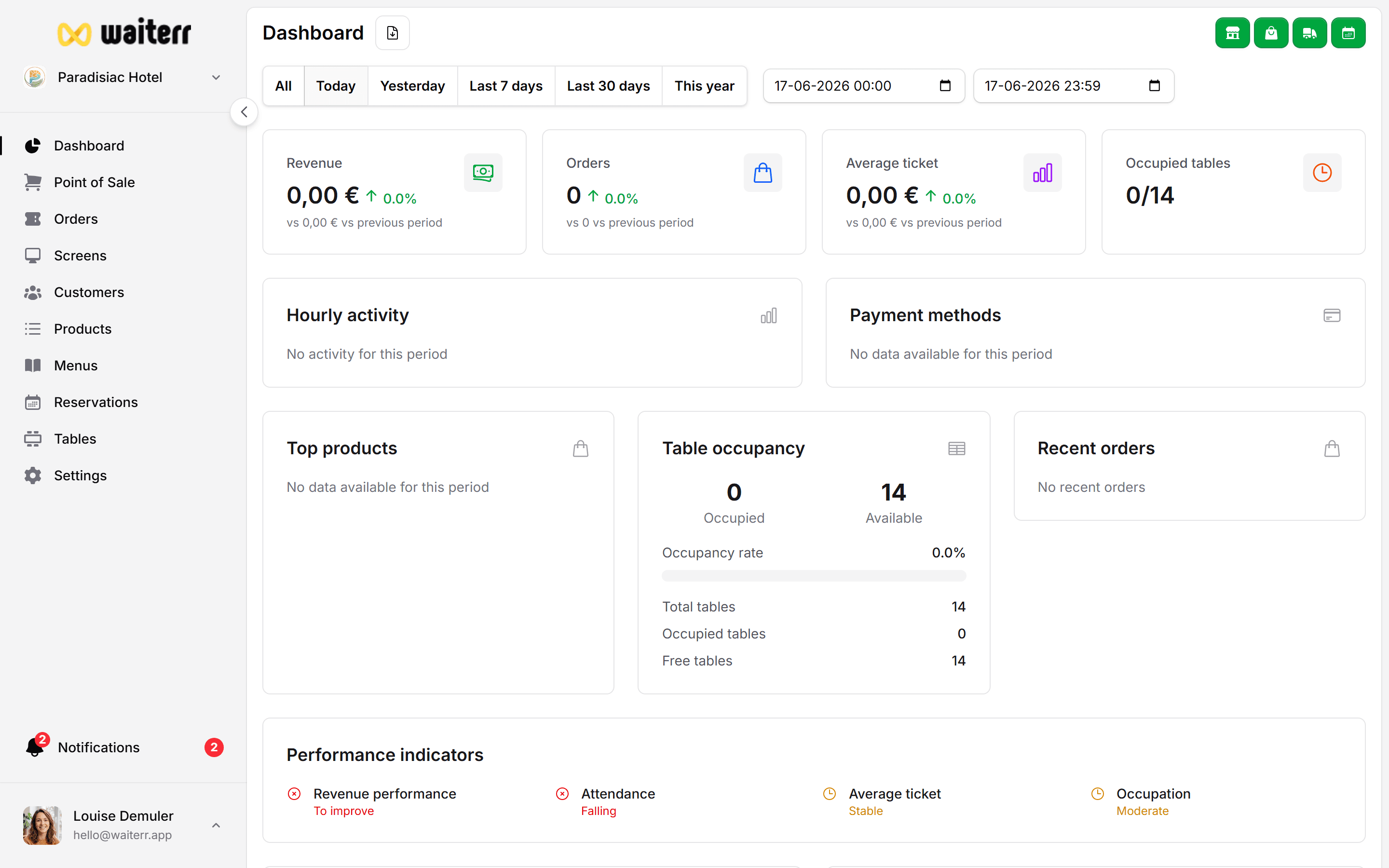
Click the link in your inbox to log in instantly — no password required.
2. Google Sign-In (recommended)
Fast, secure, one-click authentication using your Google account.
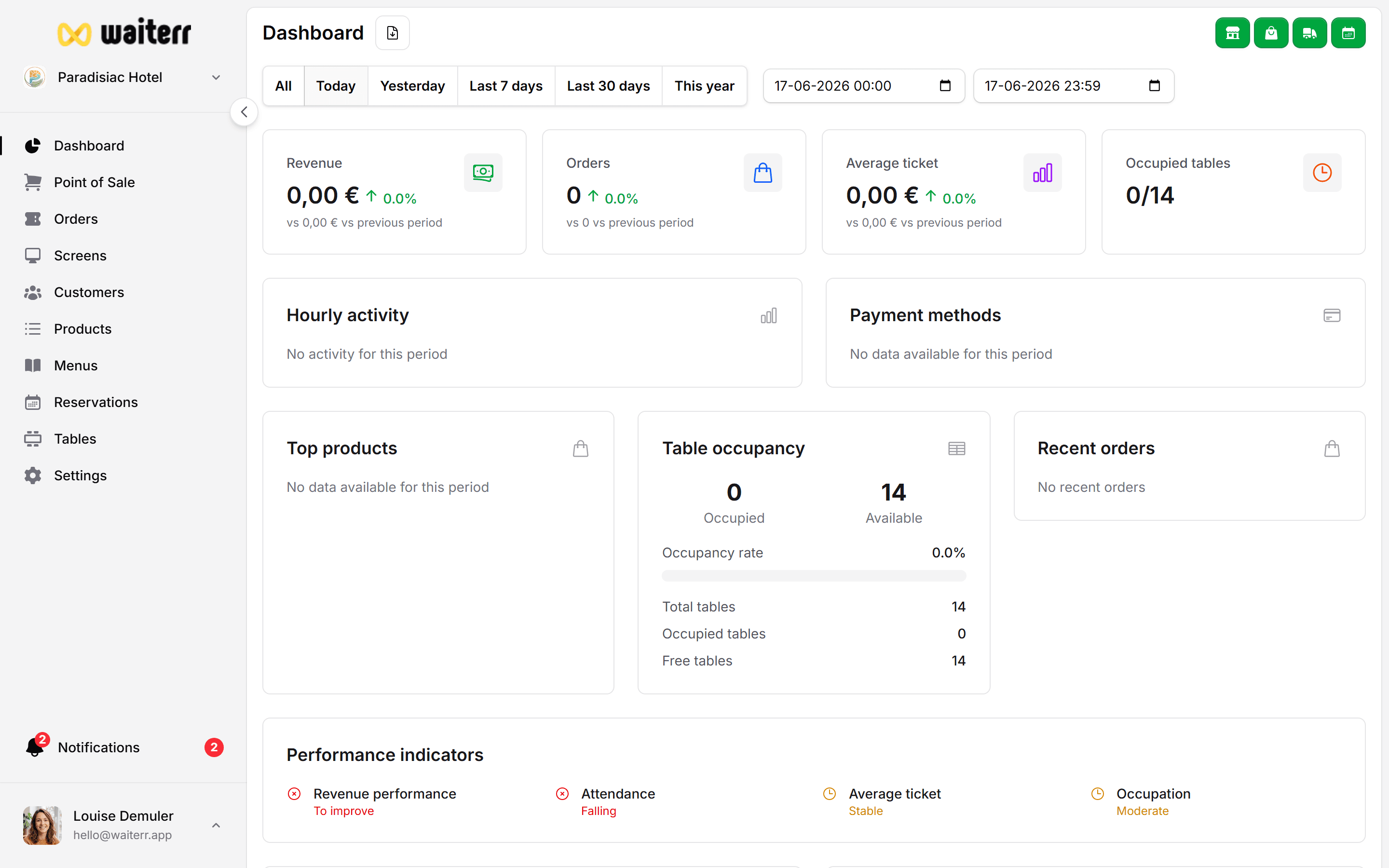
Google login is recommended because:
- No password to remember
- Faster access
- Extra security from Google
- Works perfectly on mobile
First login: what to expect
If this is your first time using Waiterr Manager, you will be guided into the onboarding flow to create your first establishment.
Learn more →
Onboarding Flow
Already have an account?
Simply log in again using:
- The same email address
- The same Google account
Your establishments will appear automatically.
Learn more →
Switching Between Establishments
Last updated on