Menu Builder Overview
The Menu Builder allows you to create, organize and customize the menus displayed to customers online and inside your POS.
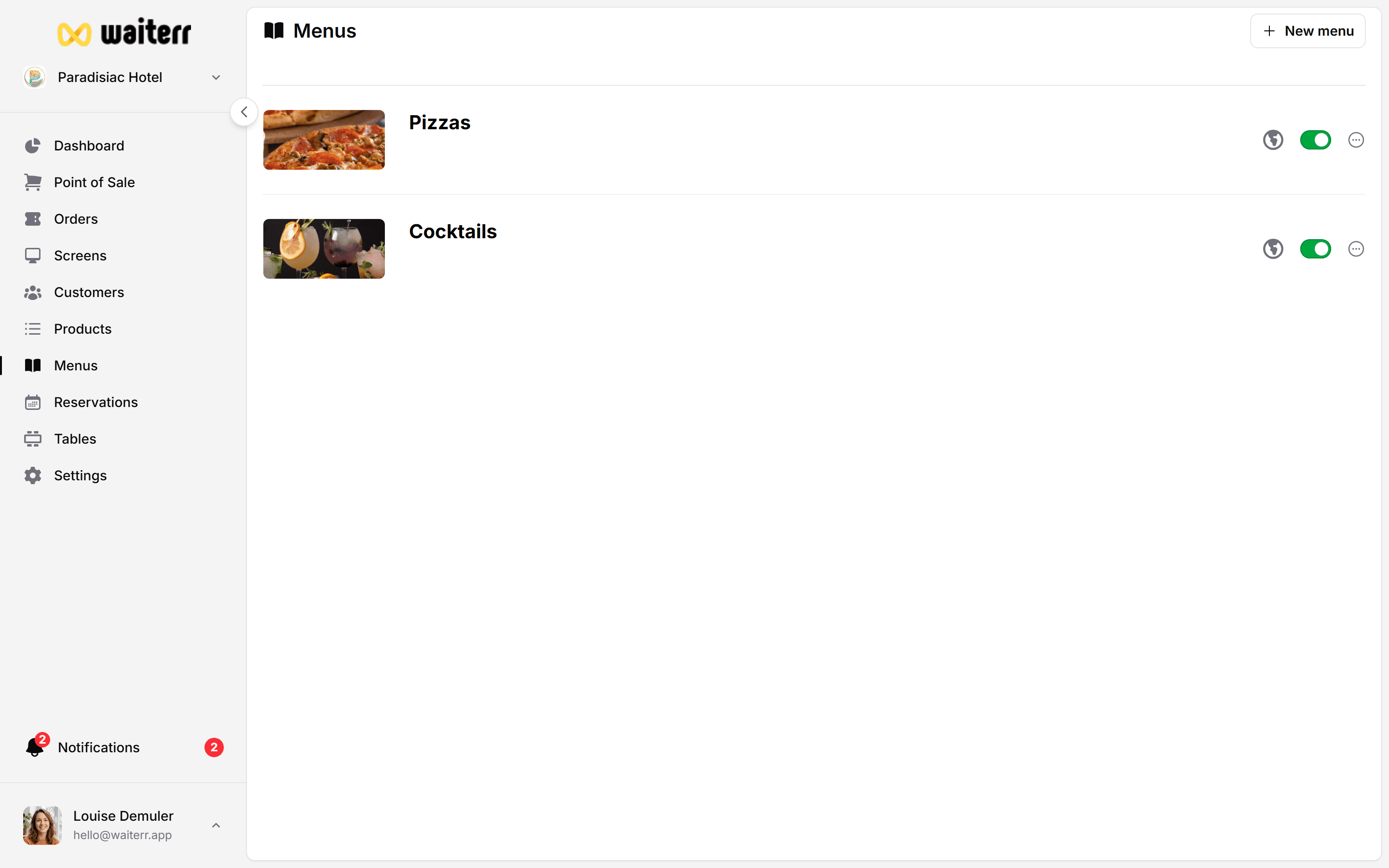
Menus can include:
- Categories (Drinks, Foods, Desserts…)
- Products
- Images
- Availabilities
- Appearance customizations
You can create multiple menus such as:
- Main Menu
- Lunch Menu
- Drinks Menu
- Dessert Menu
- Seasonal Menu
- Event Menu
Where to Access the Menu Builder
Go to:
Navigation → Menu
You will see a list of your menus and can:
- Create new menus
- Edit existing ones
- Duplicate menus
- Remove menus
Menu Structure
A menu contains:
- Menu settings (image, name, description, icon)
- Categories
- Products inside categories
- Availability (days & hours)
- Appearance customizations
Recommended Order of Setup
- Create your menu
- Add categories
- Add products
- Configure availability
- Customize appearance
What to read next
Last updated on