Billing & Invoices
Billing settings apply to your Waiterr subscription and your establishment’s invoices.
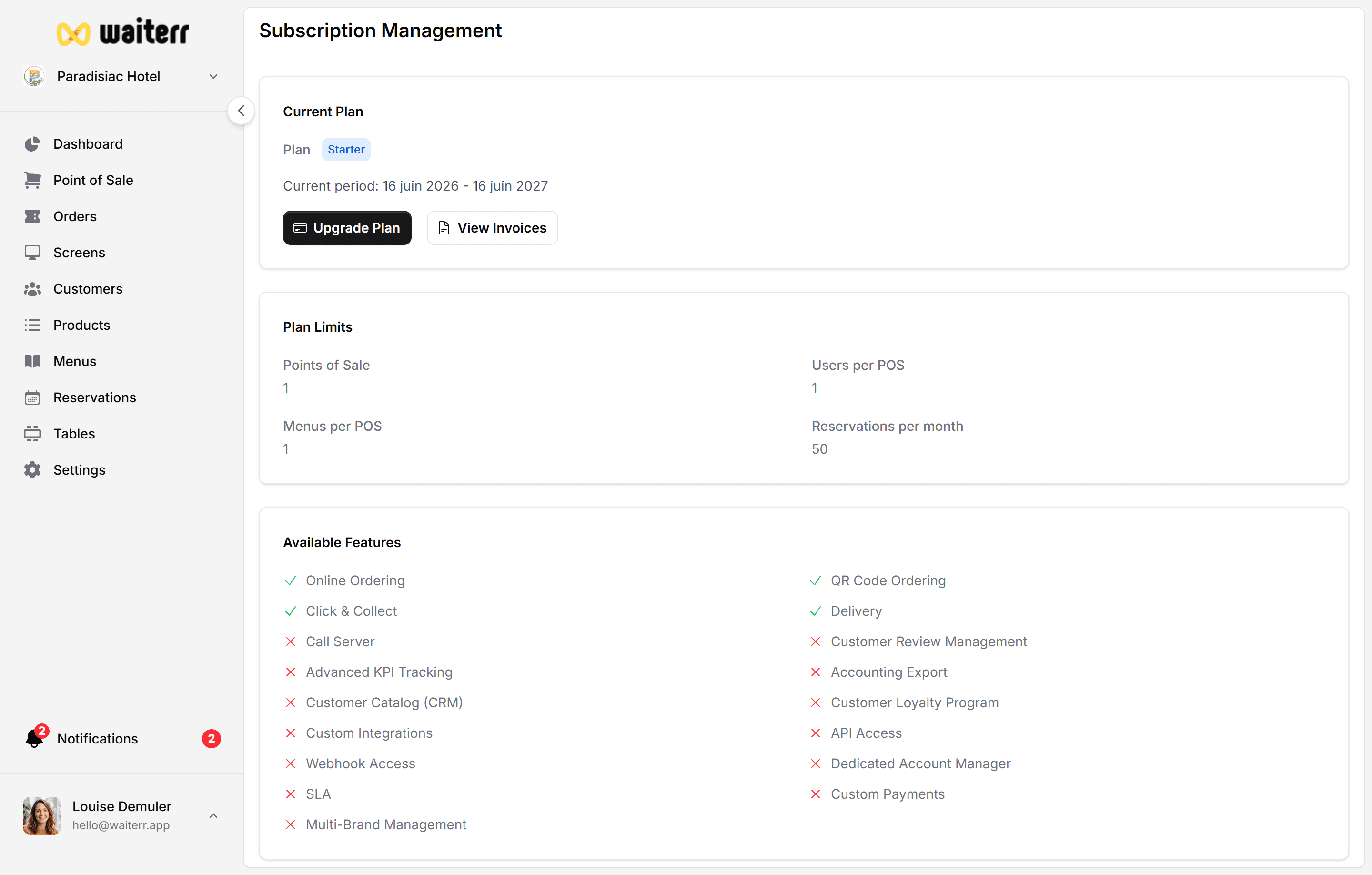
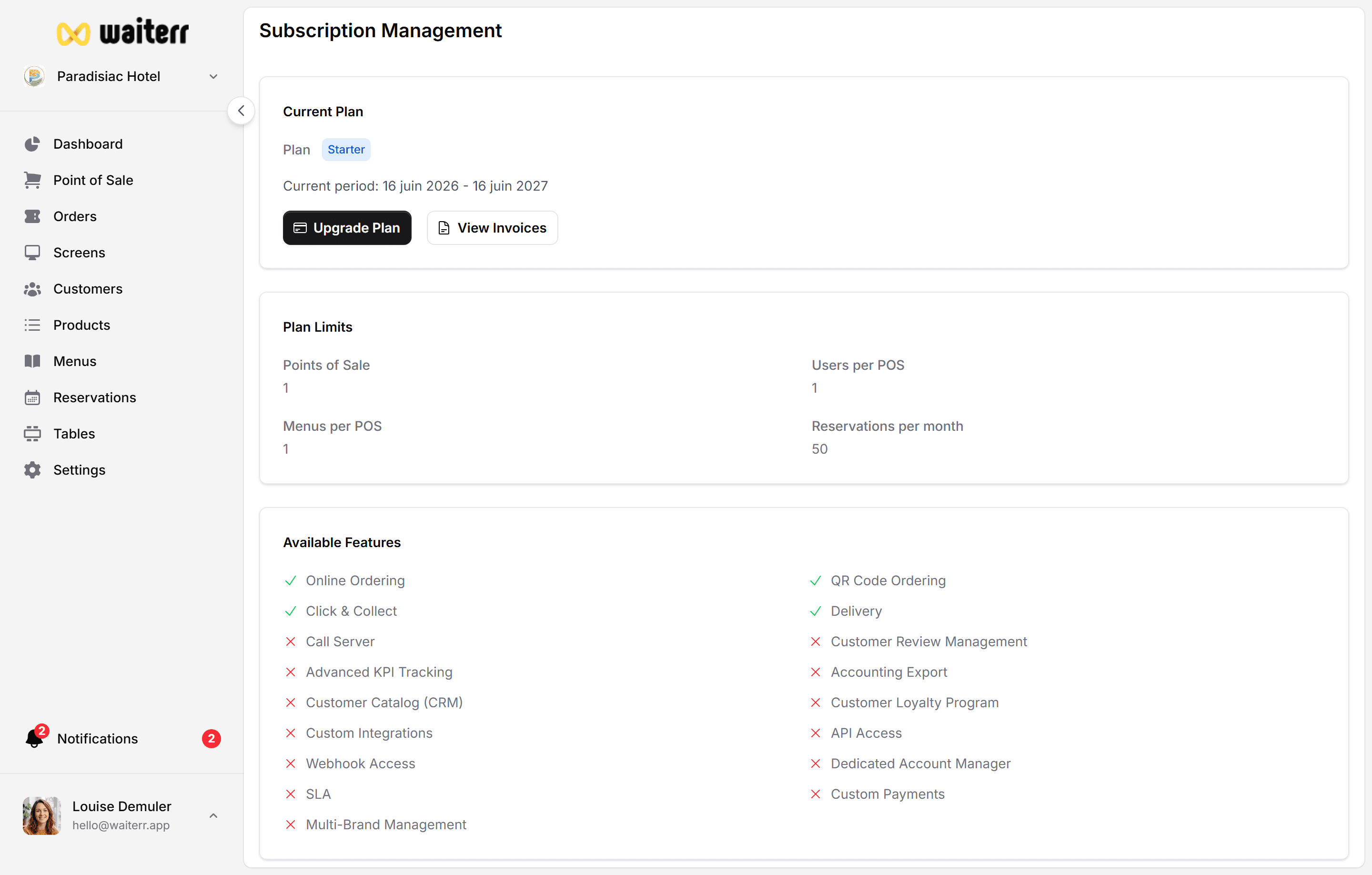
Where to Manage Billing
Go to:
Profile → Subscription & Billing
Here you can:
- View your subscription plan
- Upgrade or downgrade
- Download invoices
- Update billing address
- Manage payment method
- View upcoming charges
Invoice Details
Invoices include:
- Legal name
- Establishment address
- VAT number (if provided)
- Billing period
- Tax details
You can export invoices in PDF format.
Subscription Levels
Depending on your plan, you may unlock:
- Advanced menu features
- Extra screens (KDS)
- More users
- Premium themes for menus
- Delivery zone limits
- Reservation pre-authorizations
Related Pages
Last updated on