Receipt Layout (Ticket Configuration)
You can fully customize the layout and content of printed receipts.
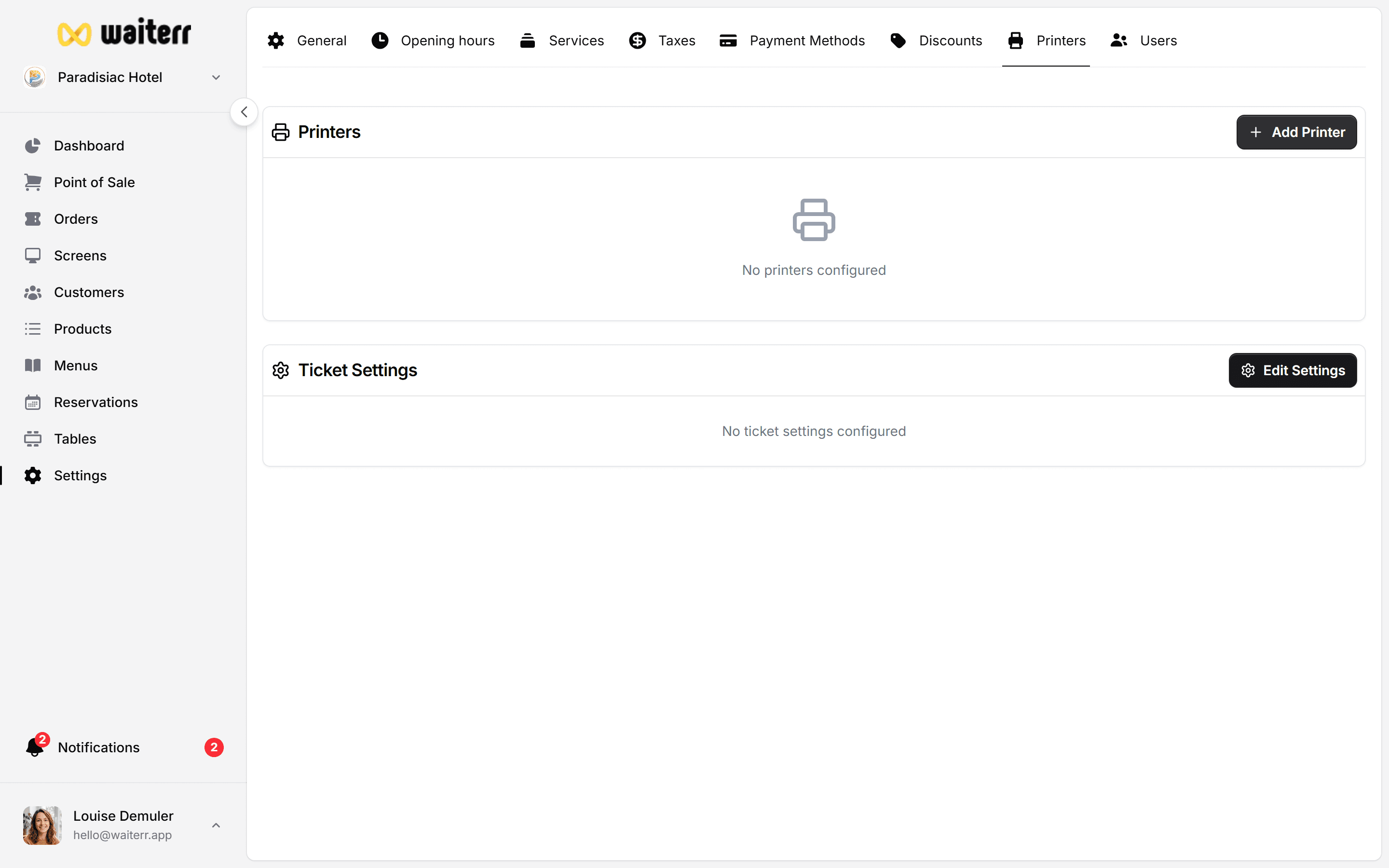
Editable Sections
You can enable/disable:
- Establishment name
- Address
- Phone
- Website
- Customer name
- Customer phone
- Table name
- Order number
- Order date & time
- Payment method
- Subtotal
- Taxes
- Tips
- Total
- QR code (order tracking)
- Barcode (optional)
Custom Messages
You can add:
- Custom header message
- Custom footer message
Example:
Thanks for your visit! Follow us on Instagram @yourvenue
Article Section Formatting
You can choose:
- Show or hide comments
- Show or hide product prices
- Show or hide tax details
- Separators (dashes, equal signs…)
Example separator:
=======
QR Code on Tickets
If enabled:
- QR code links to the customer order tracking page
- If no custom URL is provided → Waiterr uses the default tracking URL
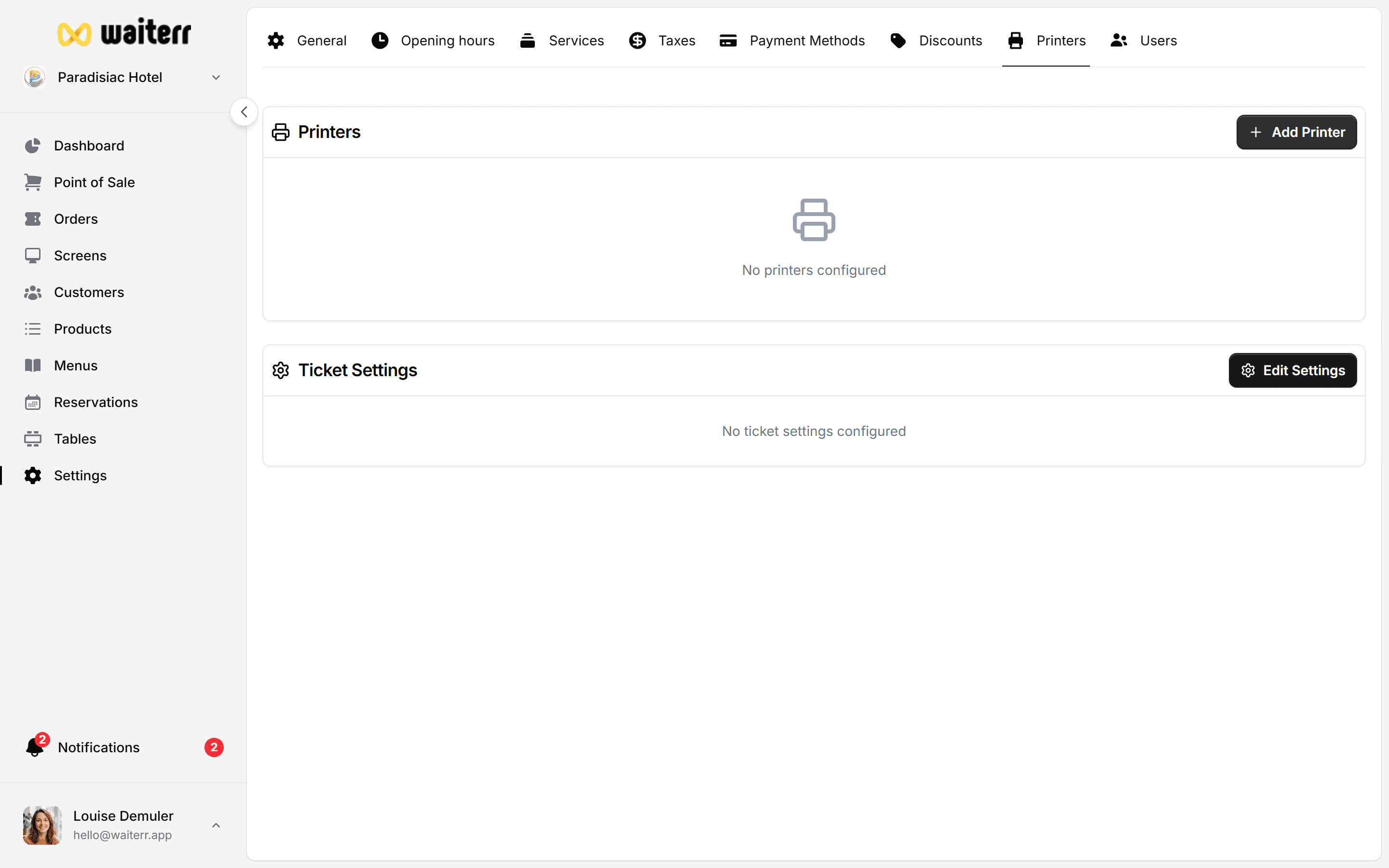
Paper Size & Layout
Supported sizes:
- 80mm (recommended)
- 58mm
- A4 (rare use case)
Best Practices
💡 Keep receipts simple and readable
💡 Use strong separators between items
💡 Add your logo for branding
💡 Use a QR code for tracking or surveys
Related Pages
Last updated on