Bulk Price Updates
You can adjust multiple product prices using:
- Percentage increases
- Percentage decreases
- Fixed amount changes
- Setting a new fixed price
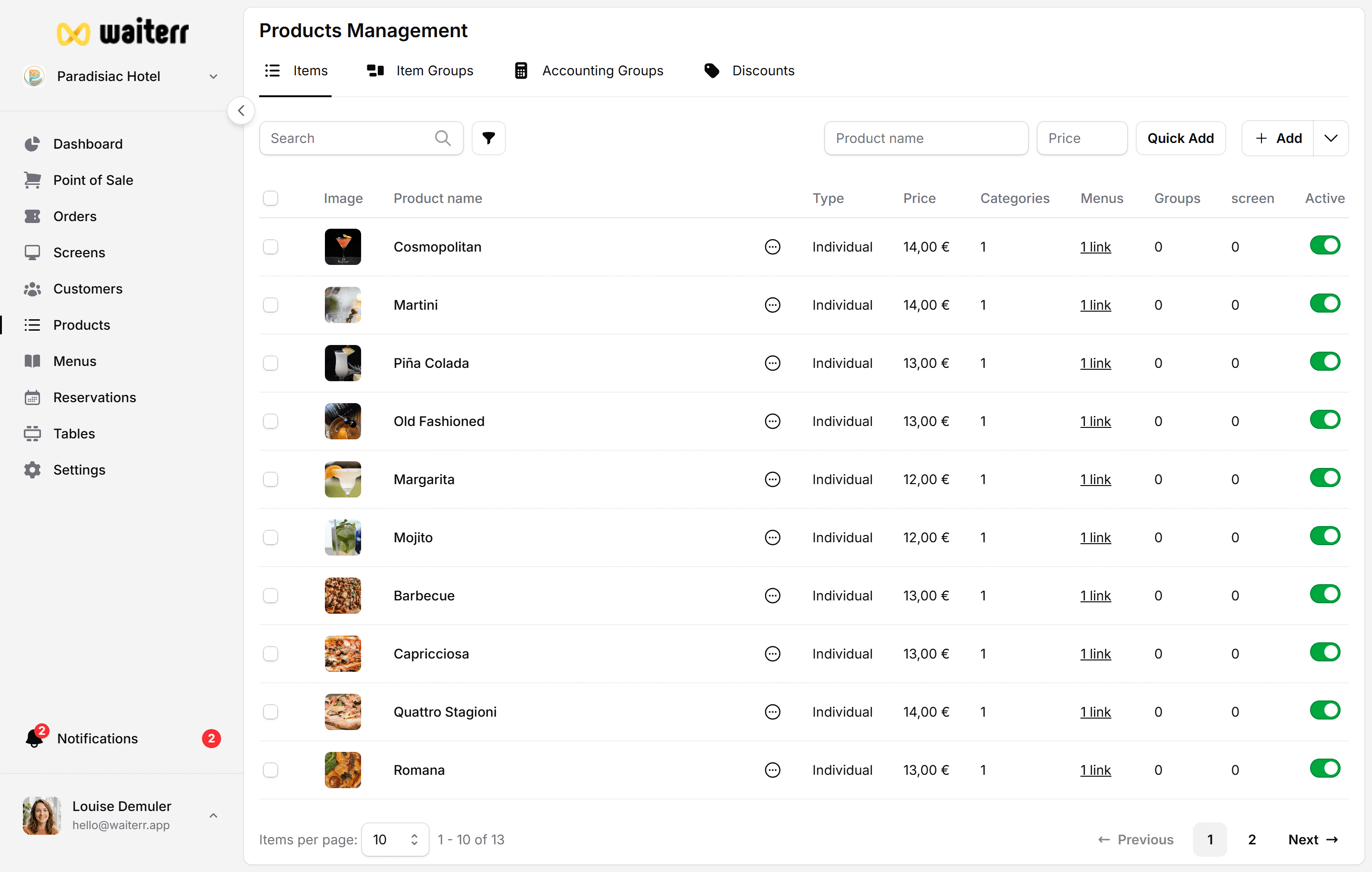
Example: Percentage Increase
Increase all selected products by 5%:
+5% Rounding: nearest €0.05
Rounding Options
- Standard (2 decimals)
- Round to 0.05
- Round to 0.10
- Round to 0.50
- Round to 1.00
Fixed Amount Example
“Add €1.00 to all pizzas”
Set Fixed Price Example
“Set all cocktails to €12.00”
Preview
The Preview tab shows:
- Current price
- New price
- Difference
You must confirm before applying.
Related Pages
Last updated on