Menu Availability
Menu availability controls when a menu is visible to customers.
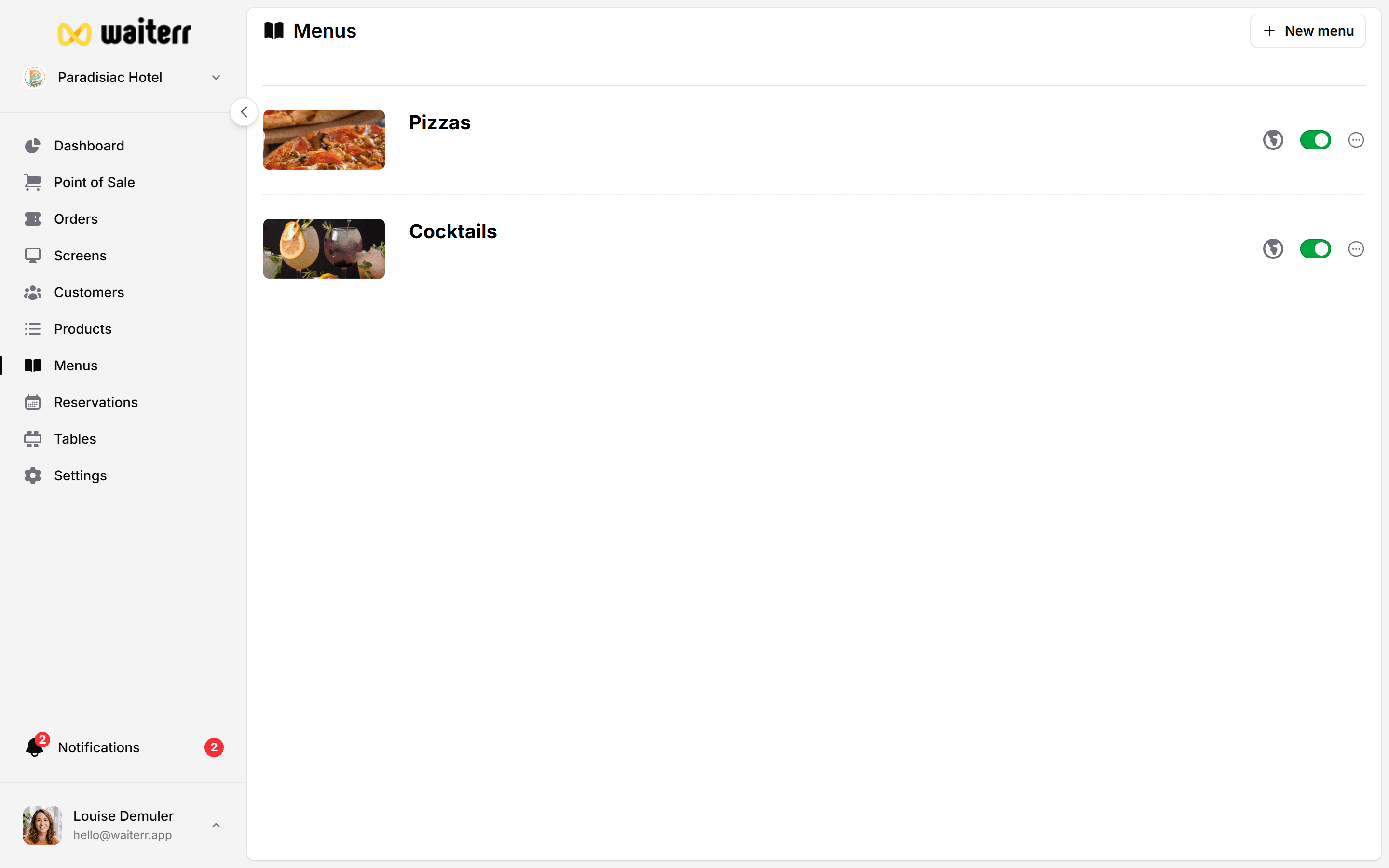
Availability Options
You can define:
- Days of the week
- Time ranges (opening time → closing time)
Examples:
- Lunch Menu → Sat–Sun, 12:00–14:00
- Evening Menu → Every day, 18:00–22:00
Why Use Availability?
- Hide menus outside service hours
- Create time-based offers
- Avoid customer confusion
- Highlight relevant items during specific hours
Setting Availability
Inside the menu editor:
- Go to Availability tab
- Select days of the week
- Select a time range
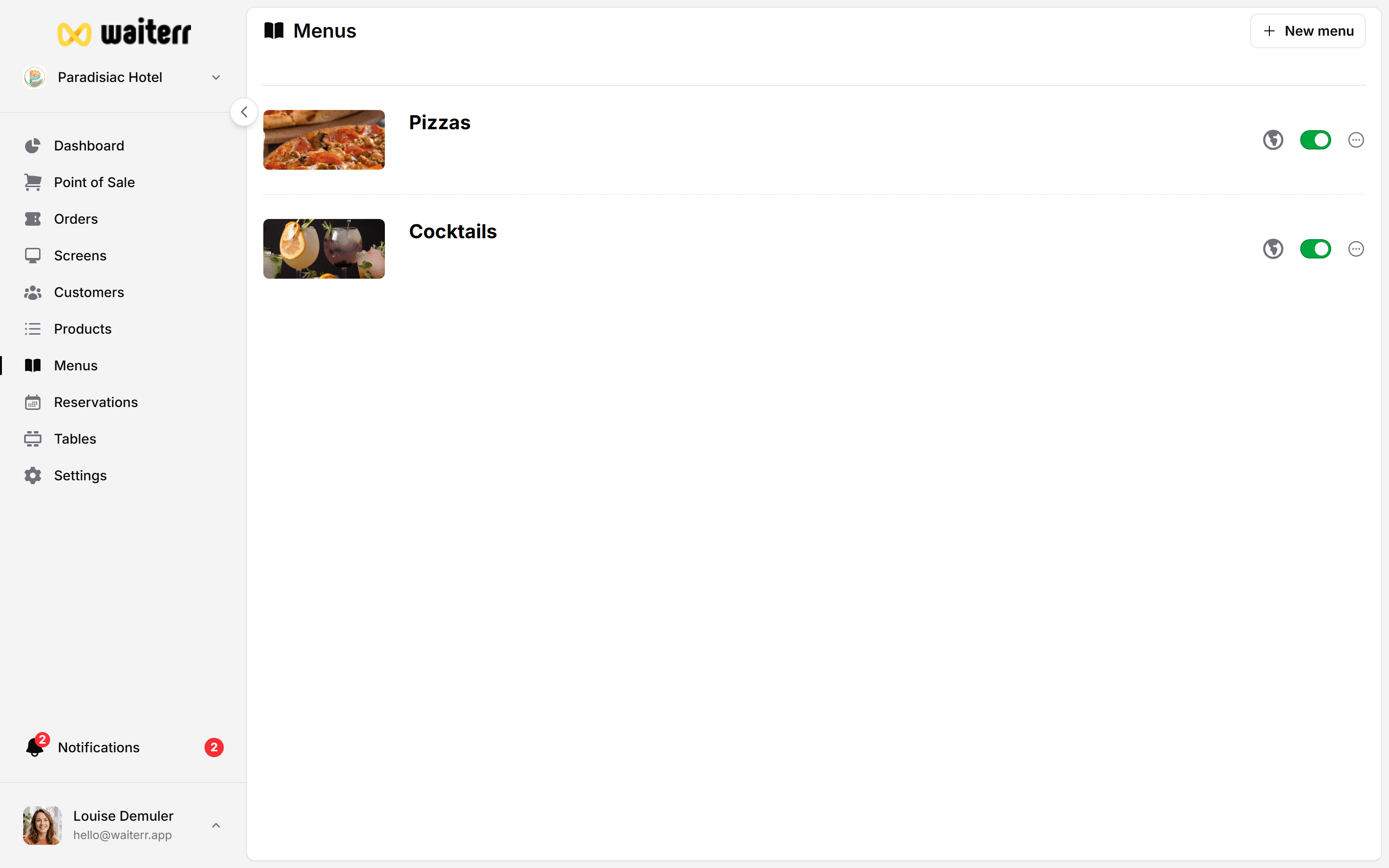
Availability & Services
Availability interacts with:
- QR Ordering
- Takeaway
- Delivery
If a menu is unavailable:
- Customers won’t see it
- Products inside that menu cannot be ordered
Related Pages
Last updated on