Client File
The Client File page shows all details about a specific customer.
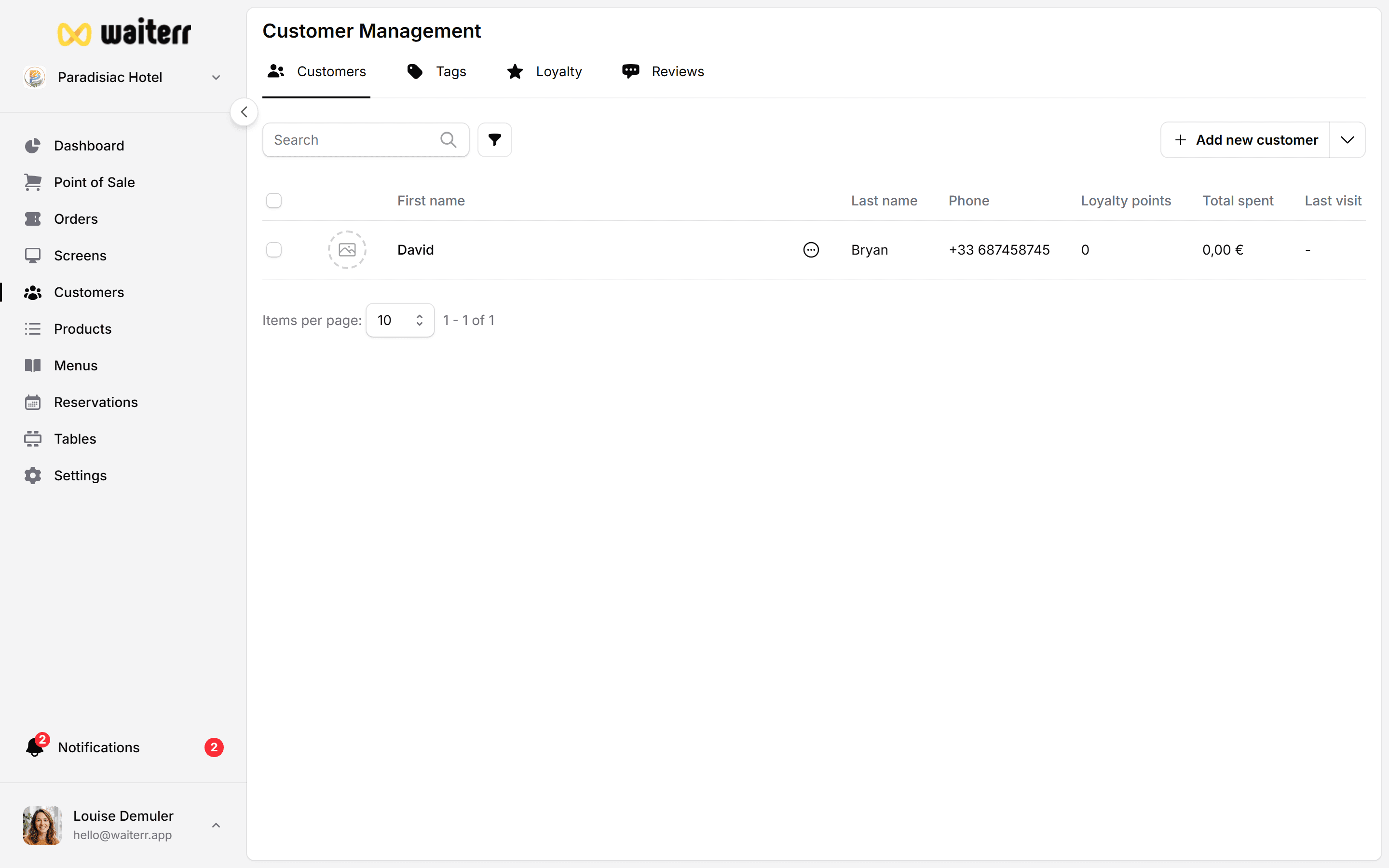
This page helps staff understand the customer’s history, preferences, and behavior.
Sections of the Client File
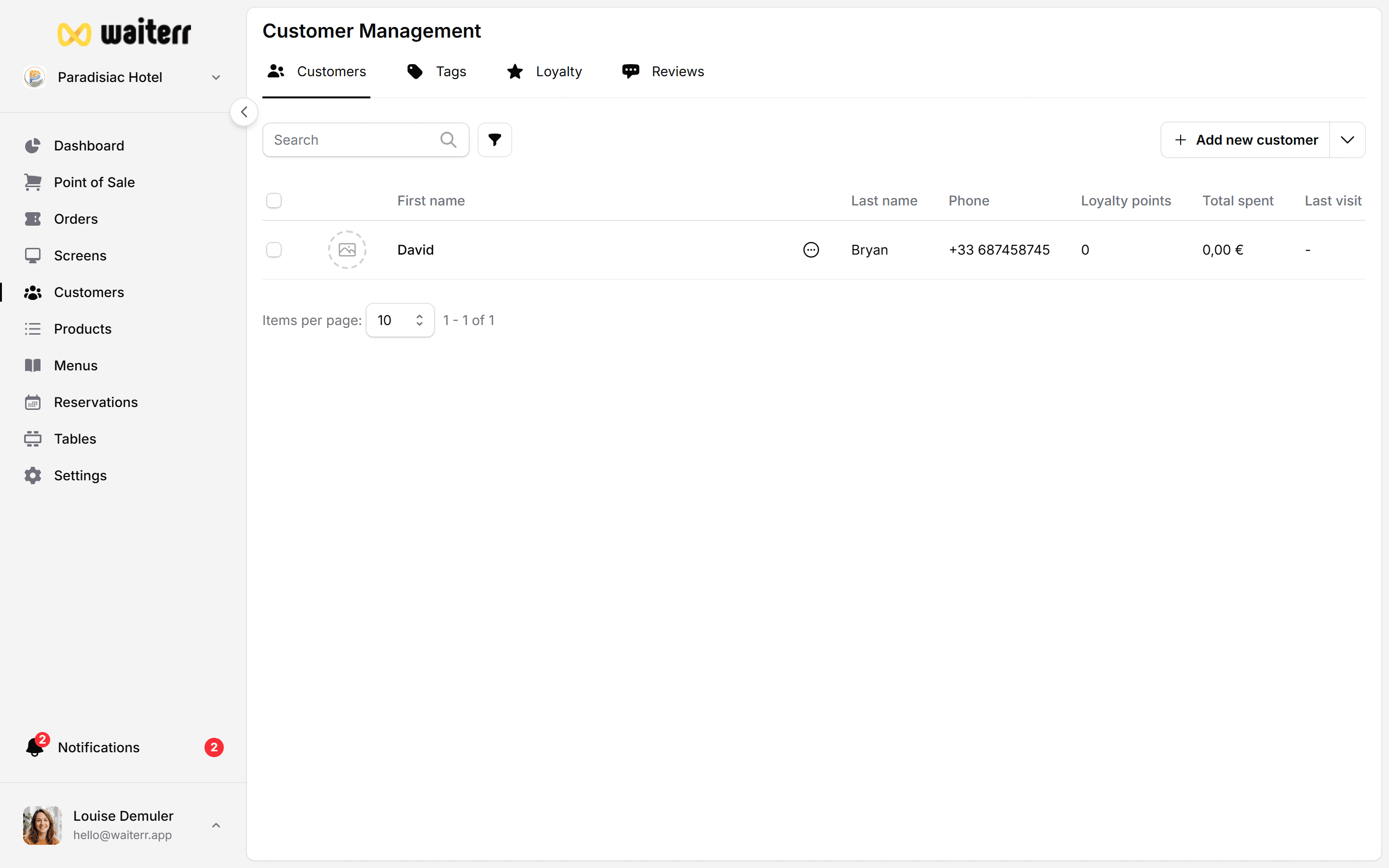
1. Customer Information
Includes:
- Name
- Phone number
- Delivery address (if used)
- Notes & tags
You can edit this information at any time.
2. Order History
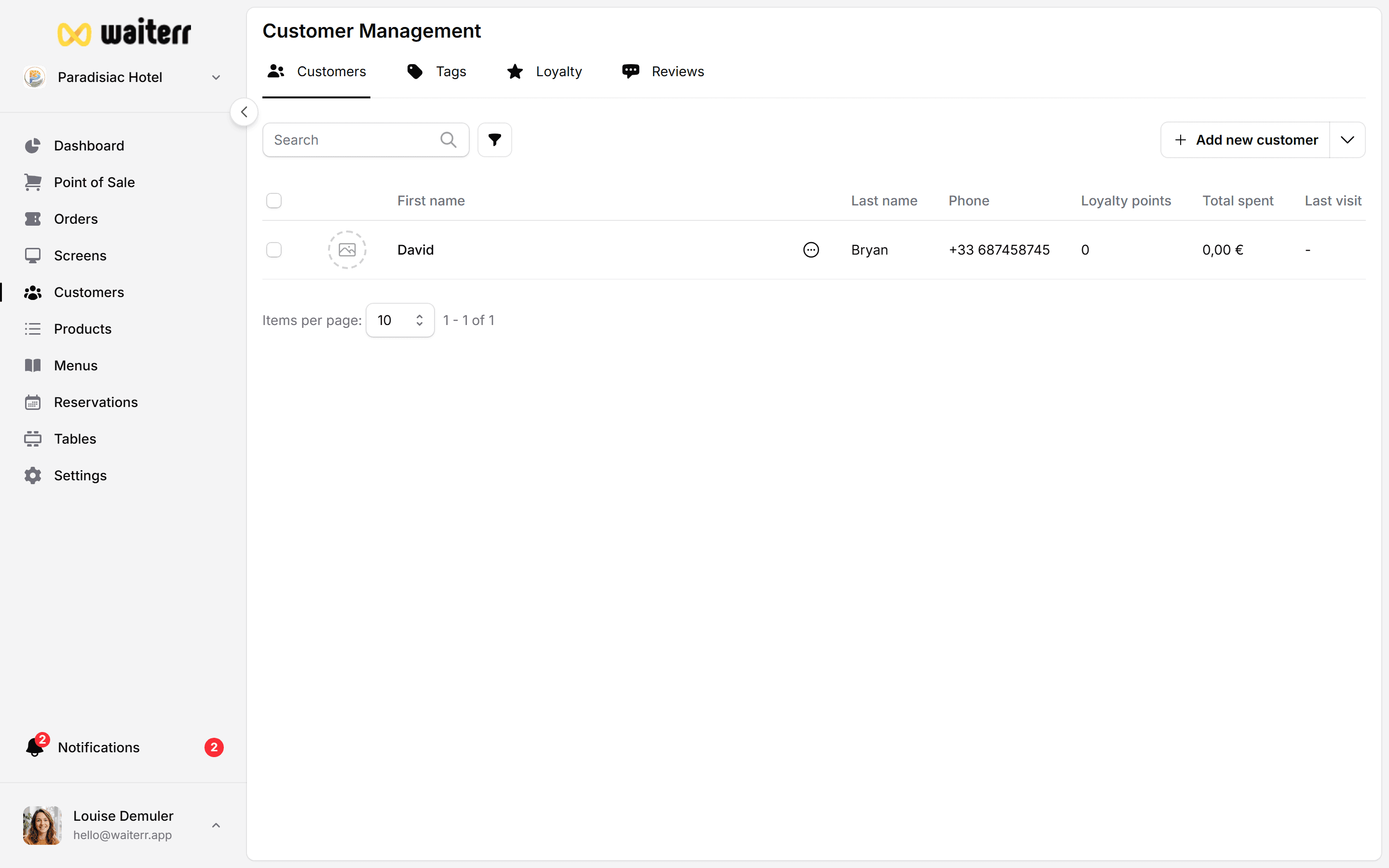
A list of all orders placed by the customer, including:
- Order number
- Order type (dine-in, QR, takeaway, delivery)
- Date
- Total amount
- Payment status
- Quick link to order details
Useful for:
- Tracking frequent customers
- Recognizing VIPs
- Handling complaints with context
- Understanding customer preferences
3. Notes
Staff can write notes about the customer.
Examples:
- “Allergic to peanuts”
- “Prefers terrace area”
- “VIP customer”
- “Always orders double espresso”
Notes are internal only — customers never see them.
4. Tags
You can add descriptive tags:
- “Allergic”
- “Vegan”
- “No onions”
- “Regular customer”
- “Office lunch customer”
Tags make filtering easier.
Learn more →
Notes & Tags
5. Loyalty (Future)
Will include:
- Points
- Lifetime revenue
- Tiers
- Rewards
- Coupons
Related Pages
Last updated on