POS Overview (Point of Sale)
The POS allows staff to take orders quickly and efficiently inside the venue.
It is optimized for:
- Restaurants
- Bars
- Coffee shops
- Food trucks
- Events and festivals
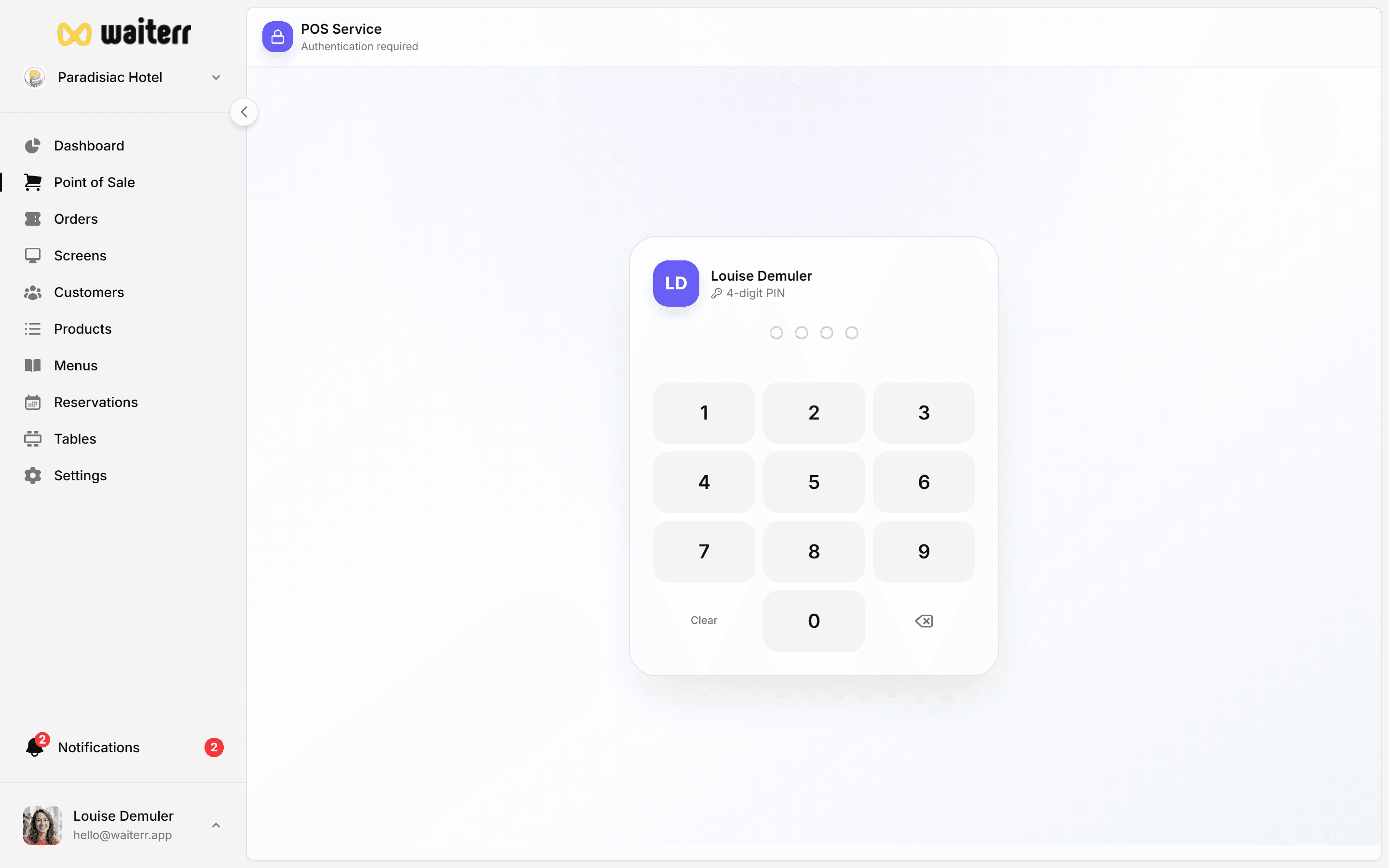
The POS is designed to be:
- Fast
- Intuitive
- Mobile-friendly
- Compatible with touchscreens
- Efficient even during peak hours
What You Can Do in POS
- Select tables
- Create dine-in, takeaway, delivery orders
- Add customers
- Add items and options
- Edit quantities
- Apply comments
- Take payments (cash, card, Payconiq…)
- Split payment methods
- Print receipts
- Send orders to KDS screens
POS Workflow
- Choose order type
- Select a table (dine-in)
- Add items
- Review the cart
- Confirm and/or send to kitchen
- Print ticket (optional)
- Process payment
Related Pages
Last updated on