Billing & Subscription
The billing section allows you to manage your Waiterr subscription, download invoices, and update payment information.
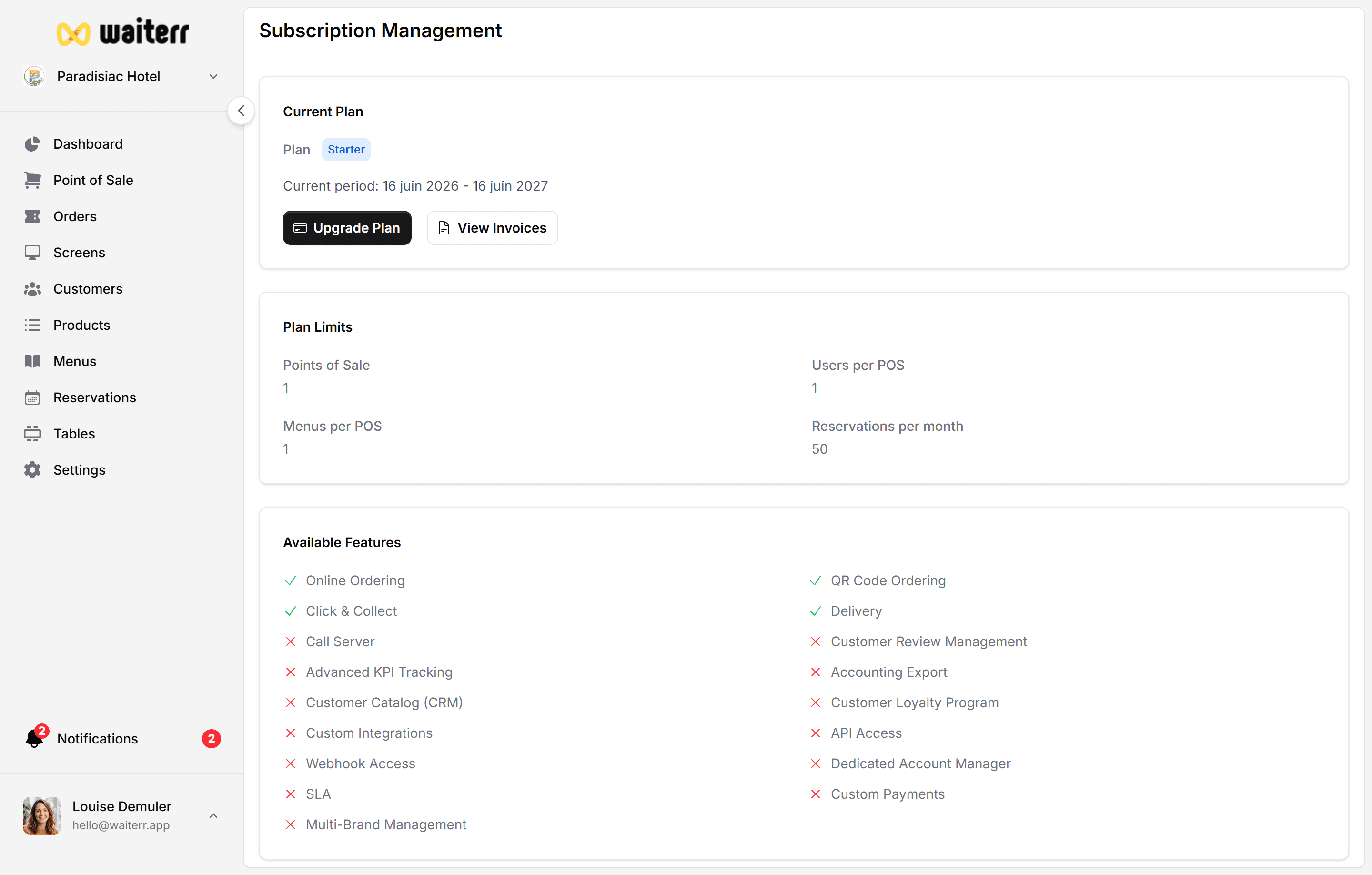
Accessing Billing
Go to:
Profile → Subscription & Billing
Only Owners of the establishment can access billing.
Subscription Plan
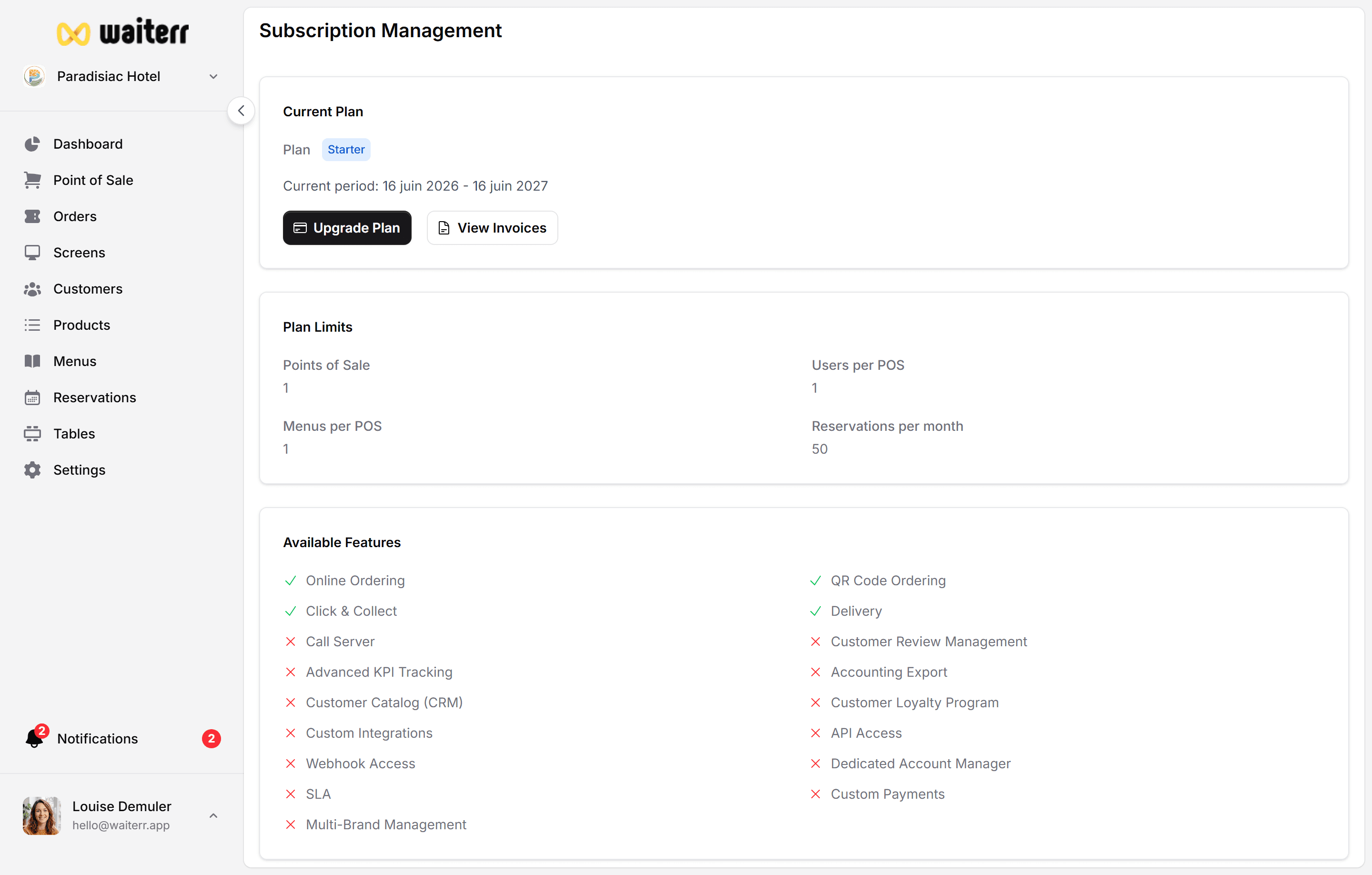
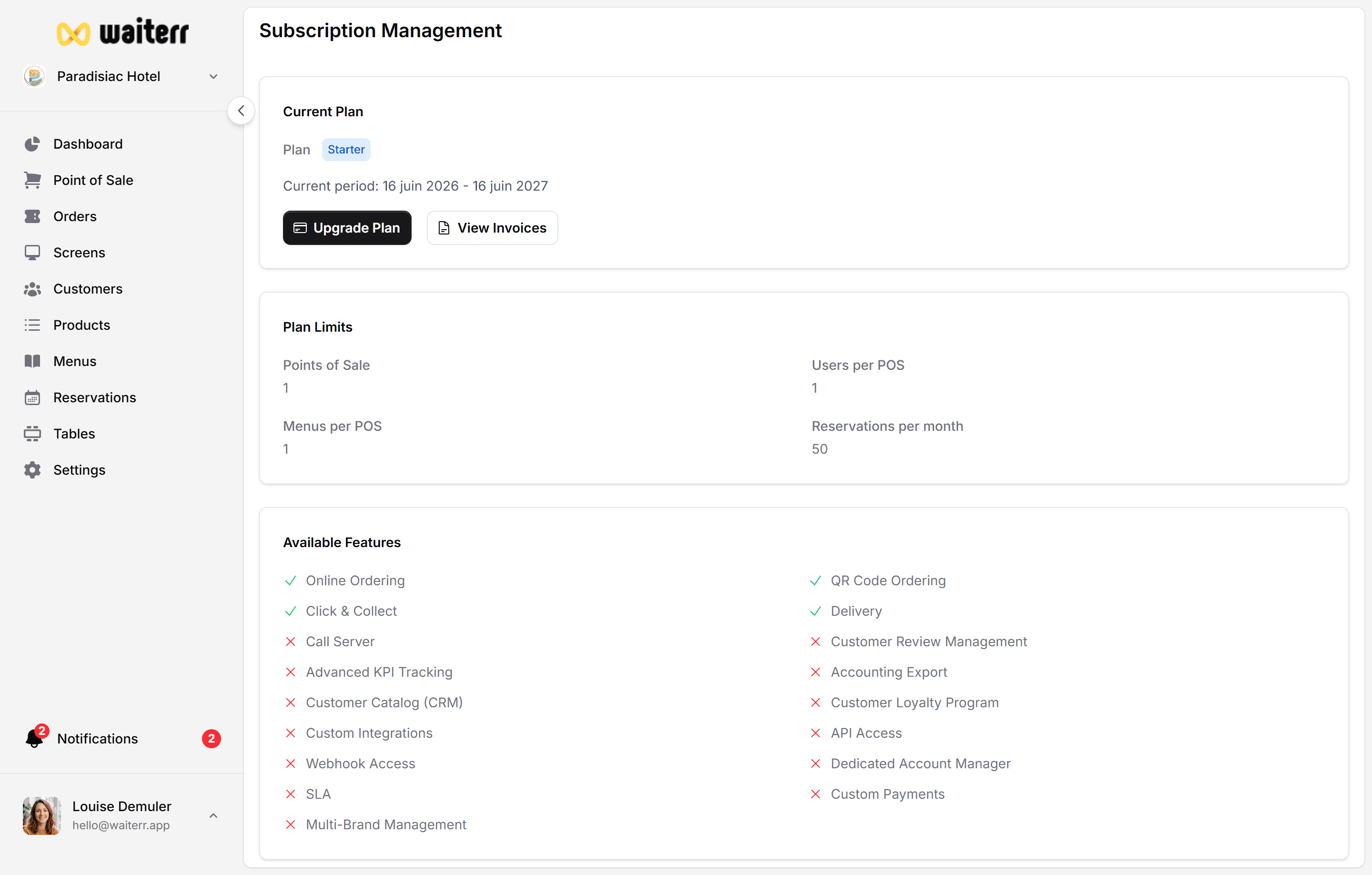
Displays:
- Current plan (Starter, Pro, Premium…)
- Price per month or per year
- Included features
- Limitations (menus, screens, users…)
You can:
- Upgrade or downgrade
- Switch monthly ↔ yearly
- View upcoming invoice
Invoices
Invoices can be downloaded as PDF and include:
- Company name
- Establishment address
- VAT number
- Billing period
- Payment method
- Tax calculations
Payment Method
You can modify:
- Credit card
- PayPal (if enabled)
Updating payment information applies to future charges.
Billing History
See all past invoices in chronological order.
Related Pages
Last updated on