Notifications
Notifications keep users informed about important events and updates inside your establishment.
Notification Types
Waiterr supports:
System Notifications
- New order received
- Payment confirmed
- Reservation request
- Low stock (future feature)
- KDS status ■ ready / urgent
Administrative Notifications
- Billing updates
- Payment method issues
- Subscription renewal
Team Notifications
- New user invitation
- Role changed
- Establishment settings updated
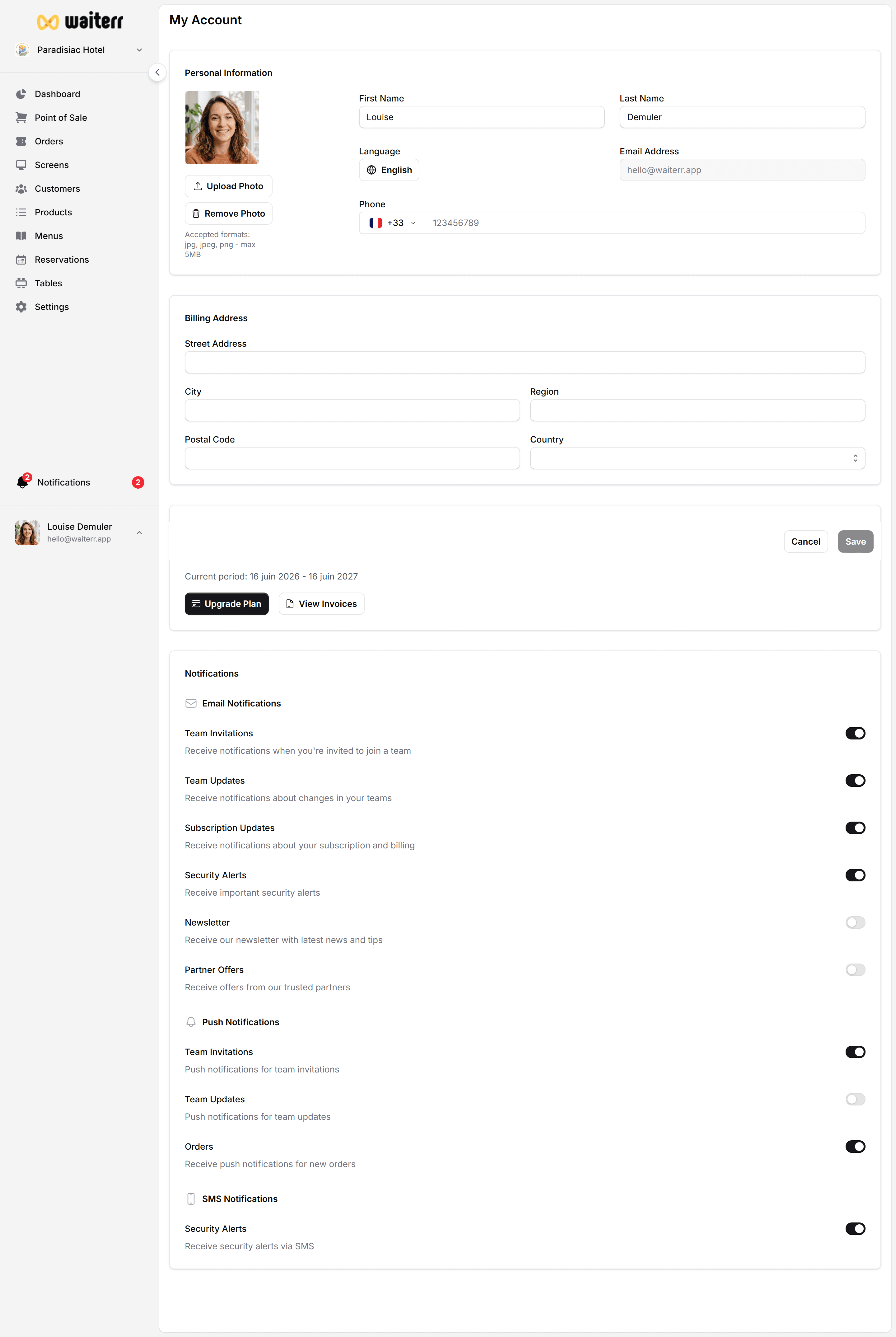
Notification Channels
- In-app notifications (bell icon)
- Email notifications
- Push notifications (future)
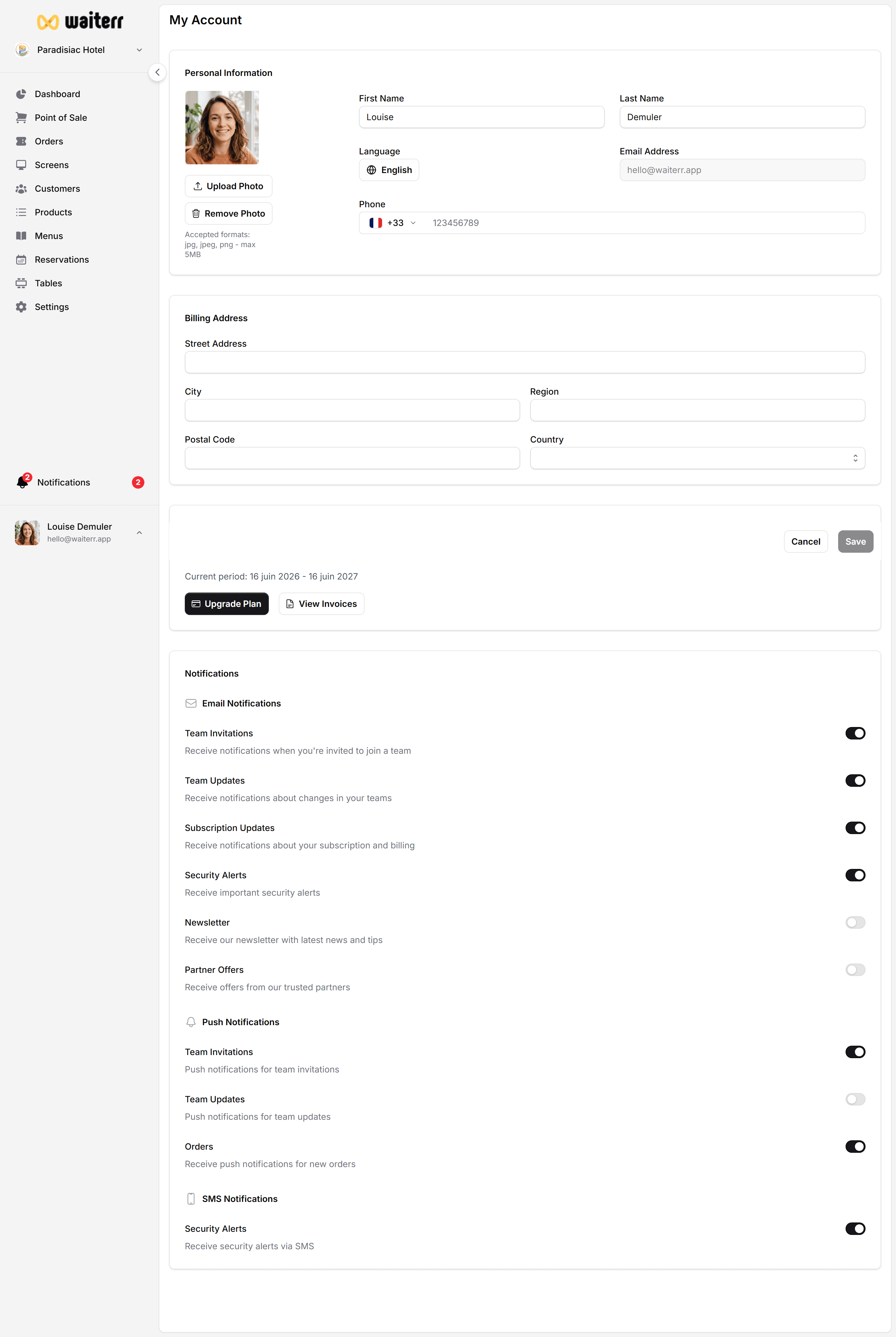
Managing Notification Preferences
Go to:
Profile → Notifications
You can enable or disable:
- Order alerts
- Payment confirmations
- Reservation requests
- Delivery notifications
- Admin updates
- Email summaries
Best Practices
💡 Keep real-time alerts enabled for operational roles (server, bartender).
💡 Managers should enable reservation & billing alerts.
💡 Owners should enable billing & subscription alerts.
Related Pages
Last updated on