Troubleshooting & Common Issues
This page helps you quickly resolve common issues encountered while using Waiterr Manager.
⚠️ Ordering Issues
Customer cannot place an order (QR / Takeaway / Delivery)
Possible causes:
1. Menu not available right now
Check →
Menu → Availability
2. Service disabled
Check →
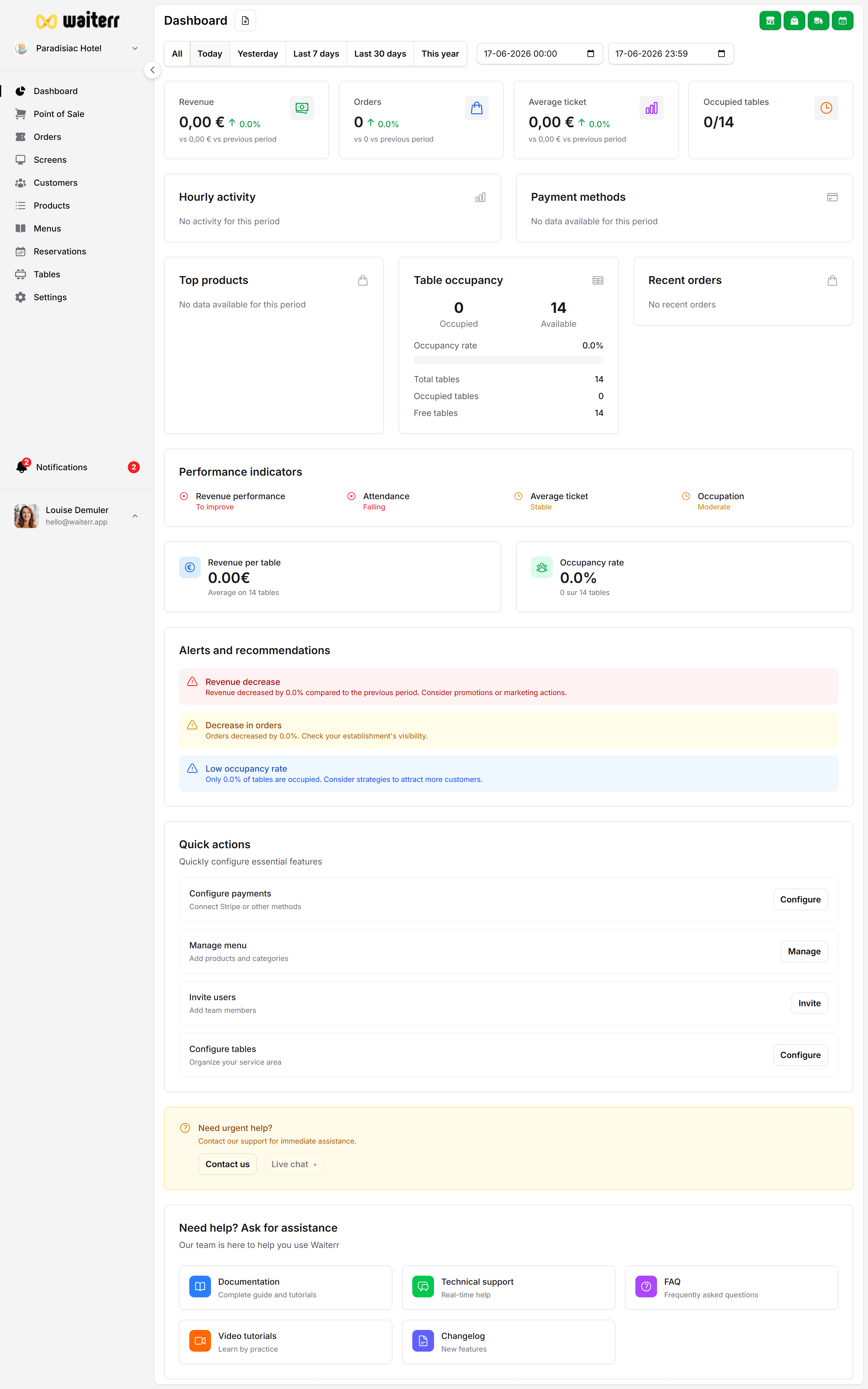
Dashboard → Service Toggles
3. Product inactive
Check →
Products → Product Status
4. Establishment closed
Check →
Settings → Opening Hours
⚠️ Payment Issues
Stripe Payment Fails
- Wrong card
- 3D secure failed
- Expired card
- Stripe connection not complete
- Country mismatch in Stripe onboarding
Payconiq Payment Fails
- Invalid merchant ID
- Wrong API key
- Customer phone not connected
- Merchant contract incomplete
Card Terminal Not Working
- Terminal offline
- Not connected to driver network
- Terminal not configured on correct Wi-Fi
- POS expecting different payment device
⚠️ KDS Issues
Orders missing on KDS
- KDS filters too restrictive
- Product not assigned to this KDS
- Order type excluded
- Auto-accept disabled
- Device offline
KDS timestamps inaccurate
Caused by:
- Offline delays
- Staff updating status late
- Time drift on device (rare)
⚠️ Printer Issues
Tickets not printing
- Printer offline or asleep
- Wrong IP address
- Network isolation on router
- Wrong paper size
- Wrong printer type selected
Printer prints blank pages
- Wrong encoding
- Corrupt template
- Incorrect paper orientation
⚠️ Table & QR Code Issues
QR code opens wrong table
- Wrong QR printed
- Reassigned QR without reprinting
- Customer scanning old QR display
Fix: Regenerate QR and reprint.
Table shows “Busy” but no order exists
Cause:
- Offline desync
- Unsent order in local device
- Mobile POS not synced
Fix:
- Refresh
- Clear unsent orders
- Re-sync POS
⚠️ Delivery Zone Issues
Customer address rejected
- Outside polygon zone
- Minimum order not met
- Wrong formatting
- Address auto-complete mismatch
Related Pages
Last updated on