Client Management
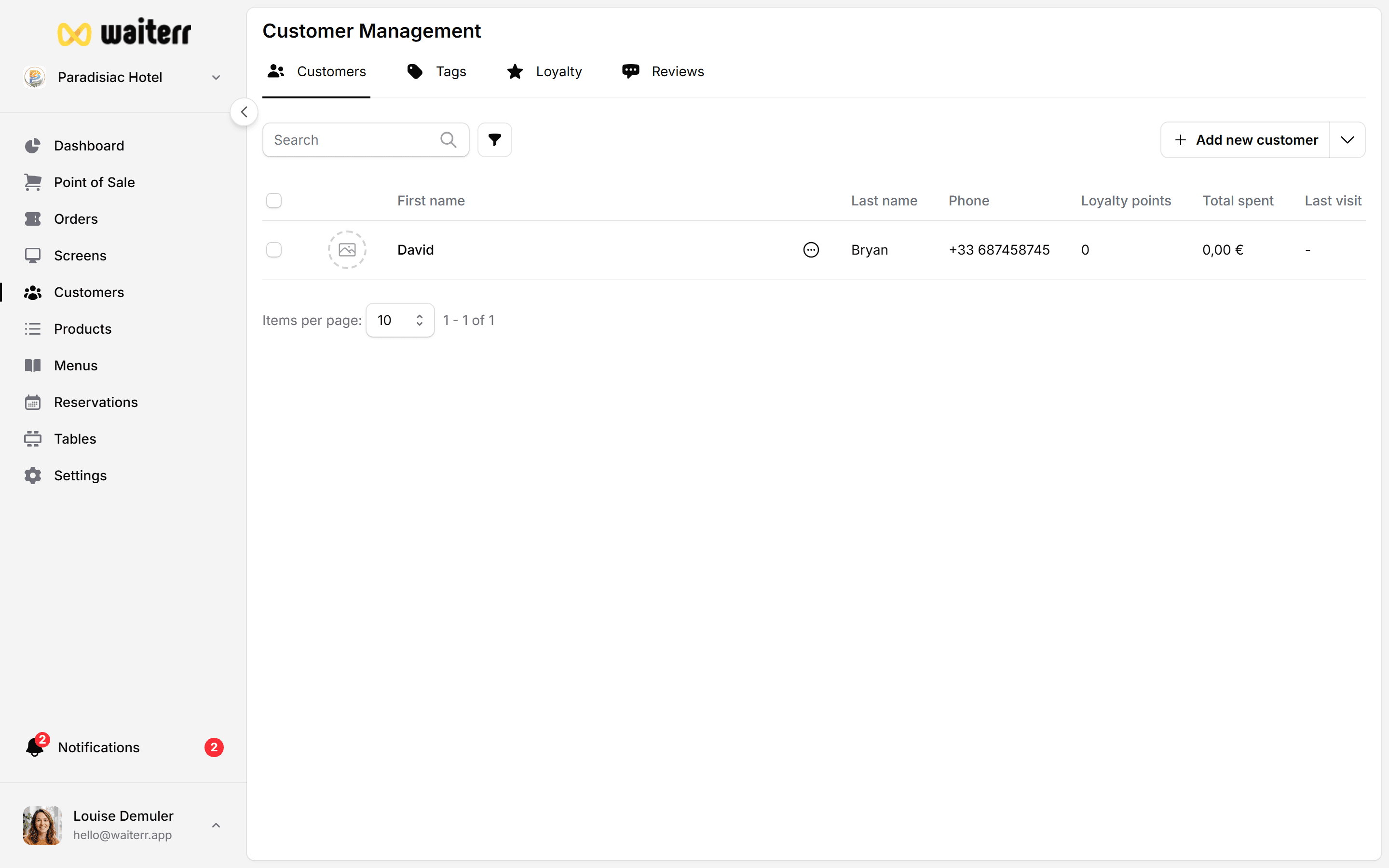
The Clients module allows you to maintain a complete database of your customers.
This includes their contact information, order history, notes, tags, and loyalty (future feature).
It is especially useful for:
- Takeaway & delivery
- Reservations
- Customer follow-up
- Promotions and targeted communication
- Recognizing returning customers
What You Can Do in the Clients Module
- View all customers
- Search by name, phone or email
- Sort by last order date or number of orders
- View customer details
- Add notes and tags
- Access full order history
- Edit customer information
- Merge duplicate customers (future feature)
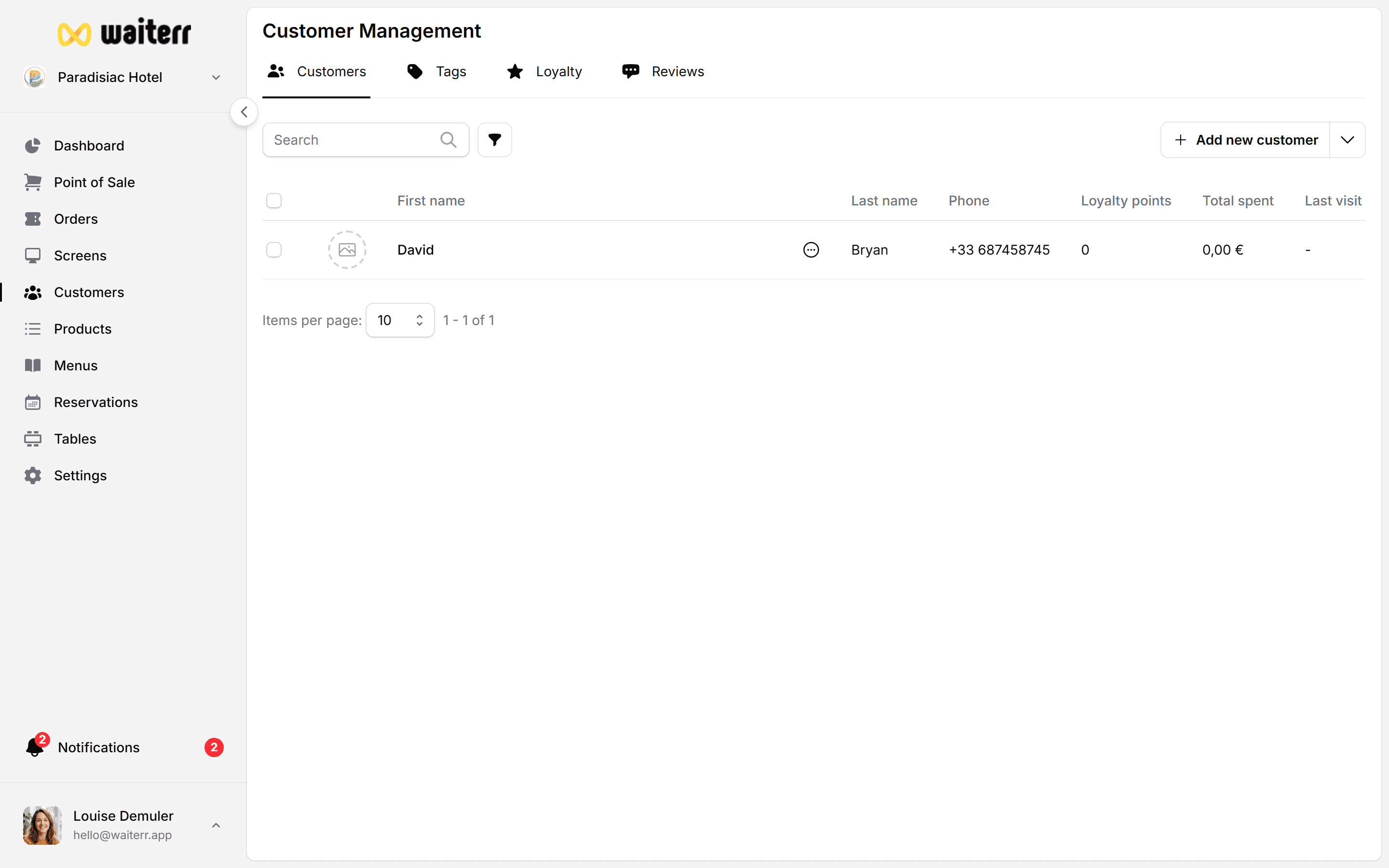
Customer List Columns
Searching Customers
Use the search bar to find customers by:
- Name
- Phone number
- Partial matches
When Customers Are Created Automatically
A customer is automatically created when:
- They order online
- They place a delivery order
- They place a takeaway order
- A staff member fills their info in POS
Related Pages
Last updated on