Notes & Tags
Notes and tags help your staff better understand and categorize customers.
Notes
Notes are internal comments visible only to staff.
Examples:
- “Allergic to peanuts”
- “Prefers table near window”
- “Always orders vegetarian options”
- “Complained about late delivery (01/09)”
Notes are perfect for:
- Improving customer service
- Identifying behavior patterns
- Personalized experiences
Tags
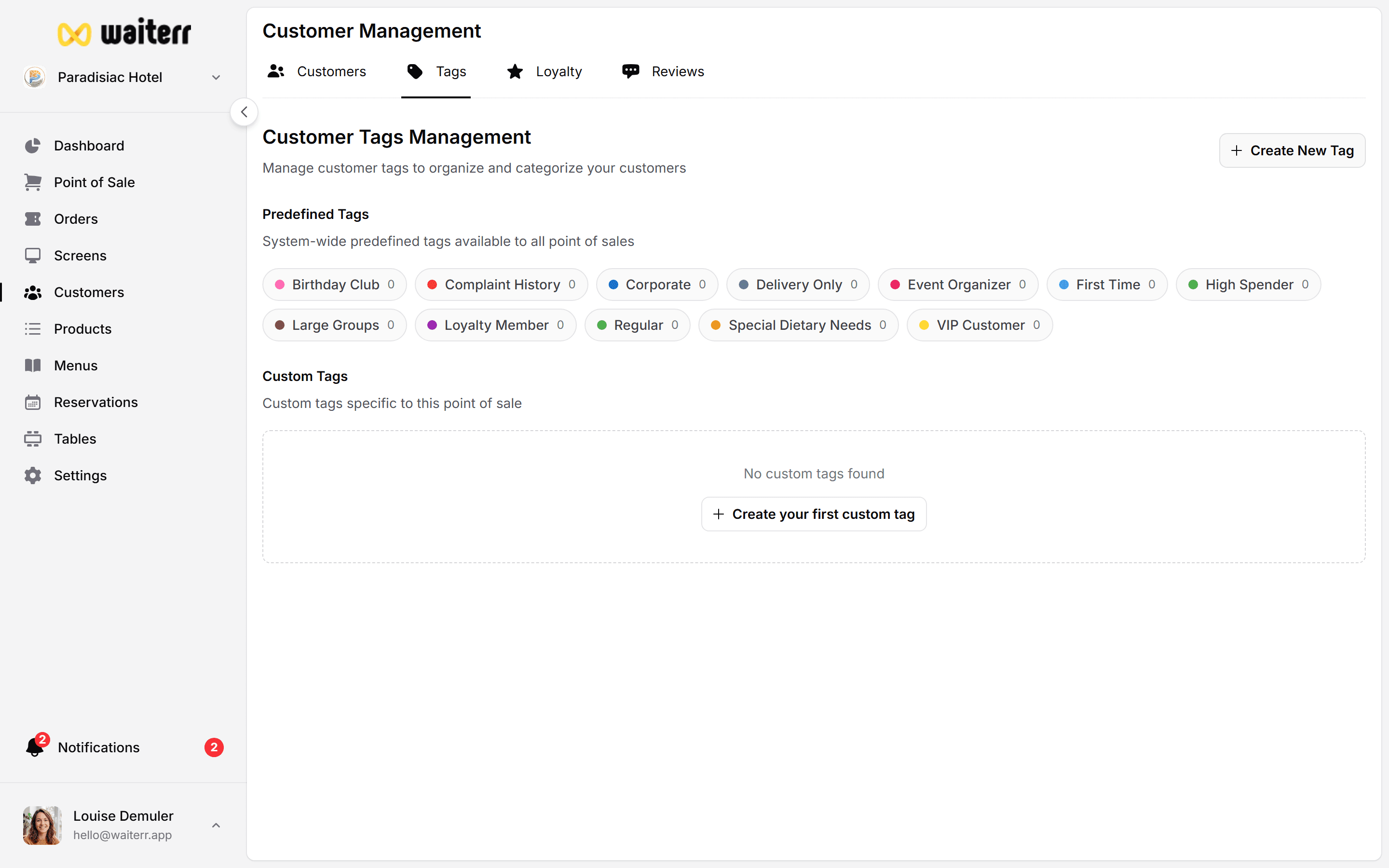
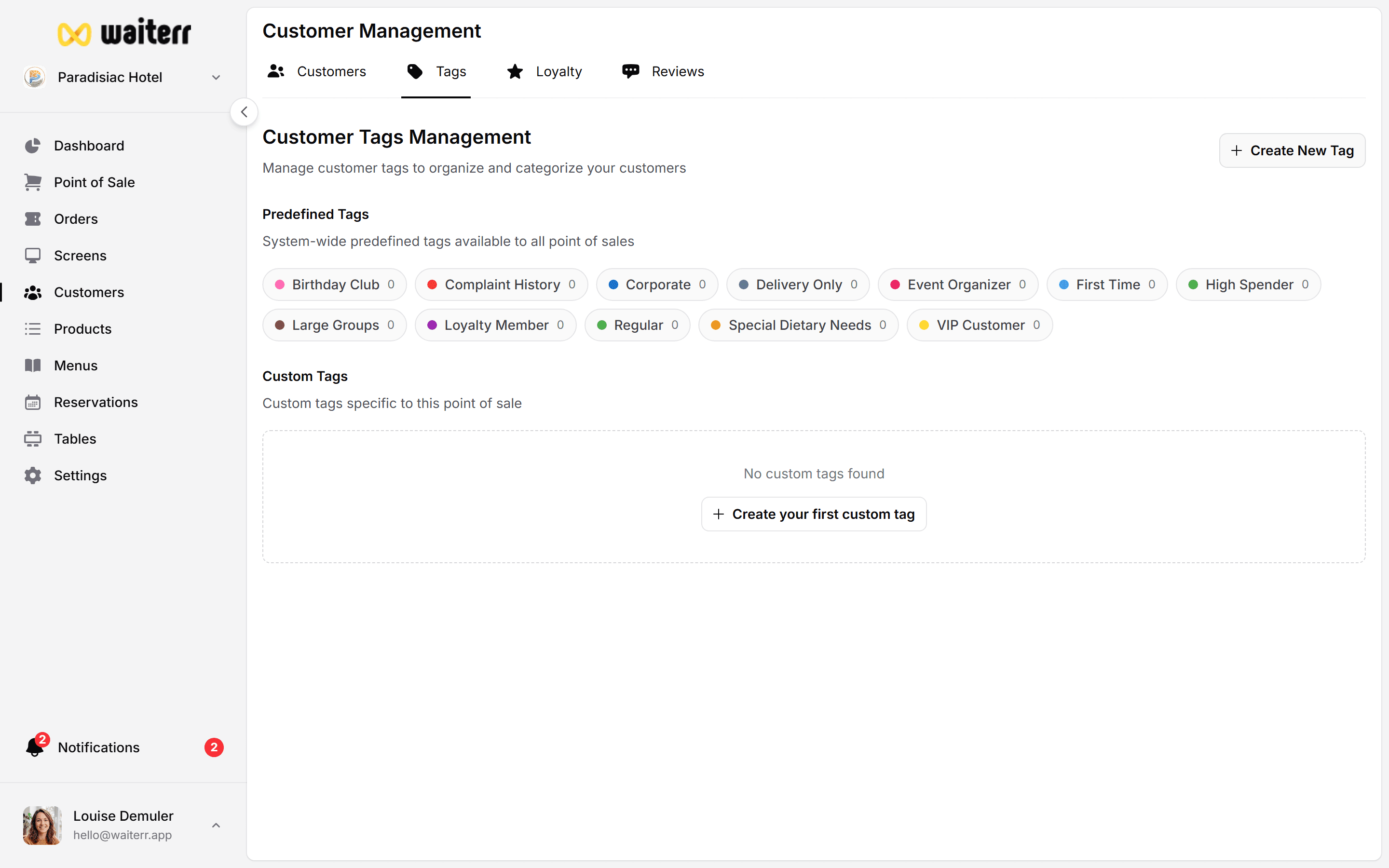
Tags categorize customers using short keywords.
Examples:
- “VIP”
- “Spicy food lover”
- “No onions”
- “Daily lunch”
- “Corporate client”
Tags are used for:
- Quick identification
- Filtering customers
- Future marketing automation
Adding Notes & Tags
Inside the client file:
- Type your note
- Press enter
- For tags, type the tag name → enter
Best Practices
💡 Use short and clear tags
💡 Only write respectful and relevant notes
💡 Do not store sensitive personal information
Related Pages
Last updated on