Filters & Date Ranges
The Dashboard allows you to analyze activity over precise periods.
This helps you understand trends, track busy times, and identify performance changes.
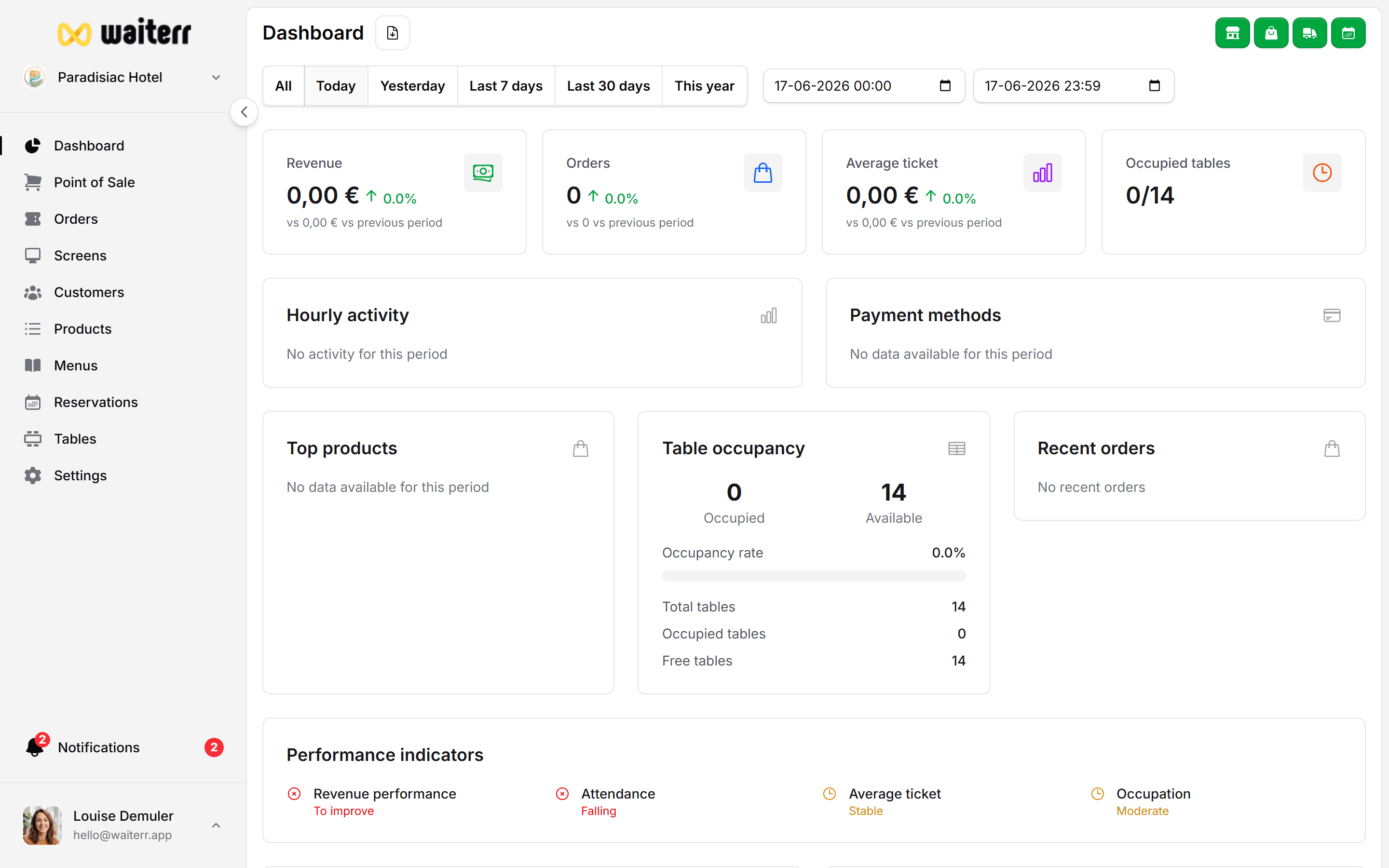
Available Date Filters
You can choose from:
- Today
- Yesterday
- Last 7 days
- Last 30 days
- This year
- Custom date range
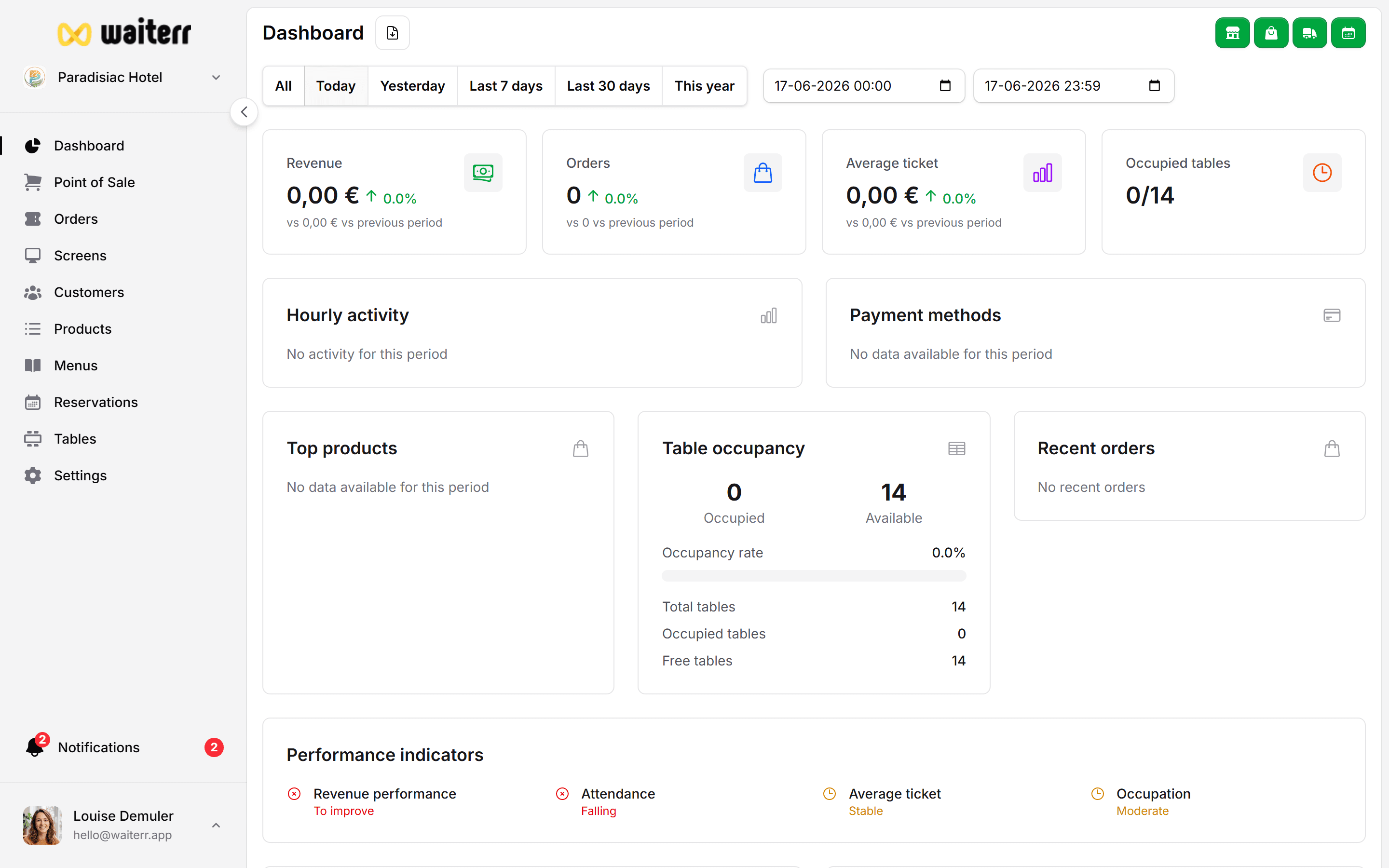
Custom Date Range
If predefined periods are not suitable, you can select a custom start and end date.
This is useful for:
- Tracking events
- Seasonal analysis
- Comparing promotional periods
- End-of-month reporting
Filtering Tips
💡 Tip: Combine filters with the product list or orders list for deeper analysis.
💡 Tip: Use “Last 7 days” for weekly operations meetings.
💡 Tip: “This year” is ideal for long-term trends.
Related Sections
Last updated on