Service Toggles
Service toggles allow you to quickly activate or deactivate services for your establishment.
Each service appears as a colored button:
- 🟢 Green → Active
- 🔴 Red → Inactive
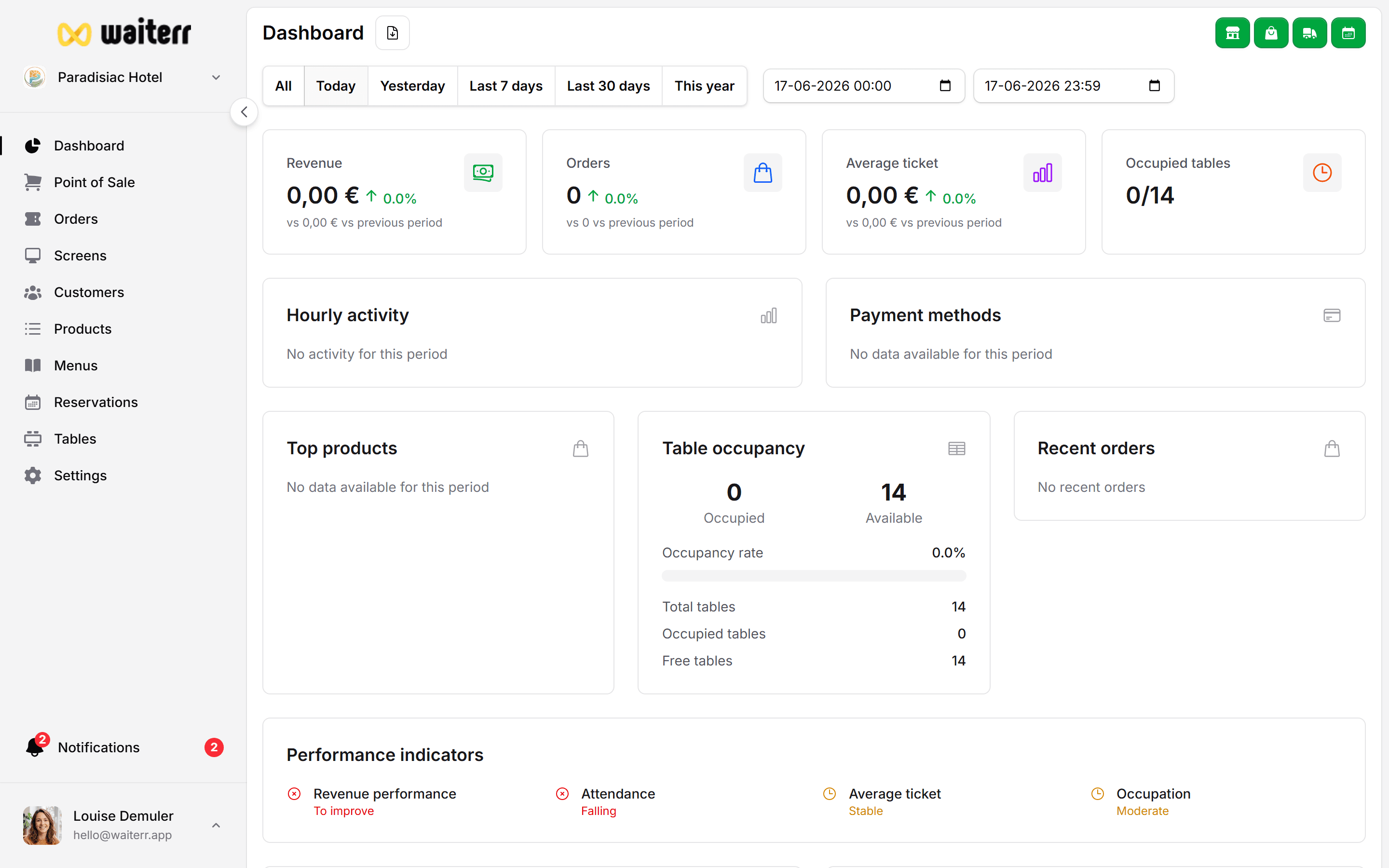
Available Services
The dashboard shows the following services:
🍽 Dine-In / POS
Allows you to take orders:
- At the table
- At the bar
- Using the POS interface
📱 QR Code Ordering
Customers can scan a table QR code to:
- Browse the menu
- Order
- Pay (online or in person)
Perfect for:
- Bars
- Terraces
- Clubs
- Casual dining
Learn more →
QR Ordering
🛍 Takeaway (Pick-Up)
Customers order and pick up their items.
You can configure:
- Minimum order amount
- Preparation time
- Opening hours exceptions
Learn more →
Takeaway Settings
🚚 Delivery
Enables delivery orders.
You can configure:
- Multiple delivery zones
- Radius or map-selection zones
- Minimum amounts
- Delivery fees
- Estimated delivery times
Learn more →
Delivery Zones
📅 Reservations
Allows customers to book tables online.
You can configure:
- Confirmation required
- Credit card pre-authorizations
- Cancellation fee
- Booking limits (min/max)
Learn more →
Reservations
Quick Tips
💡 You can toggle services at any time — changes are immediate.
💡 Disabling a service hides it from customer interfaces.
💡 Keep unused services disabled to simplify customer experience.
Last updated on