Description, Logo & Images
This page lets you configure the visual identity of your establishment.
Images are key to giving customers a great first impression.
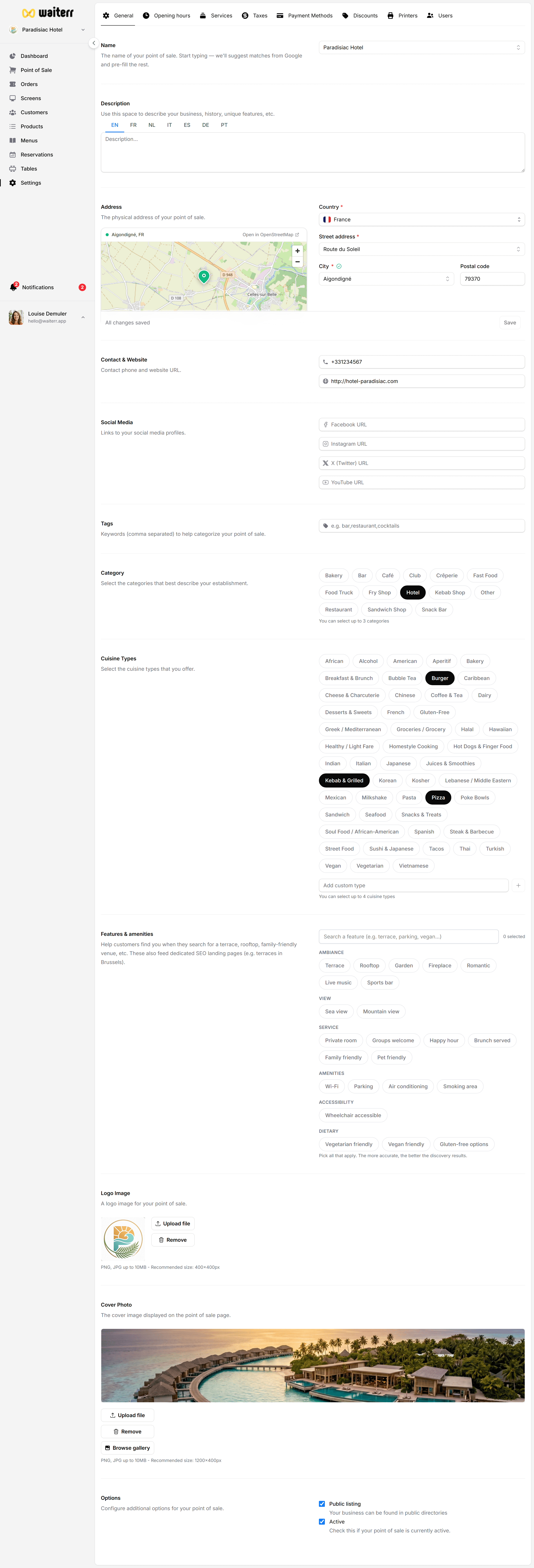
Description (Multilingual)
Write a clear, friendly description in all languages you support.
This text appears on:
- Online menu
- Ordering pages
- Reservation pages
Example descriptions:
- “Authentic Italian cuisine made with passion.”
- “Cocktail bar serving creative drinks and tapas.”
- “Food truck specializing in homemade burgers and fries.”
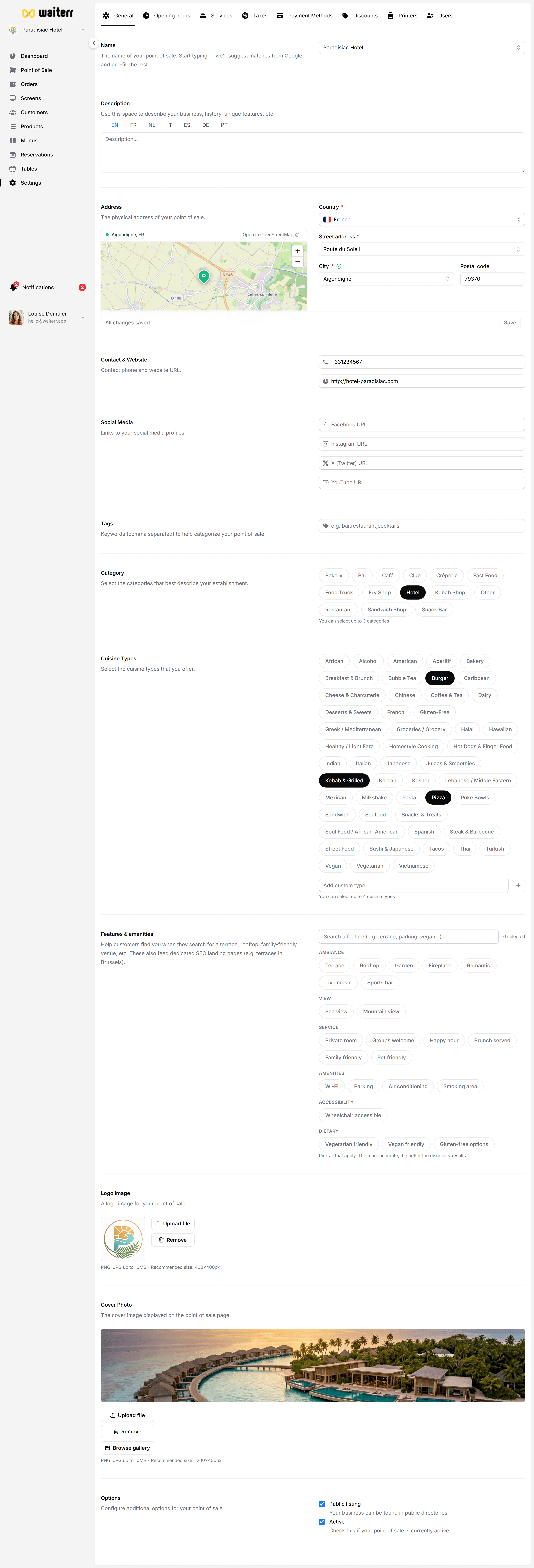
Logo
Your logo appears on:
- Receipts
- QR ordering page
- Customer order tracking
- Client display screens
- Dashboard header
You can:
- Upload your own logo
- Choose from auto-suggested logos (if detected from your website)
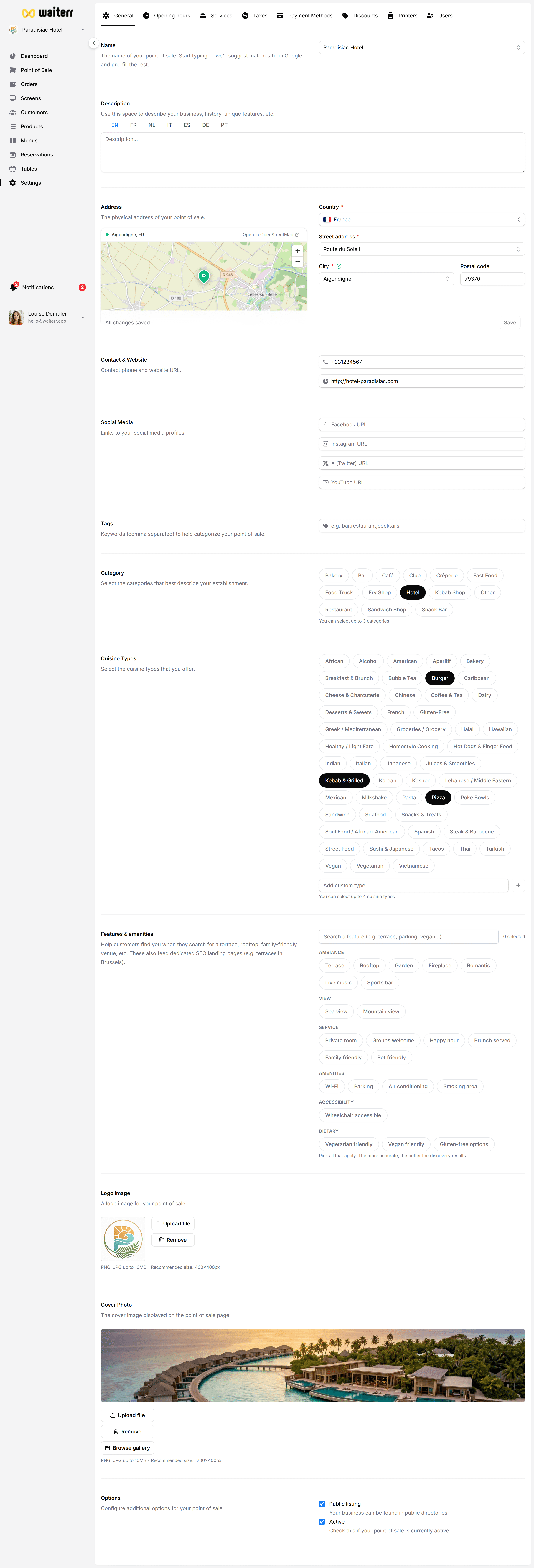
Cover Image
Used as the main header image on:
- Your online menu
- Reservation pages
- Client-facing screens
Recommended size: 1600x900 (landscape)
Image Gallery
Auto-detected sources include:
- Google Business images
- Website media
- Predefined image library
You can:
- Choose one
- Upload your own
- Replace anytime
Best Practice Tips
💡 Use bright, high-resolution images.
💡 Avoid text-heavy images.
💡 Show your venue, dishes, drinks or atmosphere.
💡 Keep logo simple and readable.
Related Pages
Last updated on