Tags (Labels)
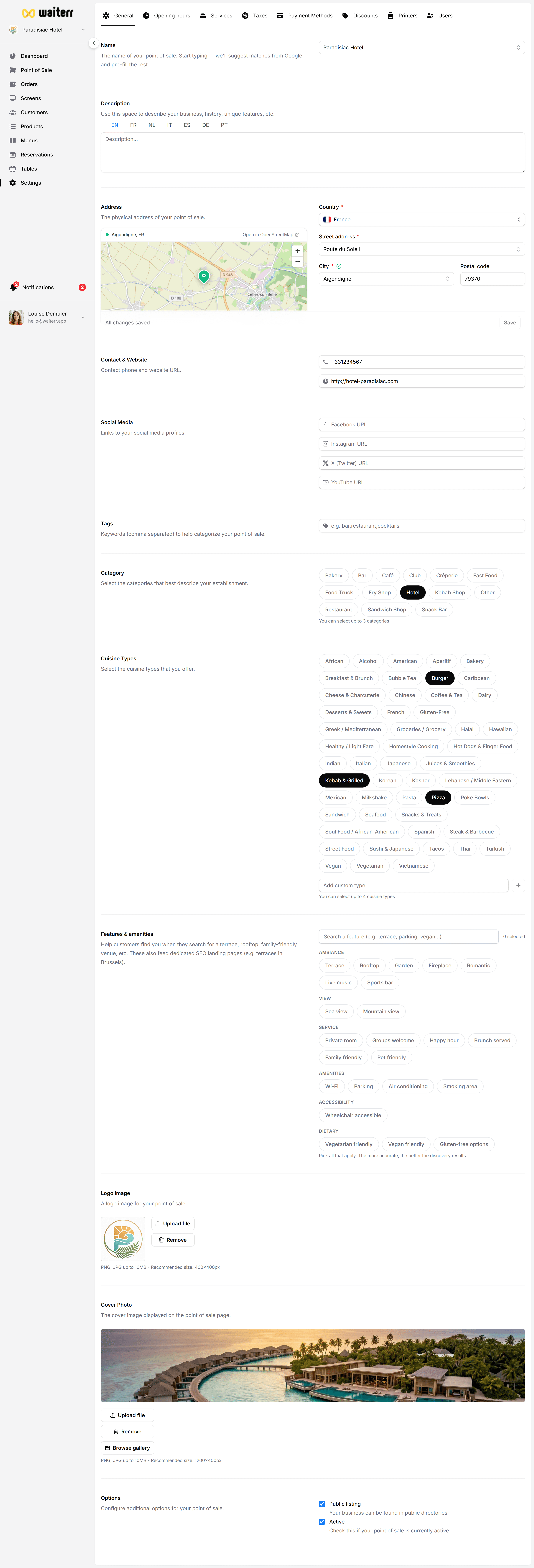
Tags help categorize your establishment or products with additional metadata.
What are tags used for?
Tags can be used to describe:
- Features (“pet friendly”, “vegan options”)
- Specialities (“cocktails”, “pasta”, “craft beer”)
- Operational notes
- Seasonal attributes
They help customers find what you offer more easily.
How to add tags
- Type a keyword
- Press ENTER to add
- Add multiple tags separated by commas
Example:
vegan, gluten-free, cocktails, lunch menu
Best Practices
💡 Use simple keywords
💡 Avoid long phrases
💡 Add only relevant tags
Related Pages
Last updated on