Creating Your First Establishment
Your establishment is the core of your Waiterr setup.
It contains your menu, products, payments, KDS screens, taxes and everything related to your business.
The 4-step creation process
- Establishment information
- Website & Google auto-fill
- Categories, cuisine, hours & options
- Summary & creation
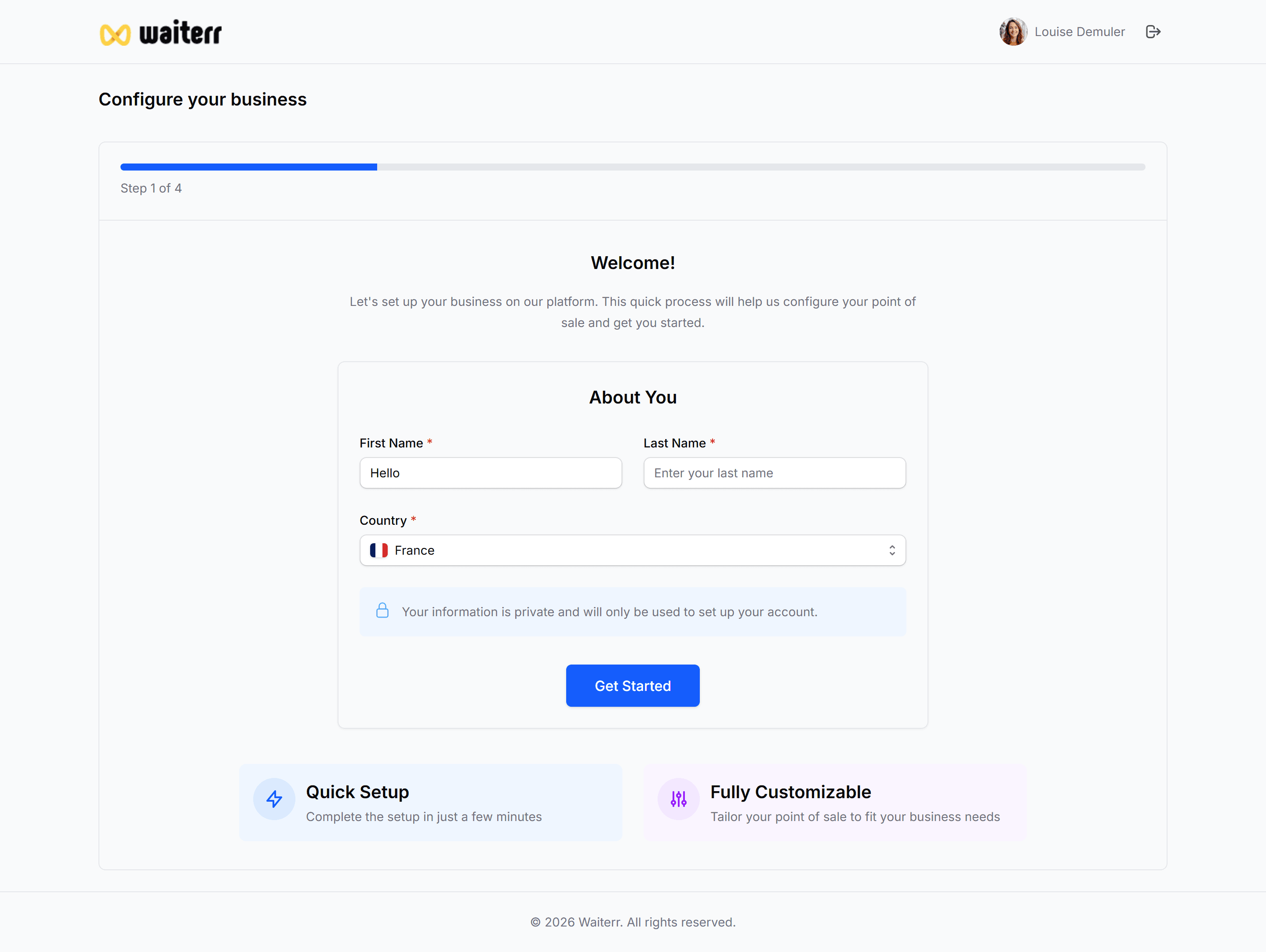
1. Establishment Information
You must provide:
- Name
- Address
- City
- Postal code
- Phone number
As soon as you type the name, Waiterr checks online sources to pre-fill missing data.
Learn more →
General Information
2. Google / Website auto-fill
Waiterr automatically retrieves:
- Logo
- Cover image
- Gallery images
- Categories
- Cuisine types
- Opening hours
- Description
- Social media links
You can replace any suggested item.
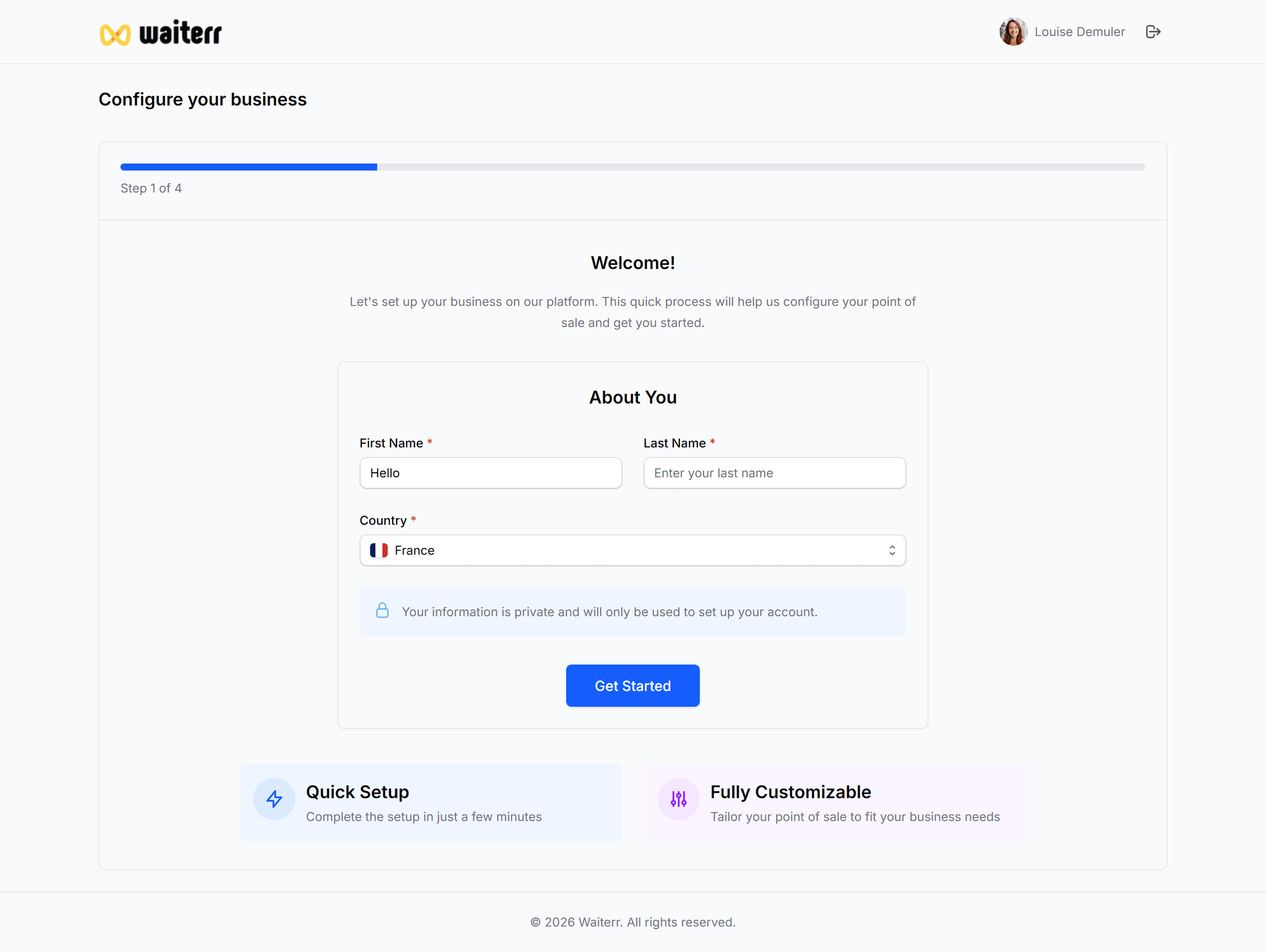
3. Categories, Cuisine & Options
You may select:
- Up to 3 establishment categories
- Multiple cuisine types (with custom ones)
- Online ordering options (takeaway / delivery)
Learn more →
Categories & Cuisines
4. Summary & Finish
Review your data, then click:
Create Establishment
This will redirect you to your new dashboard.
Learn more →
Dashboard Overview
Last updated on