How Waiterr Manager Works
Waiterr Manager centralizes all essential tools required to run a modern restaurant, bar or event.
Here is the overall flow of how the system works.
1. Create your establishment
When you log in for the first time, you will be guided through the creation of your first point of sale.
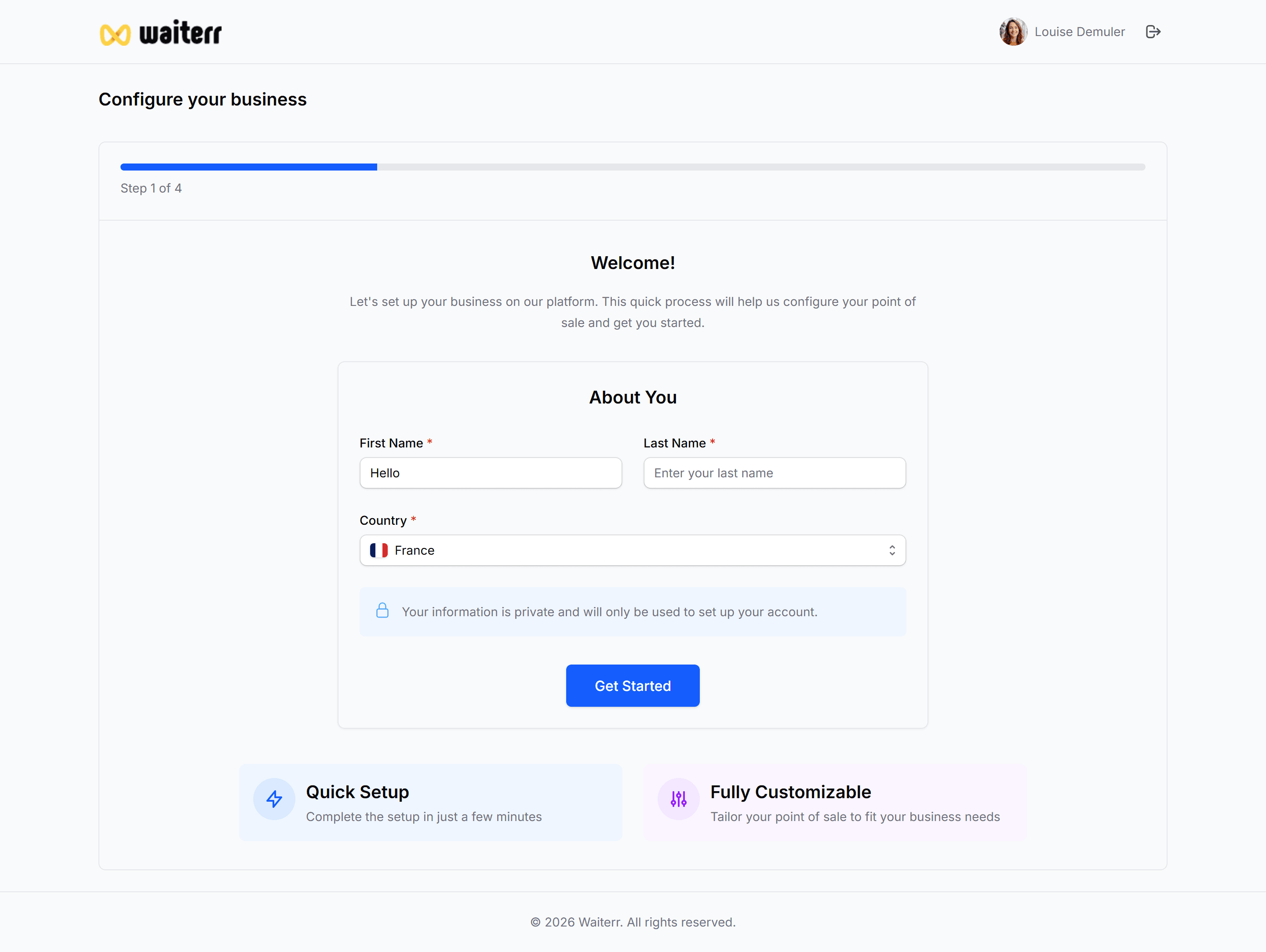
This process collects your basic information (name, address, categories, opening hours, image, etc.).
Learn more:
→ Create your first establishment
2. Set up your menu & products
You can create products, categories, options, allergens and images.
Your menu can have multiple sections (Drinks, Food, Desserts, Lunch…).
Learn more:
→ Menu Builder Overview
→ Product Management
3. Enable services
You choose what your establishment offers:
- Dine-in (POS)
- QR code ordering
- Takeaway
- Delivery
- Reservations
Learn more:
→ Services Overview
4. Manage orders in real time
Orders come from:
- POS
- Online ordering
- QR code
- Delivery
- Takeaway
They appear instantly in:
- The Order List
- The Order Management Board
- Your KDS screens
Learn more:
→ Order List
→ KDS Setup
5. Accept payments
Payments can be handled:
- On POS (cash, card, Payconiq, etc.)
- Online (Stripe, PayPal, Payconiq)
- For events (delayed billing)
Learn more:
→ Payment Methods Overview
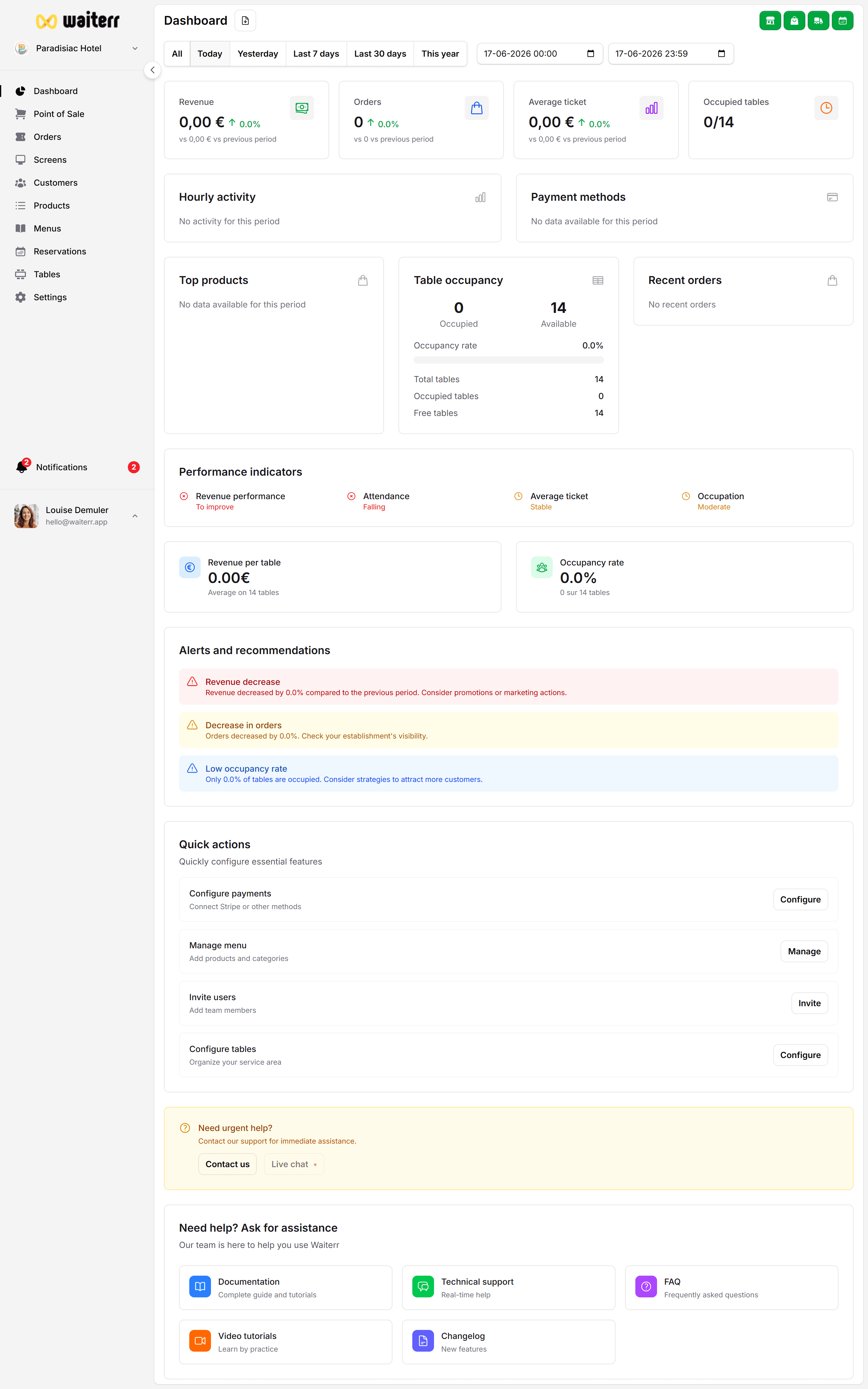
6. Track your performance
The dashboard gives you:
- Revenue
- Order count
- Average ticket
- Most sold products
- Occupancy
- KPIs & insights
Learn more:
→ Dashboard Overview
7. Manage your team
Invite staff and assign them roles:
- Owner
- Manager
- Server
- Bartender
- Viewer
Learn more:
→ User Management
Complete Workflow Diagram (placeholder)