Menu & Category Images
Images help make your menu more attractive and intuitive for customers.
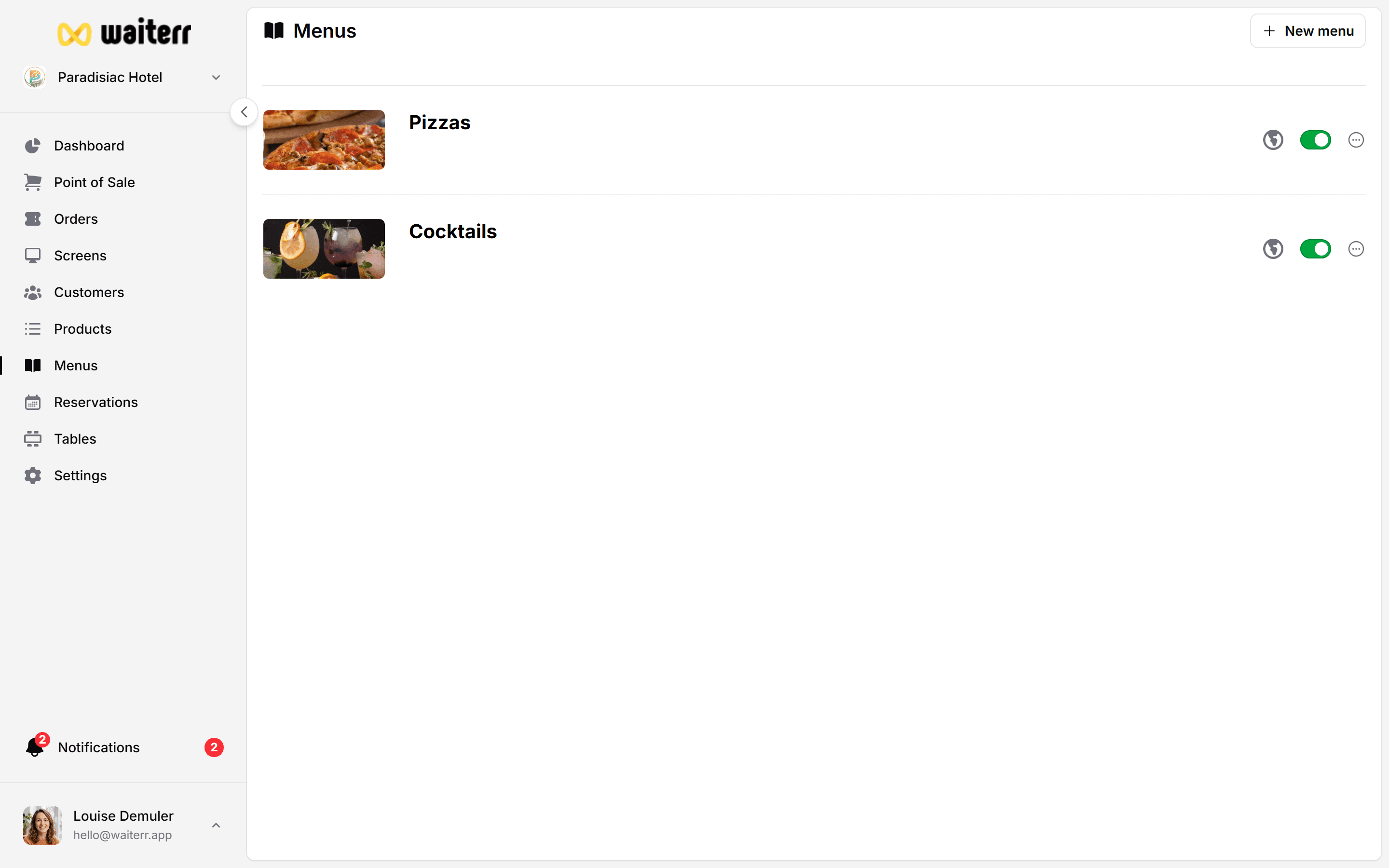
Types of Images You Can Set
- Menu Image → represents the entire menu
- Category Images → represent each category
- Product Images (covered in product module)
Image Sources
You can choose images from:
- AI-powered suggestions (based on menu name)
- Predefined image library
- Uploaded images
- Website auto-import (if detected)
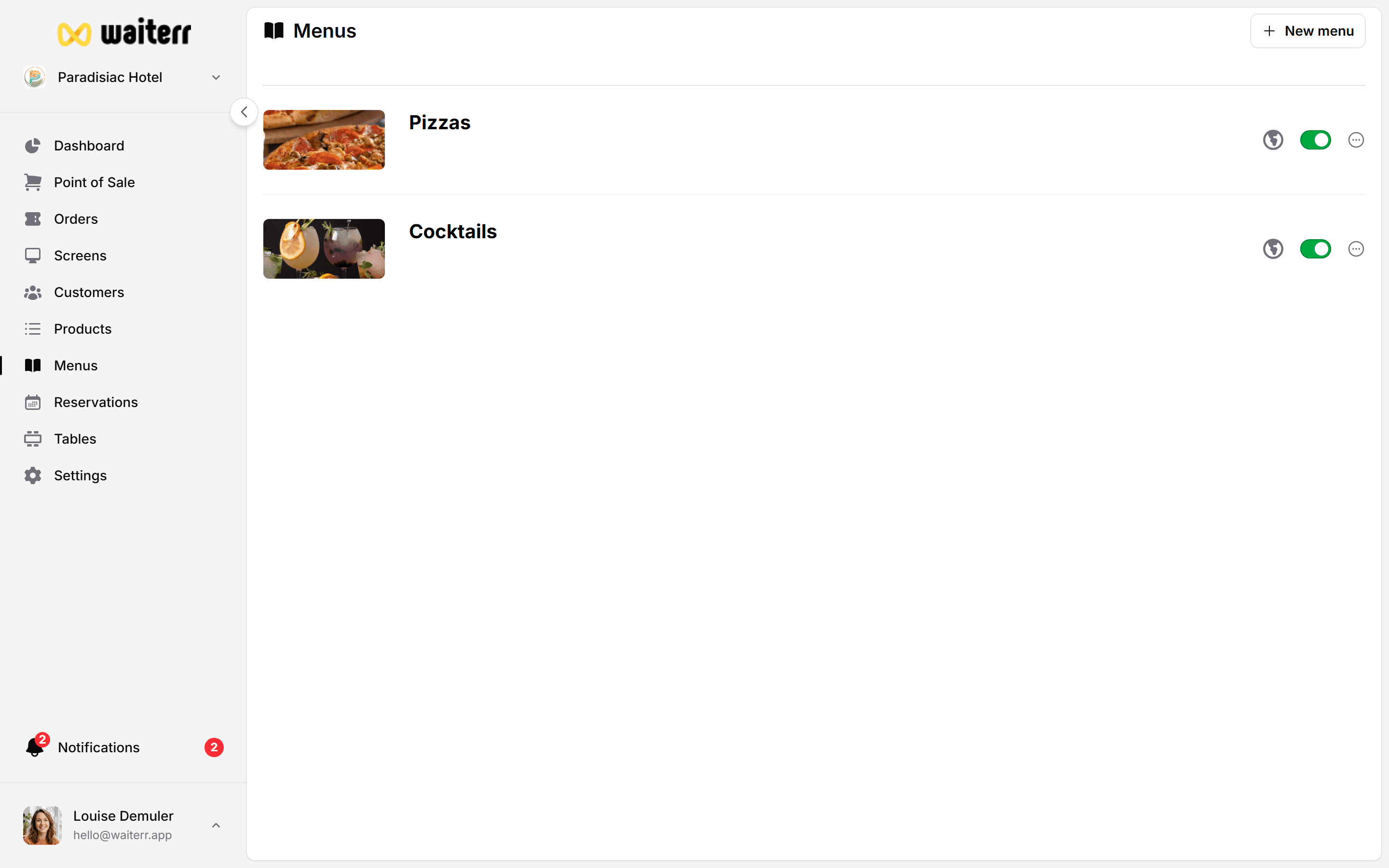
Recommended Size
- For menu images: 1600x900
- For category images: 600x600
- For product images: 800x800 (see product module)
Cropping & Editing
The built-in editor allows:
- Crop
- Zoom
- Reposition
Tips
💡 Use consistent style (flat, photo, illustration, etc.)
💡 Avoid text on images
💡 Use high-quality images
💡 Choose images that reflect your real offering
Related Pages
Last updated on