Creating a New Establishment
You can create as many establishments as needed under your account.
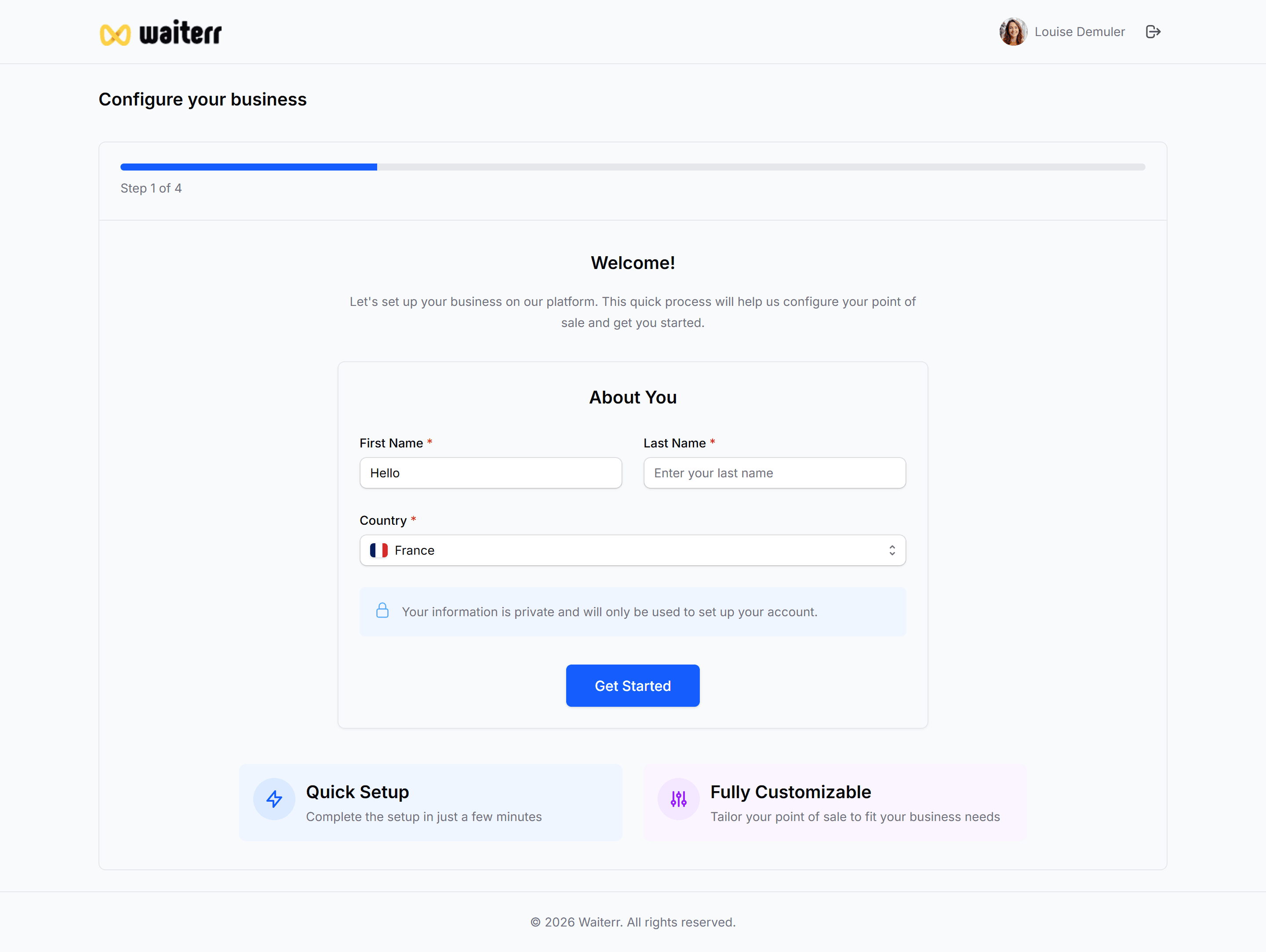
How to Create a New Establishment
Click:
Profile → Establishments → Create New
or
Sidebar Menu → Your Establishment → Add New
You will start the same onboarding process used for the first venue:
- Establishment Information
- Google / Website Auto-Fill
- Categories, Cuisine Types, Hours & Options
- Summary & Confirmation
Learn more →
👉 Onboarding Flow
Use Cases
- Opening a second restaurant
- Expanding to a new city
- Creating seasonal venues
- Managing food trucks separately
- Events or festivals
- Dark kitchens
Managing Multiple Establishments
Each new establishment gets:
- Its own dashboard
- Its own product catalog
- Its own settings
- Its own users
- Its own KDS screens
- Its own menus
- Its own delivery zones
- Its own stats
Nothing is shared unless you duplicate manually.
Duplicating an Existing Establishment (future)
A feature will soon allow:
- Duplicate menu
- Duplicate products
- Duplicate KDS screens
- Duplicate printers
- Duplicate table plan
Useful for franchise groups.
Billing Considerations
Depending on your subscription:
- Additional establishments may require an upgraded plan
- Billing can be centralized or per establishment
Learn more →
👉 Billing & Subscription
Related Pages
Last updated on