Switching Between Establishments
If your account is linked to multiple establishments, you can easily switch between them without logging out.
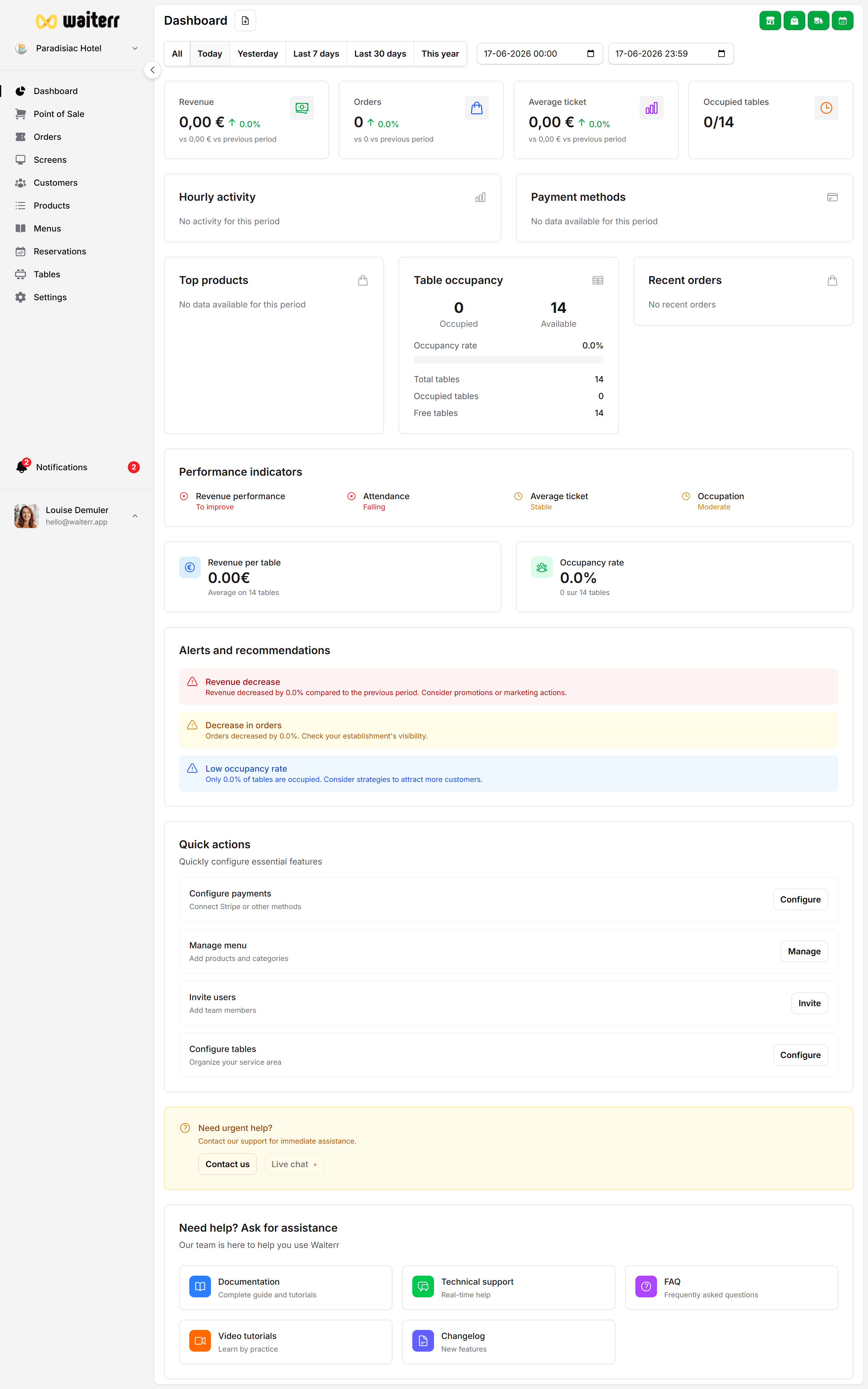
This is useful for:
- Restaurant groups
- Multi-location brands
- Food trucks with several operating spots
- Event-based businesses
- Seasonal venues
How to Switch Establishments
Click your establishment name in the sidebar or top bar
→ A dropdown menu appears listing all venues you have access to.
Choose:
- “Restaurant Central”
- “Bar Le Soir”
- “Food Truck 2”
- “Summer Festival Stand”
- etc.
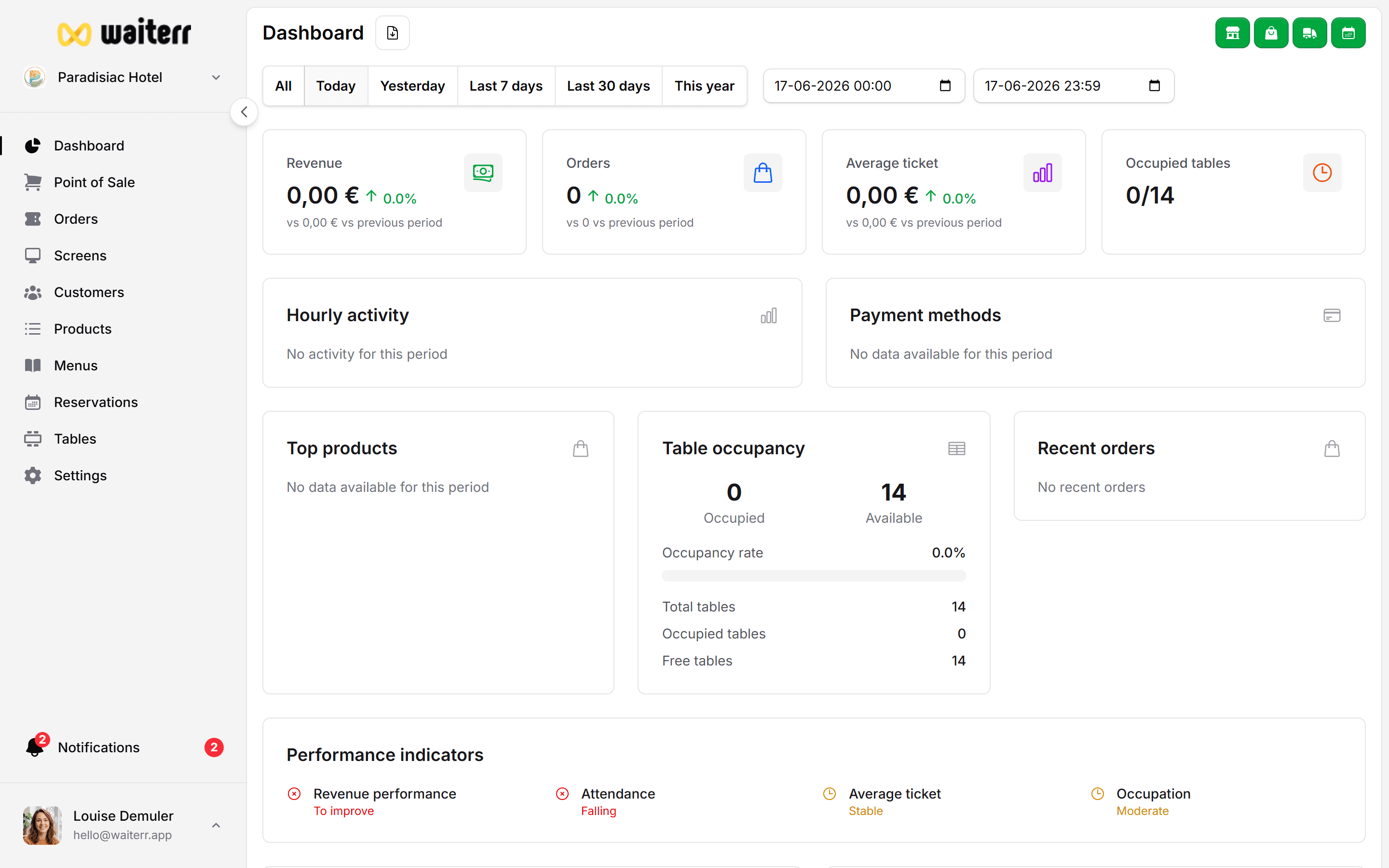
The Manager instantly reloads with:
- Dashboard of the selected store
- Its menu
- Its orders
- Its products
- Its KDS screens
- Its users (store-specific)
- Its settings
Important: Separation of Data
Each establishment has its own:
- Menus
- Products
- Orders
- Tables
- Users & roles
- KDS screens
- Settings
- Delivery zones
- Taxes
- Images
- Billing info (if separate subscription)
Nothing is shared unless you manually duplicate items.
User Access Per Establishment
A user can:
✔ Be Owner of Store A
✔ Be Manager of Store B
❌ Have no access to Store C
Access is store-specific, not account-wide.
Learn more →
👉 User Roles & Permissions
Best Practices
💡 Name your establishments clearly
💡 If you operate temporary stands or events, archive old ones
💡 Use consistent naming conventions across venues
Related Pages
Last updated on