Order Management Board (Kanban)
The Order Management Board provides a real-time, drag-and-drop workflow for all active orders.
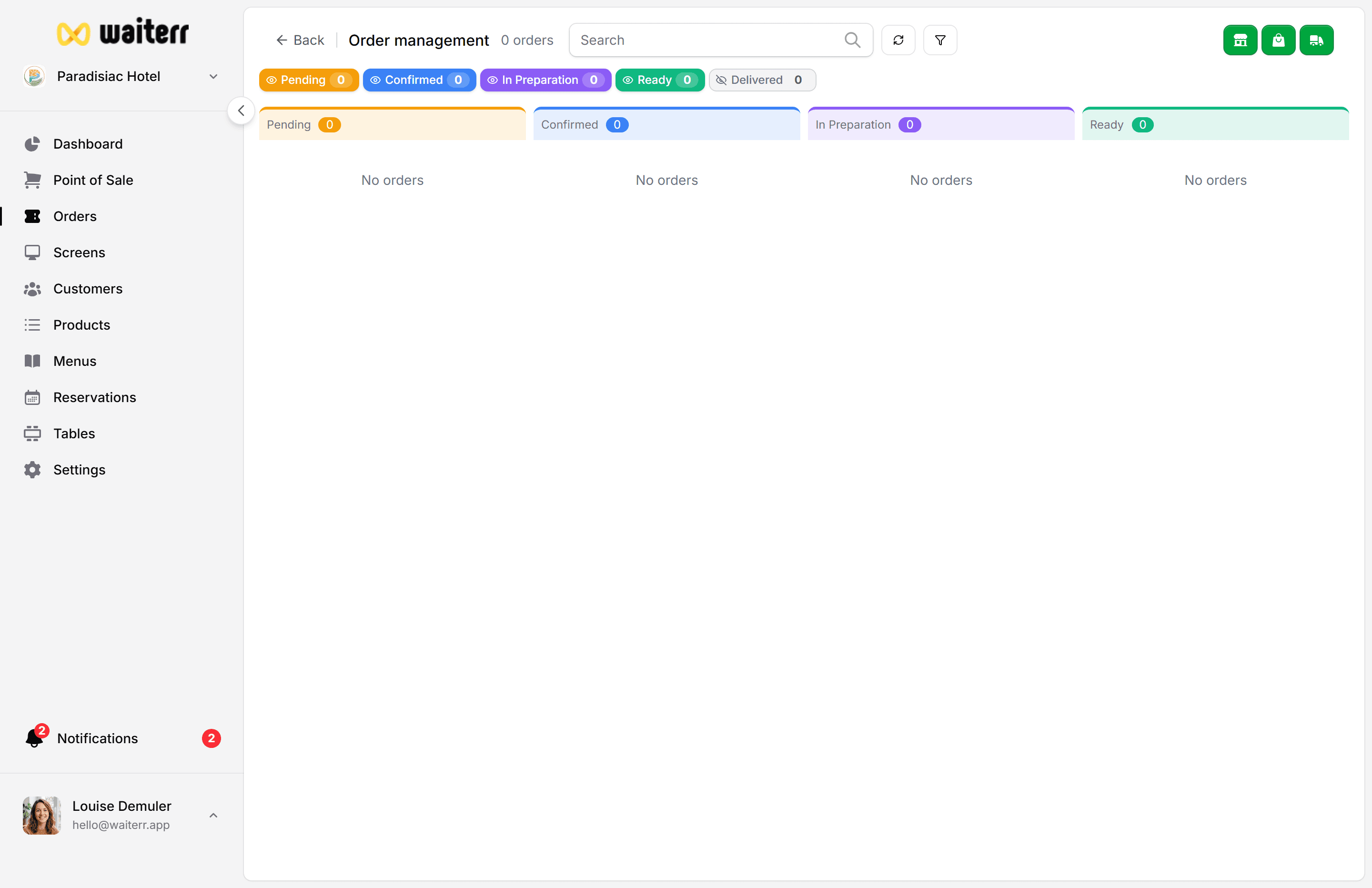
Columns (Statuses)
- Pending
- Confirmed
- Preparing
- Ready
- Delivered
You can collapse columns or hide them.
Features
- Real-time updates
- Drag & drop between statuses
- Filters per order type
- Hide delivered orders
- KDS assignment display
- Visual color-coded timing
- Quick status actions
- Order search
Visual Indicators
- Green = on time
- Orange = slow
- Red = late
Products show KDS location icons:
- 🔥 Kitchen
- 🍹 Bar
- 🍰 Dessert station
Important Warning
Changing order status here updates all KDS stations at once.
Useful for:
- Fast workflows
- Small venues
But be cautious if:
- Multiple KDS stations are active
- Different parts of the order finish at different times
Related Pages
Last updated on