Cash & Card Payments (POS)
These payment methods are used only on POS for dine-in orders.
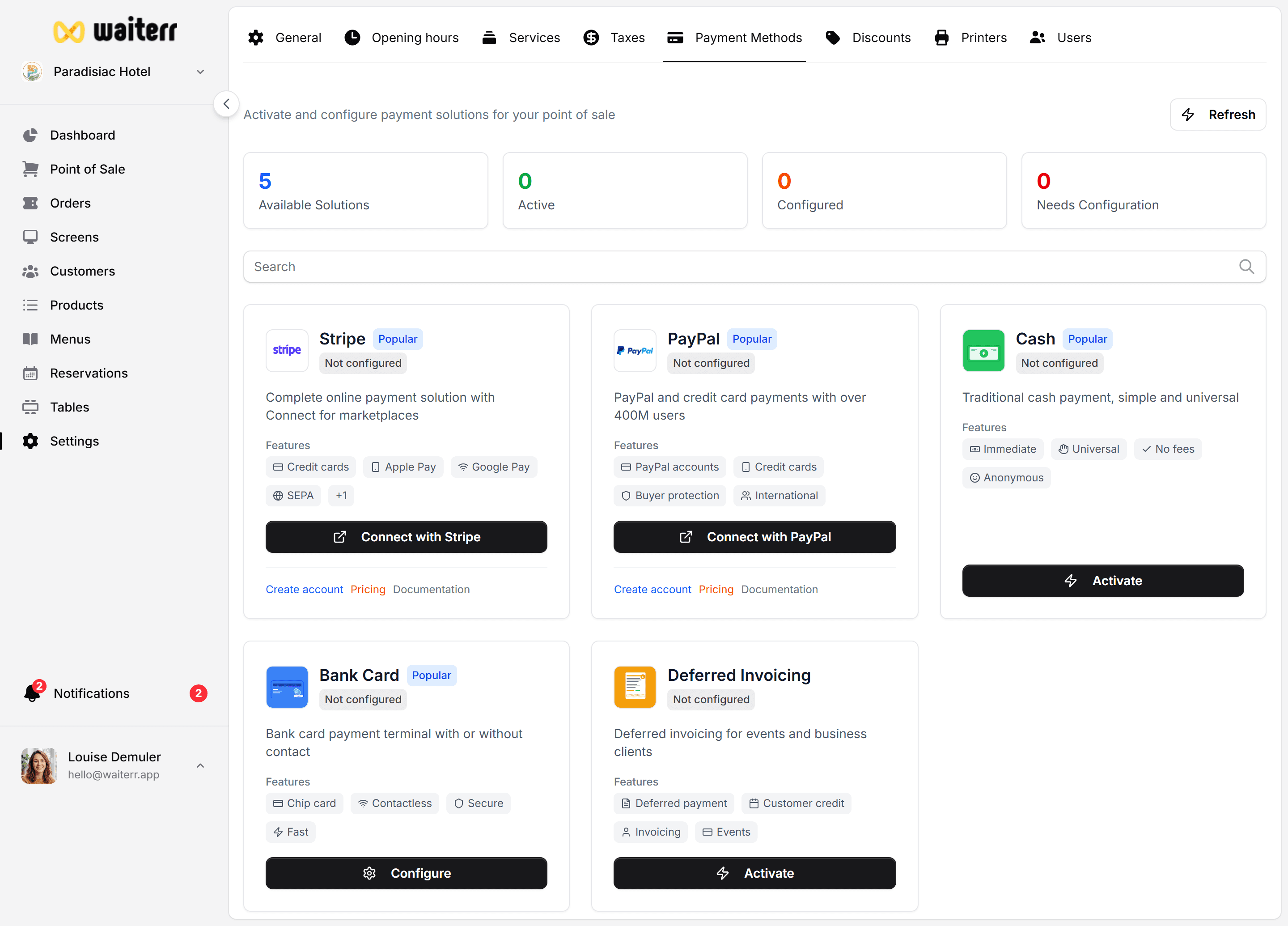
Cash Payment
A simple confirmation button is shown:
- Staff records cash amount
- Order is marked as paid
- Ticket can be printed automatically
Cash payments are always enabled by default.
Card Payment (Physical Terminal)
Card payments are processed using your existing payment terminal.
You can use:
- Worldline / Ingenico
- SumUp
- Viva Wallet terminal
- Payconiq terminal
- Any standard card terminal
Future update:
Waiterr Terminal Integration (coming soon)
Multi-Payment Support
You can split payment into:
- Cash + Card
- Cash + Payconiq
- Card + Payconiq
- Multiple partial payments
Where to Configure
Settings → Payment Methods → Cash / Card
You can configure:
- Active/inactive per service
- Default POS behavior
- Print ticket on payment
Related Pages
Last updated on