Payconiq Integration (Belgium & Netherlands)
Payconiq allows fast mobile payments both online and at POS.
It is widely used in Belgium and the Netherlands.
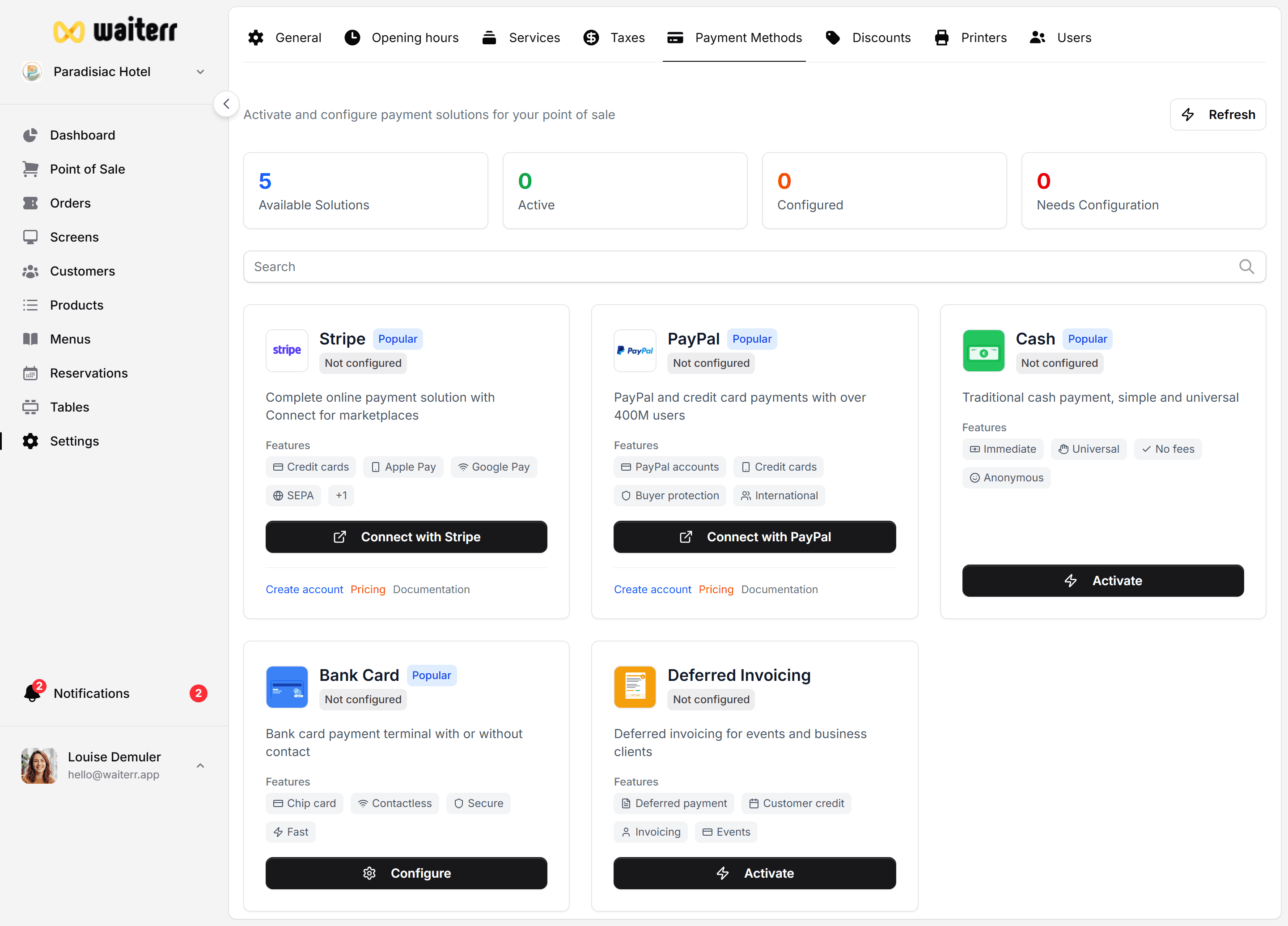
Connecting Payconiq
To connect your Payconiq merchant account:
- Go to Settings → Payment Methods → Payconiq
- Enter:
- API Key
- Merchant ID
- Click Save
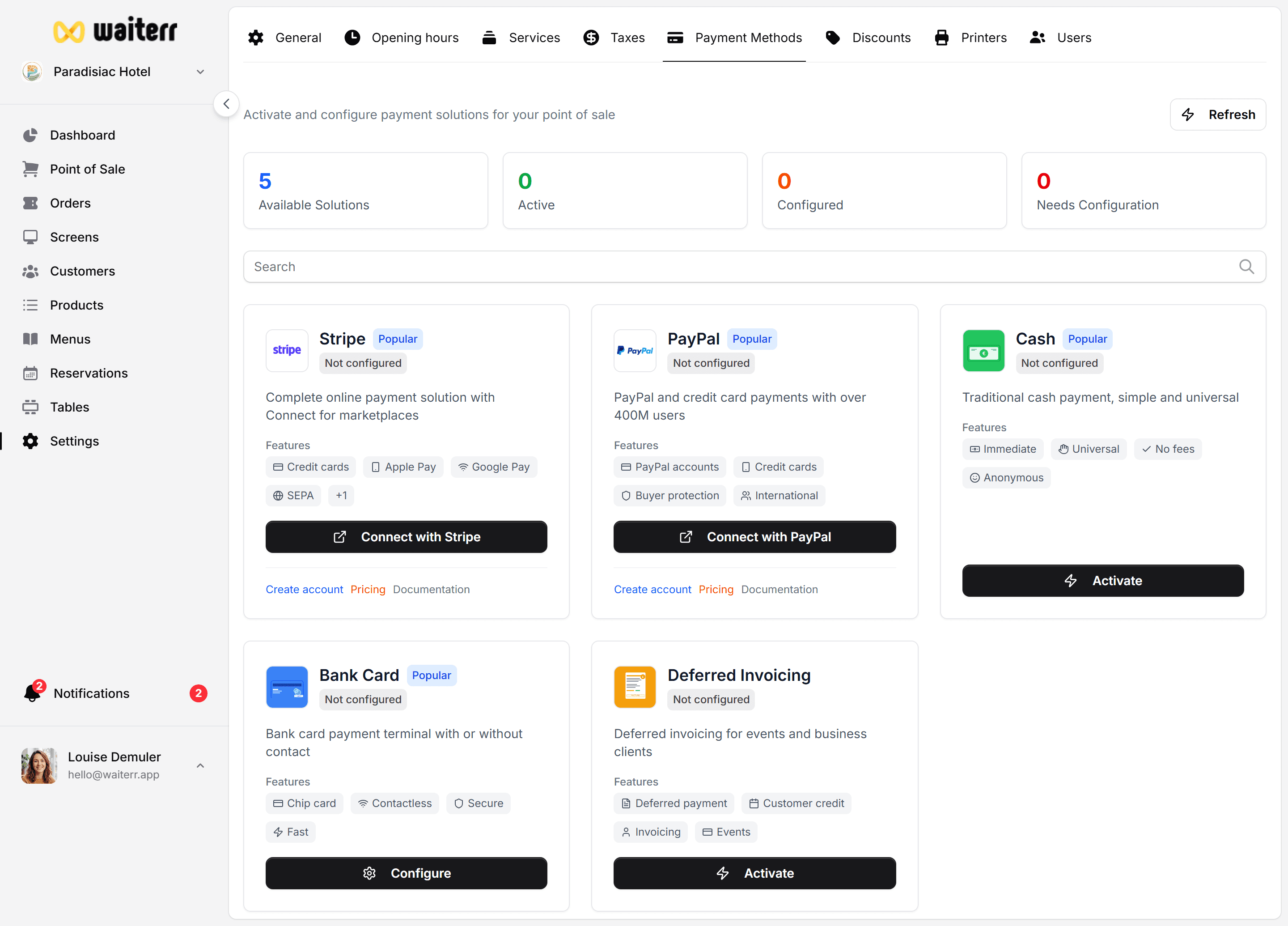
How to Get Payconiq API Keys
Click the link inside Waiterr:
“Create a Payconiq Merchant Account”
You will be redirected to the official Payconiq sign-up page.
Once your account is active, you can:
- Retrieve API key
- Retrieve merchant ID
- Test transactions
Supported Use Cases
Payconiq in POS
For POS payments:
- A Payconiq QR is generated on screen
- Customer scans with smartphone
- Payment is confirmed instantly
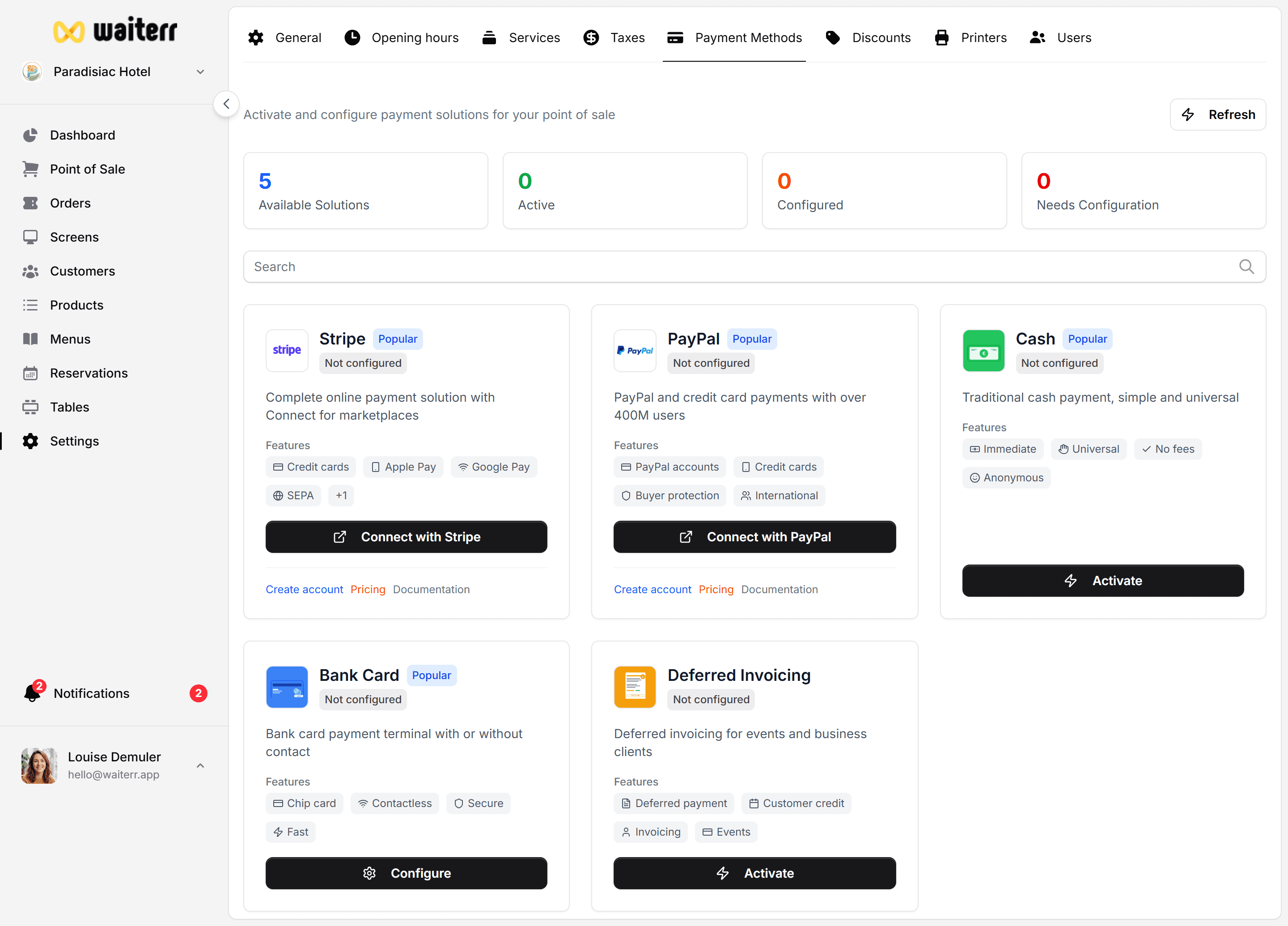
Payconiq Online
For online orders:
- Customer selects Payconiq
- They are redirected to Payconiq app
- Payment confirmation is automatic
Troubleshooting
“Invalid API Key”
→ Check you copied the correct Live key (not sandbox)
Customer cannot pay?
→ Merchant ID not linked to your Payconiq contract
Related Pages
Last updated on