QR Code Ordering
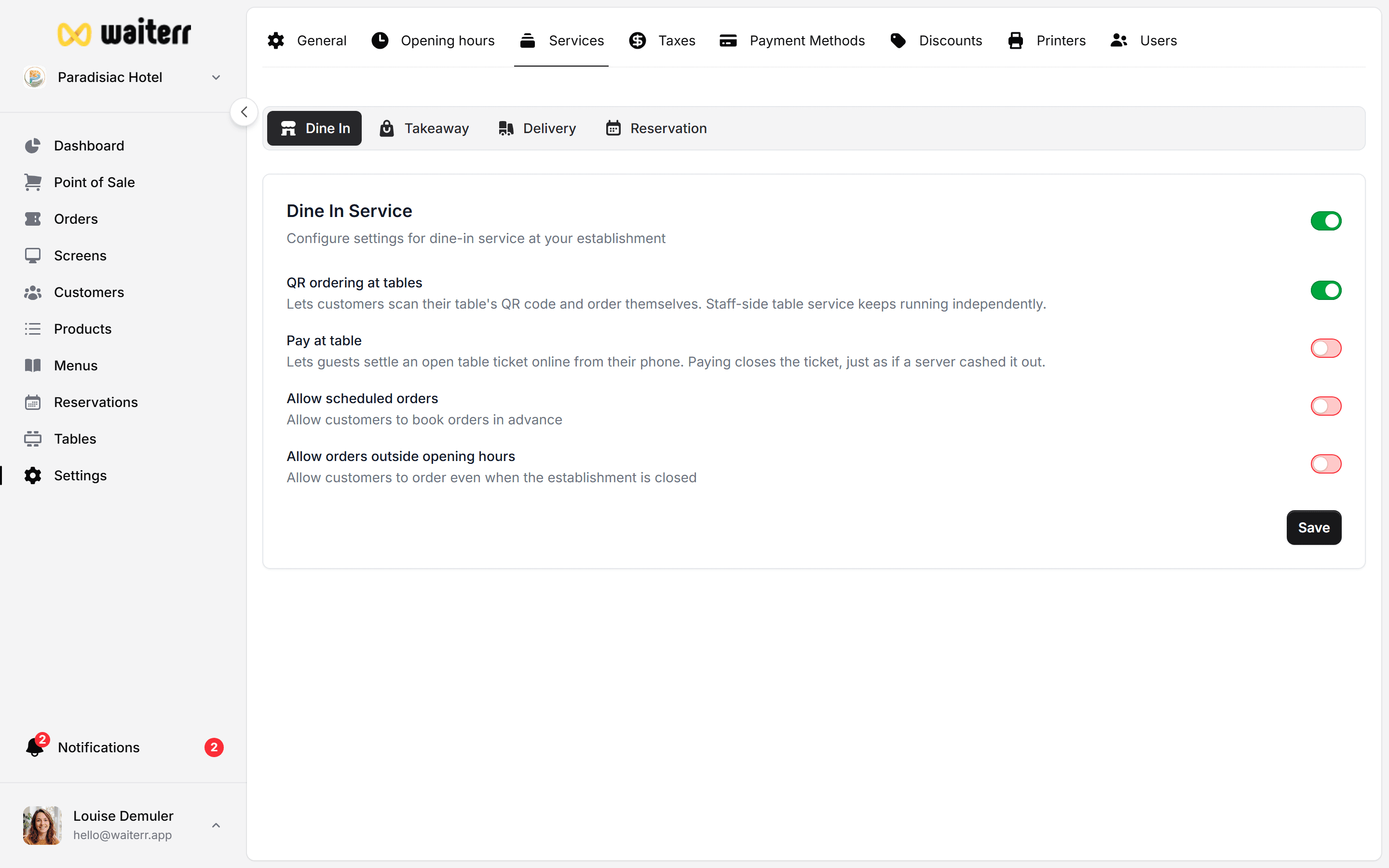
QR ordering allows customers to order directly from their table without waiting for staff.
How It Works
- Each table has a unique QR code
- Customer scans the code
- They access your online menu
- They order and optionally pay
- Orders are sent to POS & KDS
Simple, fast and efficient.
Benefits
- Reduces waiting time
- Increases order frequency
- Perfect for busy bars & terraces
- No app required
- Increases revenue (customers order more often)
Setup
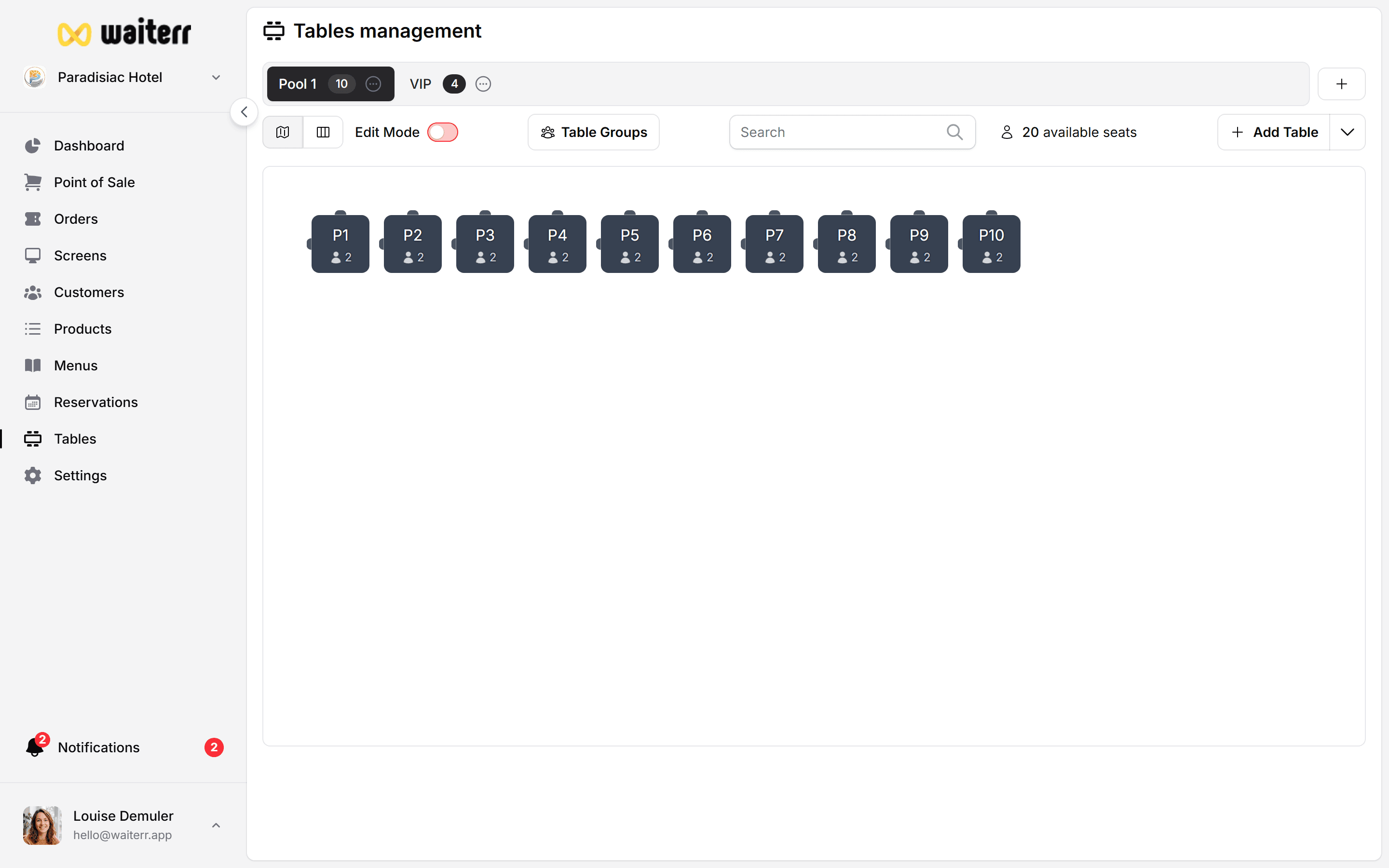
Step 1 — Create your table plan
Learn more → Table Setup
Step 2 — Assign QR codes
Each table generates a unique QR code leading customers to the correct ordering page.
Step 3 — Configure payment options
QR orders can be:
- Paid online (Stripe, PayPal, Payconiq…)
- Paid later (at the bar)
Learn more → Payment Methods
Options for QR Orders
- Allow orders outside opening hours
- Allow scheduled orders
- Require customer name
- Require table assignment
KDS Integration
QR orders appear automatically:
- In the kitchen screen
- In the bar screen
- In client tracking screens
Learn more →
KDS Overview
Last updated on