Inviting Users
You can invite staff members to your establishment by sending them an email invitation.
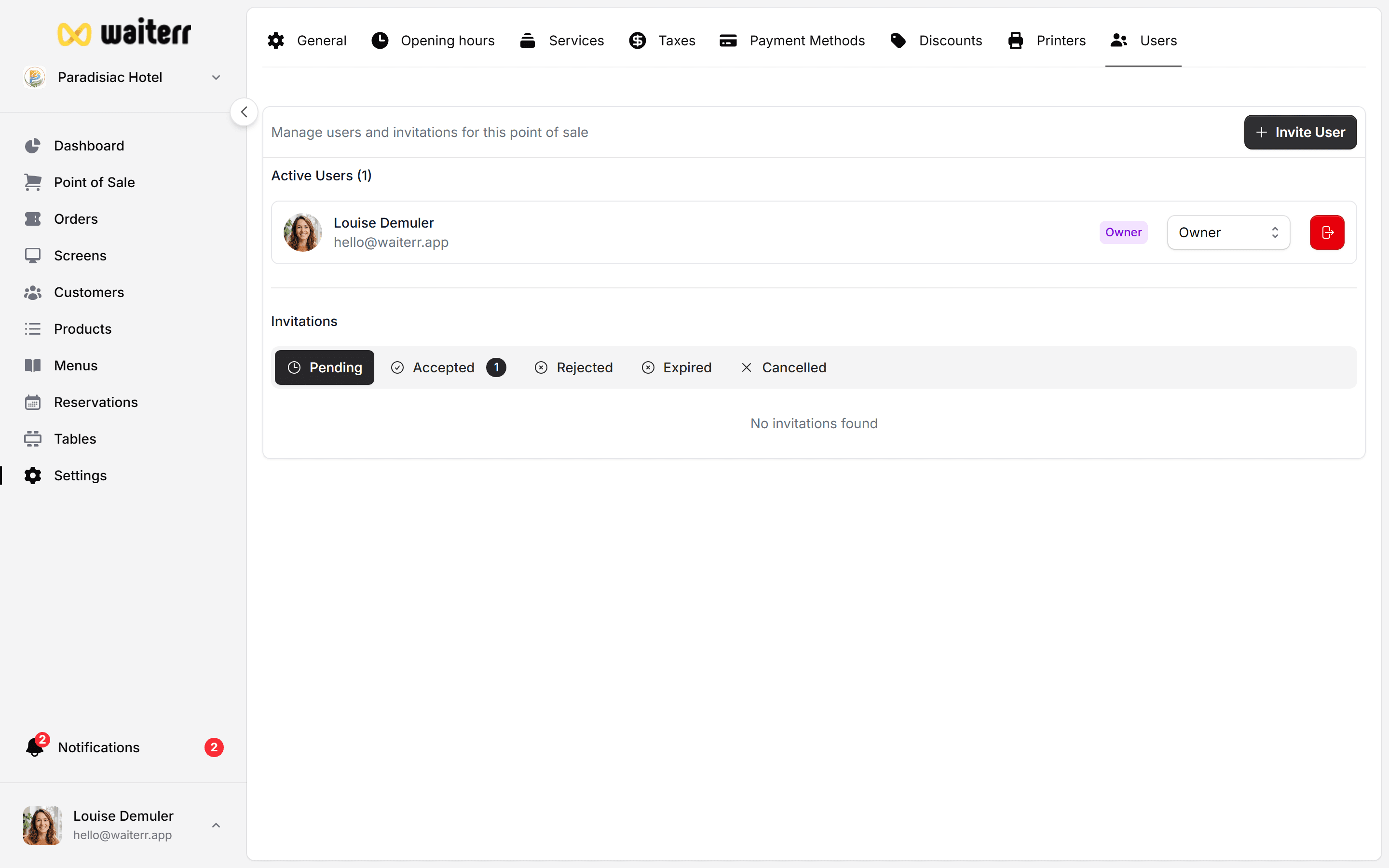
How to Invite a User
- Go to Users
- Click Invite User
- Enter the email address
- Choose a role
- Click Send Invitation
The user will receive an email with a secure link to join.
Invitation Statuses
Resending an Invitation
If the user did not receive or lost the invitation:
- Click Resend Invitation
Editing Role Before Invitation is Accepted
You can modify the assigned role while invitation is still pending.
Deleting an Invitation
Click Remove Invitation to cancel it.
Related Pages
Last updated on