Skip to Content
Waiterr Manager documentation — waiterr.app · Open Manager

Permissions Details

Permissions define the exact actions each user role can perform in your establishment.
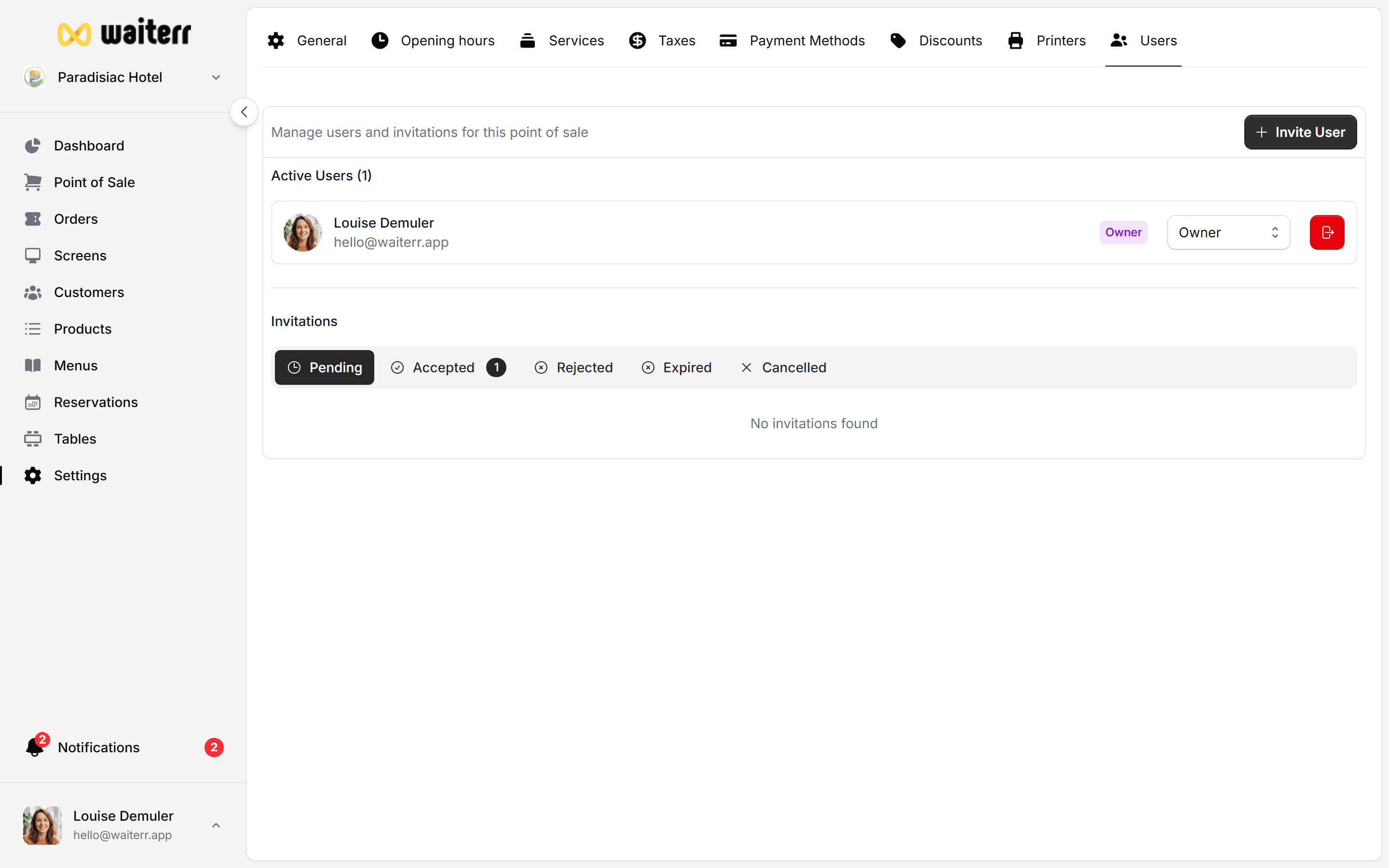
Waiterr Manager — permissions overview

Permissions Categories

Permissions are grouped into:

  • POS & Tables
  • Orders & KDS
  • Menu & Products
  • Establishment Settings
  • Payments & Billing
  • Users & Roles
  • Dashboard & Stats

POS & Tables Permissions

ActionOwnerManagerBartenderServerViewer
Take POS orders✅✅✅✅❌
Manage tables✅✅⚠️⚠️❌
Empty / close a table✅✅⚠️⚠️❌

Orders & KDS Permissions

ActionOwnerManagerBartenderServerViewer
View all orders✅✅✅✅👁
Update order status✅✅✅✅❌
Access KDS screens✅✅⚠️⚠️❌
Print receipts✅✅⚠️⚠️❌

Menu & Products Permissions

ActionOwnerManagerBartenderServerViewer
Edit menus✅✅❌❌👁
Edit products✅✅❌❌👁
Edit prices✅✅❌❌❌

Establishment Settings

ActionOwnerManagerBartenderServerViewer
General settings✅⚠️❌❌❌
Opening hours✅⚠️❌❌❌
Services & options✅⚠️❌❌❌

Payments & Billing

ActionOwnerManagerBartenderServerViewer
Payment methods config✅❌❌❌❌
Access billing✅❌❌❌❌

Users & Roles Permissions

ActionOwnerManagerBartenderServerViewer
Invite users✅⚠️ (limited)❌❌❌
Edit roles✅⚠️❌❌❌
Remove users✅❌❌❌❌

Dashboard & Stats

ActionOwnerManagerBartenderServerViewer
View dashboard✅✅⚠️⚠️👁
View stats & KPIs✅✅⚠️⚠️👁

Summary

  • Owner → Full access
  • Manager → Almost full except billing
  • Bartender/Server → Operational access
  • Viewer → Read-only

Related Pages

👉 User Management
👉 Roles

Last updated on