User Management
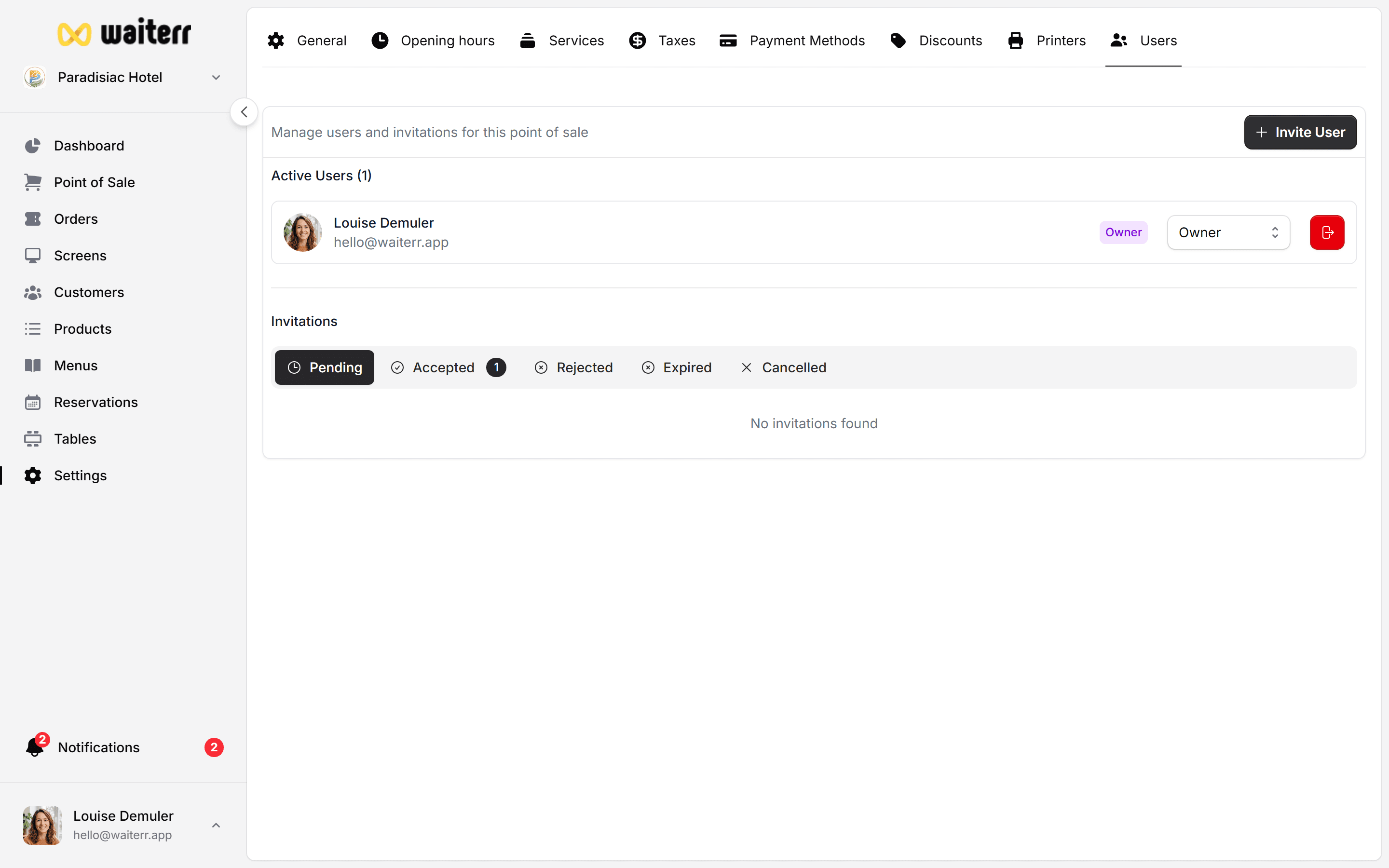
The User Management module allows you to invite staff members and control what they can access inside your establishment’s Manager.
This is essential for:
- Restaurants with multiple staff members
- Bars with rotating teams
- Food trucks with assistants
- Events with temporary staff
- Multi-store management
What You Can Do Here
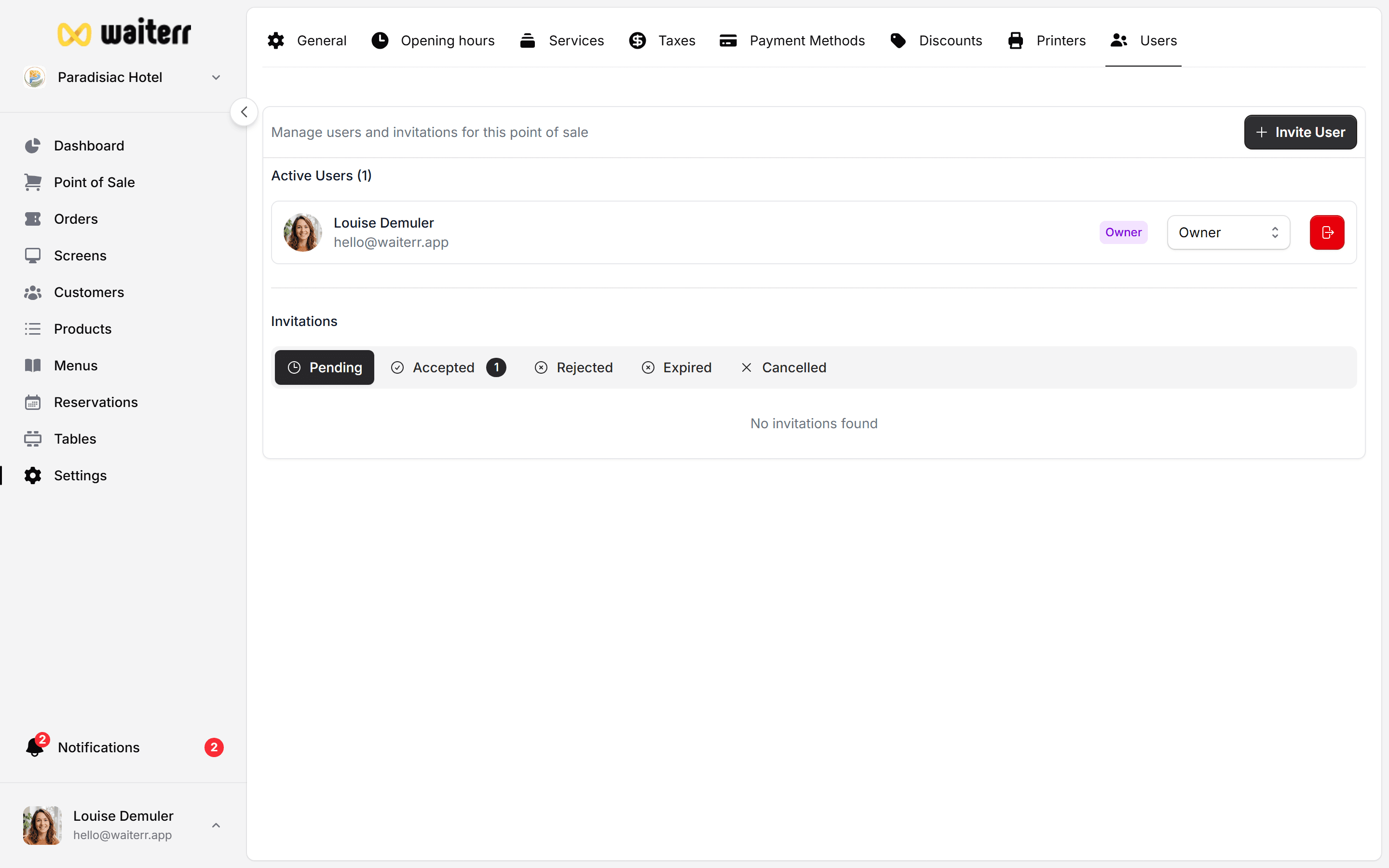
- View all users
- Invite new users
- Assign roles
- Change roles
- Remove users
- Resend invitations
- Manage pending invitations
Each establishment has its own user list (permissions are NOT shared across different venues).
User List Columns
Searching Users
Search by:
- Name
- Role
Removing Users
Removing a user:
- Immediately revokes access
- Does not delete their orders or logs
- Can be undone by re-inviting them
Related Pages
👉 Roles
👉 Invite Users
Last updated on